Category: B2C

  • GetCaller

    GetCaller

    Privacy-First Caller ID & Reverse Lookup

    Redesigning the UX to grow ARR from $10K to $115K in 6 months

    Role:

    UI/UX Designer — Design strategy,

    product decisions, A/B testing

    Scope:

    Design System, Mobile (40+ screens), Web, Emails, Gift Cards, Certificates

    Platforms:

    iOS (iPhone)

    Impact:

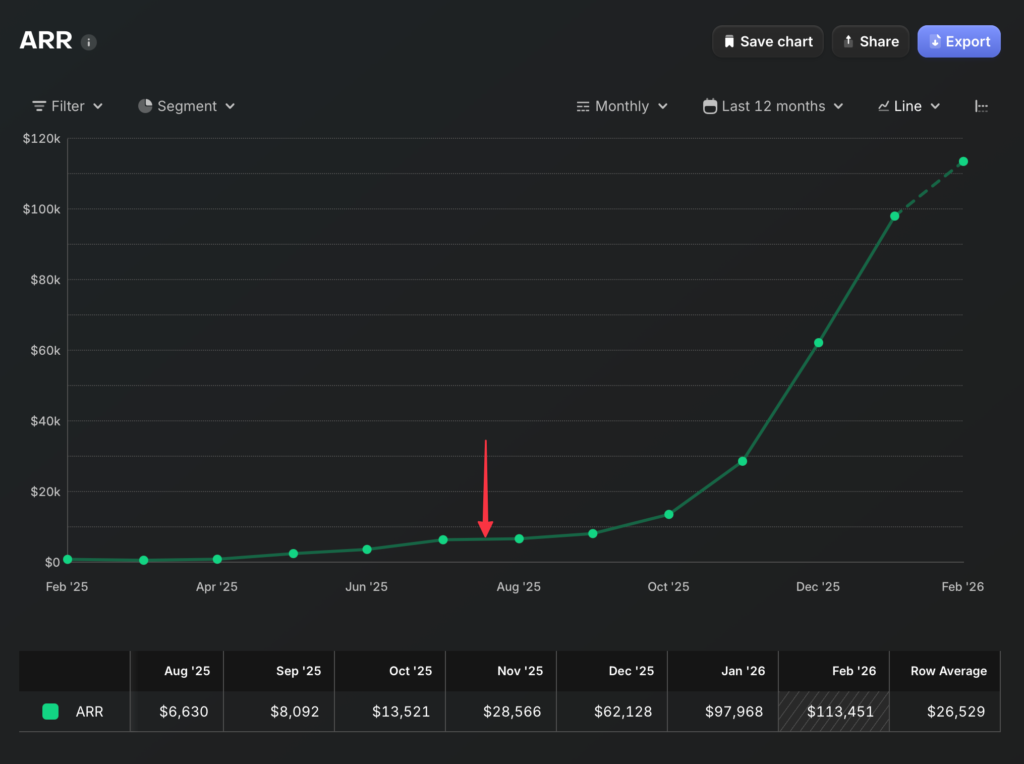
    ARR: $10K → $115K+ | #5 Top Free in Kuwait | LTV > CPI by Week 4

    Tools:

    Figma, Miro ,Zoom, Slack

    Status:

    Shipped to production


    01 — The Problem

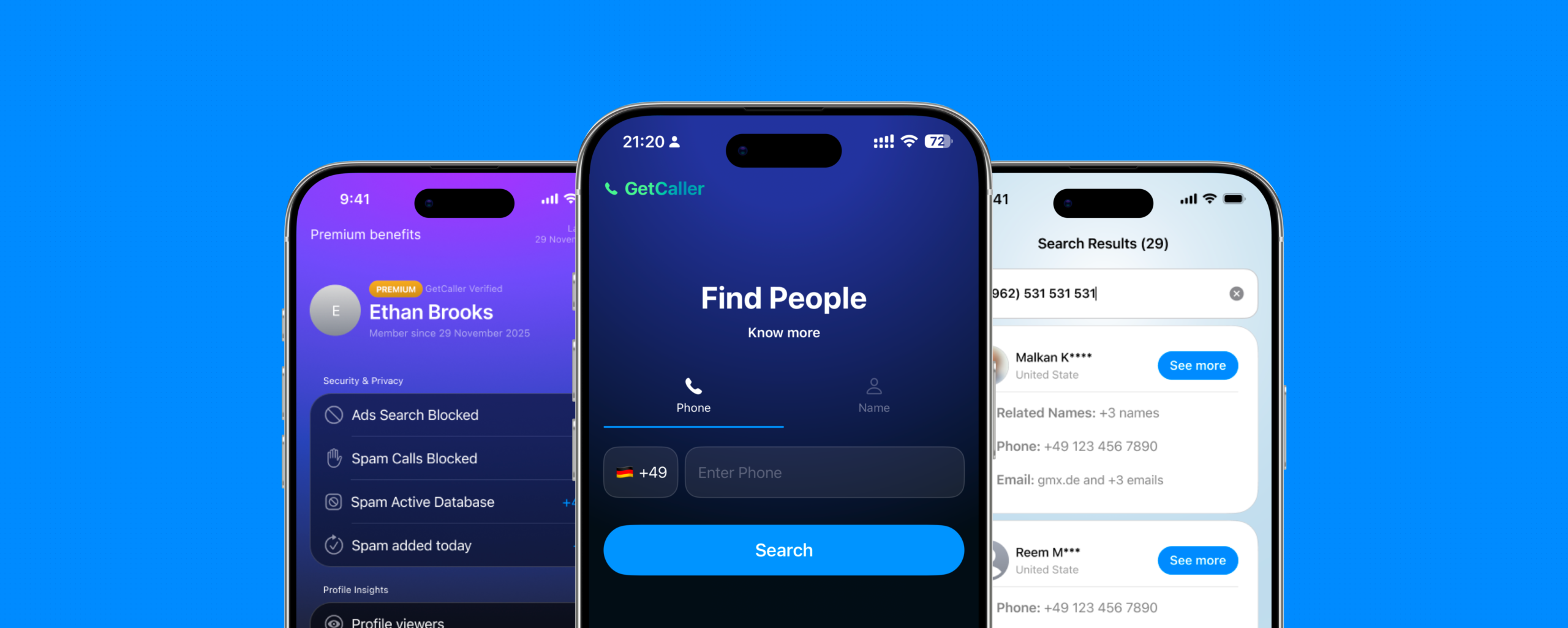
    GetCaller is a privacy-first caller ID app — it identifies unknown callers and blocks spam without selling user data. When I joined as UX lead in August 2025, the app was called Truvio and was barely sustainable at ~$6K ARR. I found six problems:

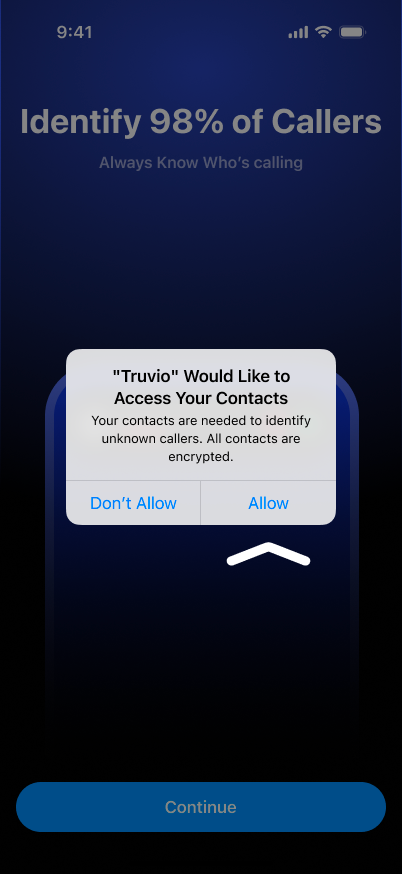
    Flat, generic UI

    Didn’t look or feel like a native iOS app. Gradient splash screen, no visual identity.

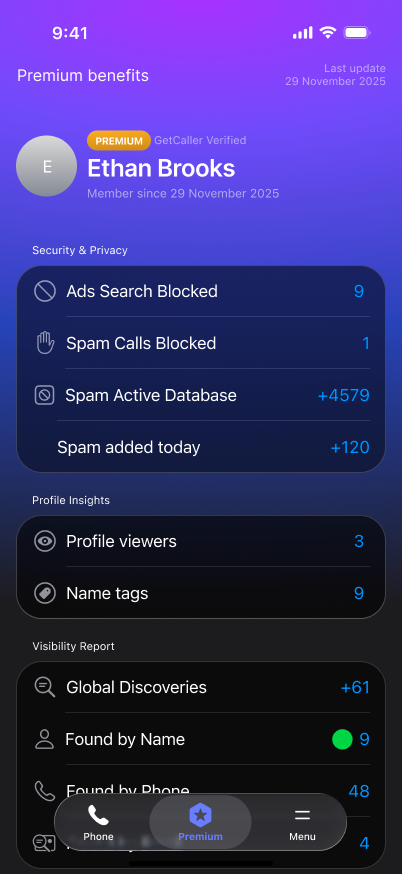
    Confusing premium

    “Go Premium” shown before users experienced any value, with vague benefits in small text.

    Bad upsell timing

    Tracking permission and premium prompts fired on first launch, before the user had done anything

    Privacy policy wall

    A full screen of legal text as the third screen in onboarding. Users saw more legalese than product.

    Zero ASO localization

    One generic App Store listing for all markets globally

    Resources spread thin

    Building Android and iOS simultaneously, excelling at neither.

    The technology worked. The privacy value proposition was real. But the product looked, felt, and behaved like a prototype — not a premium iOS app. It needed design leadership, a rebrand, and a focused strategy.


    BEFORE (Truvio)
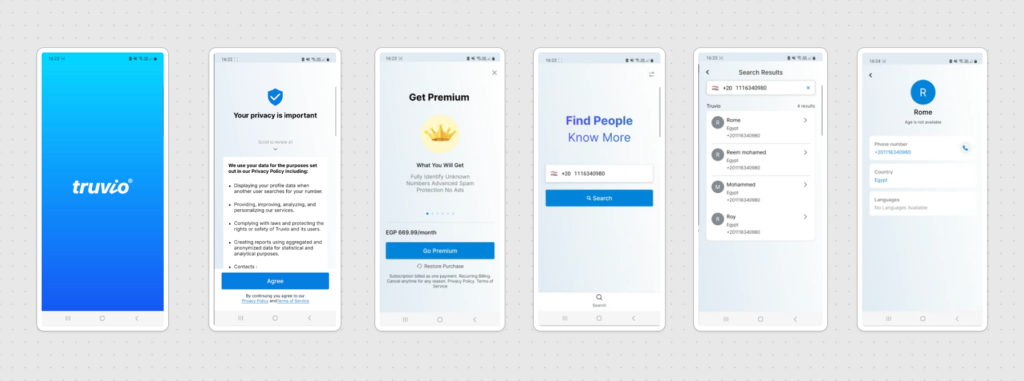
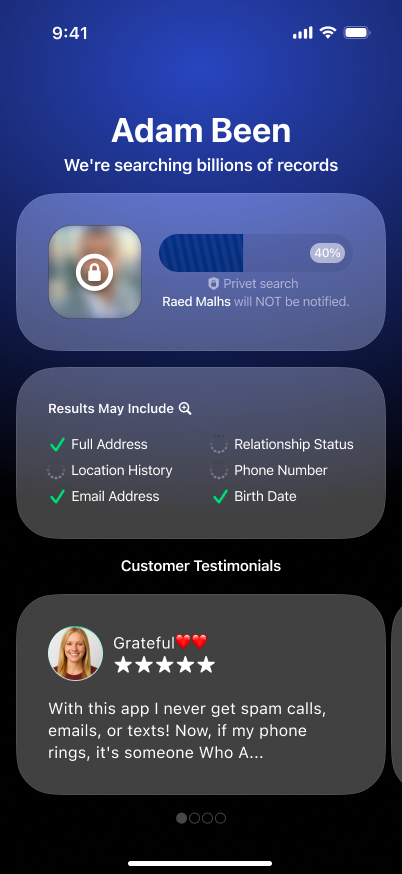
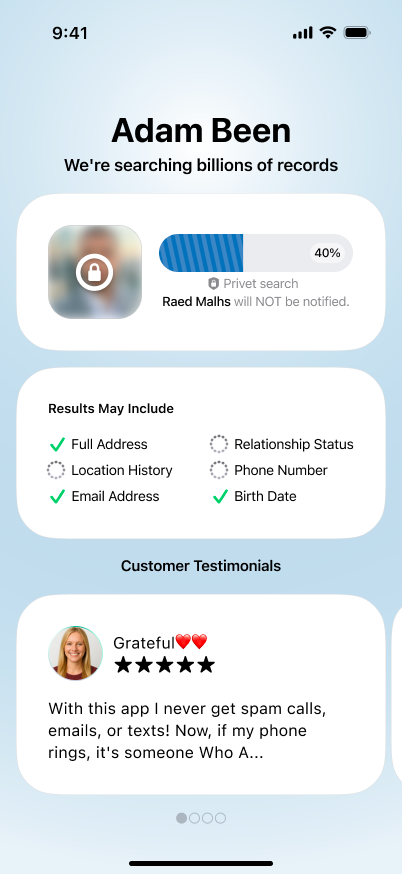
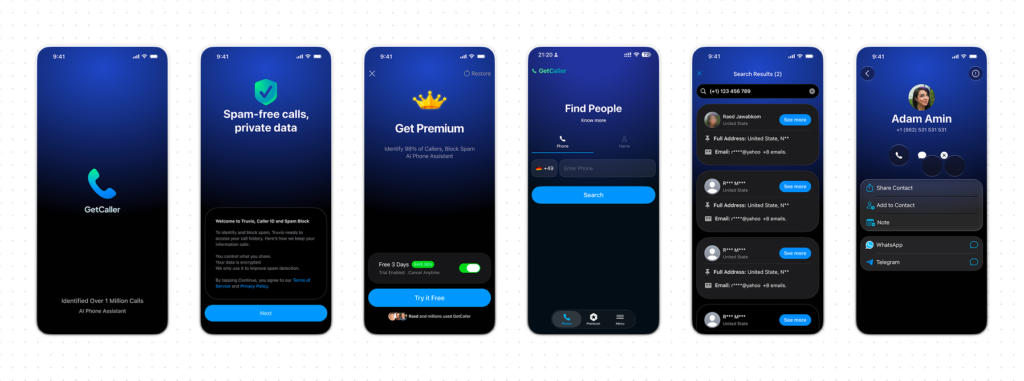
    AFTER (GetCaller)

    02 — My Thinking

    I made three strategic decisions before designing a single screen.

    Kill Android, focus on iOS.

    The team was splitting effort across two platforms and succeeding at neither. iOS had stronger subscription behavior and more growth potential. This was the hardest sell internally, but the most impactful decision I made.

    Rebrand and redesign from flat to iOS-native

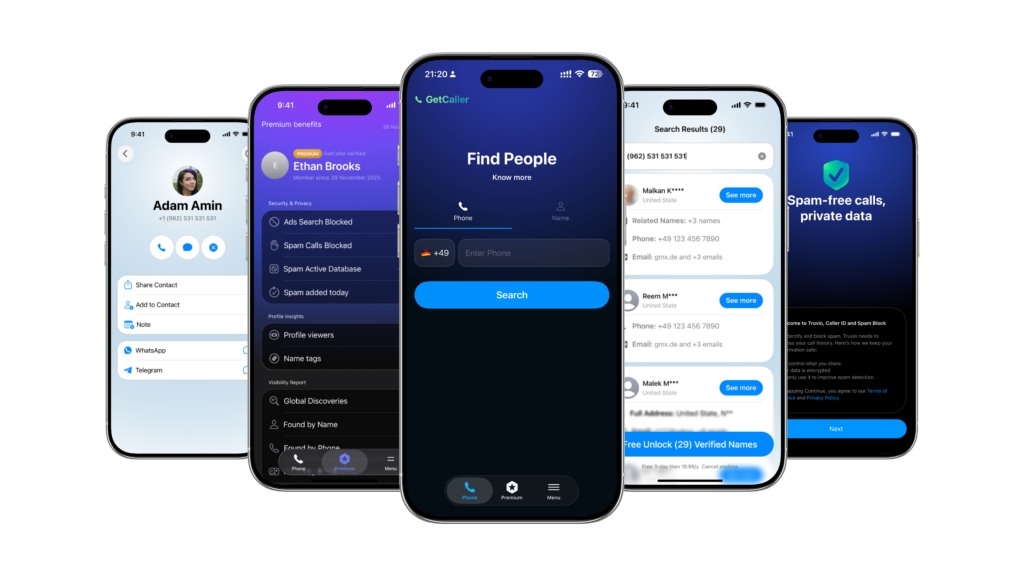
    Truvio looked like a cross-platform prototype. I rebranded the product to GetCaller and rebuilt it with SF Pro typography, native navigation, and a token-based design system supporting light/dark mode and Arabic RTL from day one. New name, new identity, new experience.

    Build A/B testing before redesigning premium

    I refused to redesign the subscription flow based on opinion. I built an A/B testing environment first so every premium iteration could be measured.

    03 — What I Redesigned

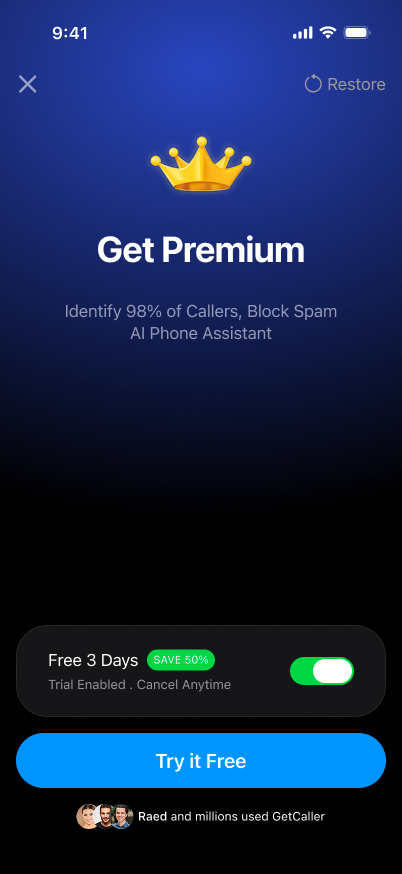
    Premium & upsell system.

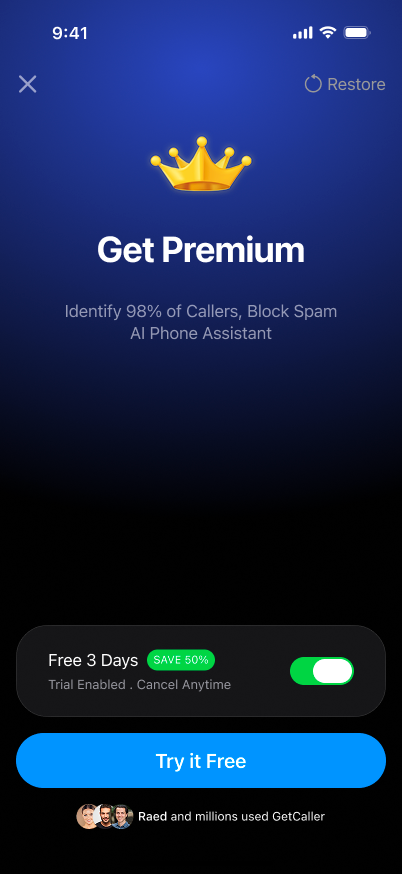
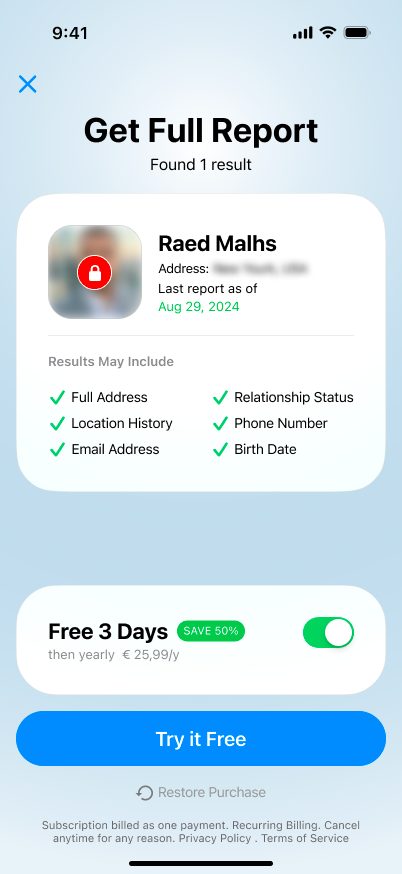
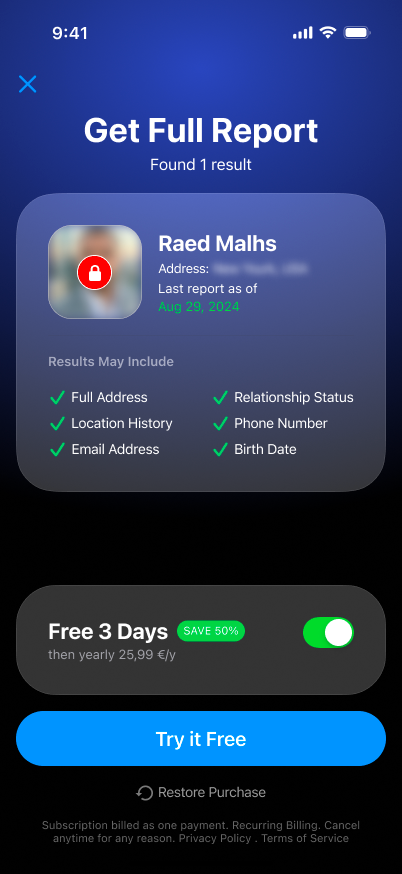
    6 major iterations, 20+ screen variants, all A/B tested. I fixed upsell timing to trigger at value-gap moments, clarified the value proposition, and redesigned pricing presentation.
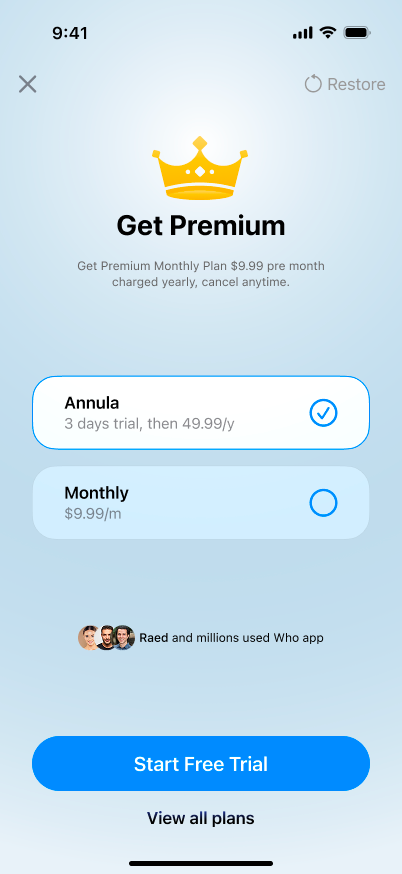
    A/B

    VARIANT A
    CONTROL
    A/B

    VARIANT B — WINNER ✅

    Converted by
    38% LTV

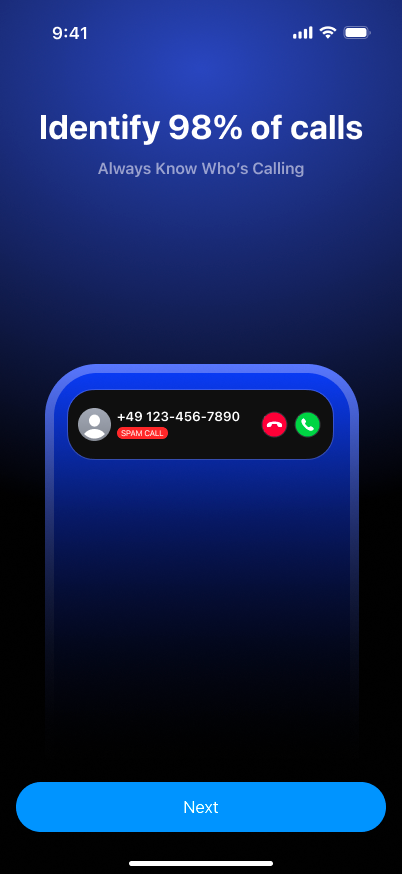
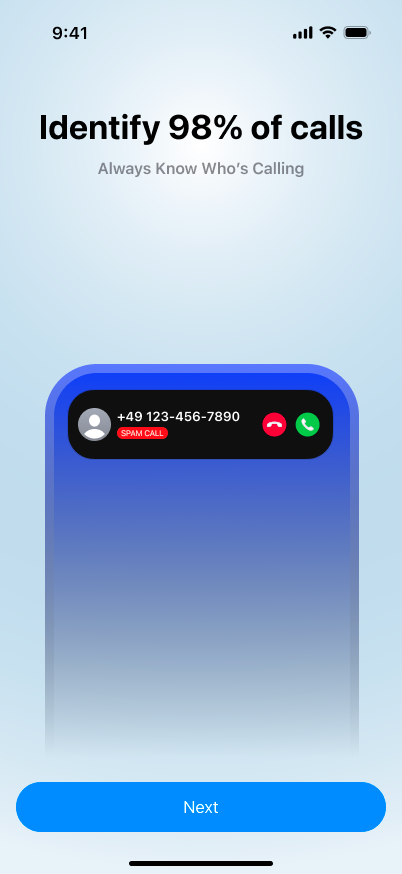
    Core app experience

    Full redesign across 15 Figma pages: onboarding, search & results, three-tab navigation, community tagging, contact details. Every screen in light and dark mode
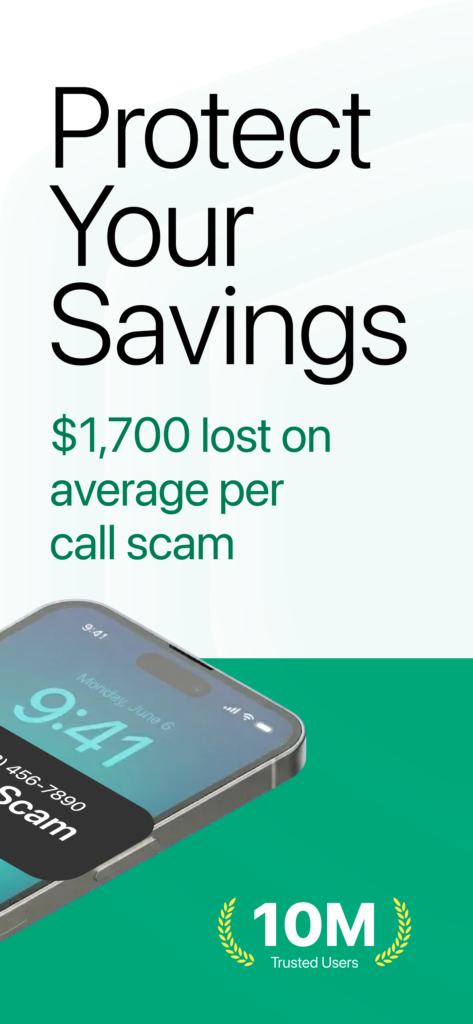
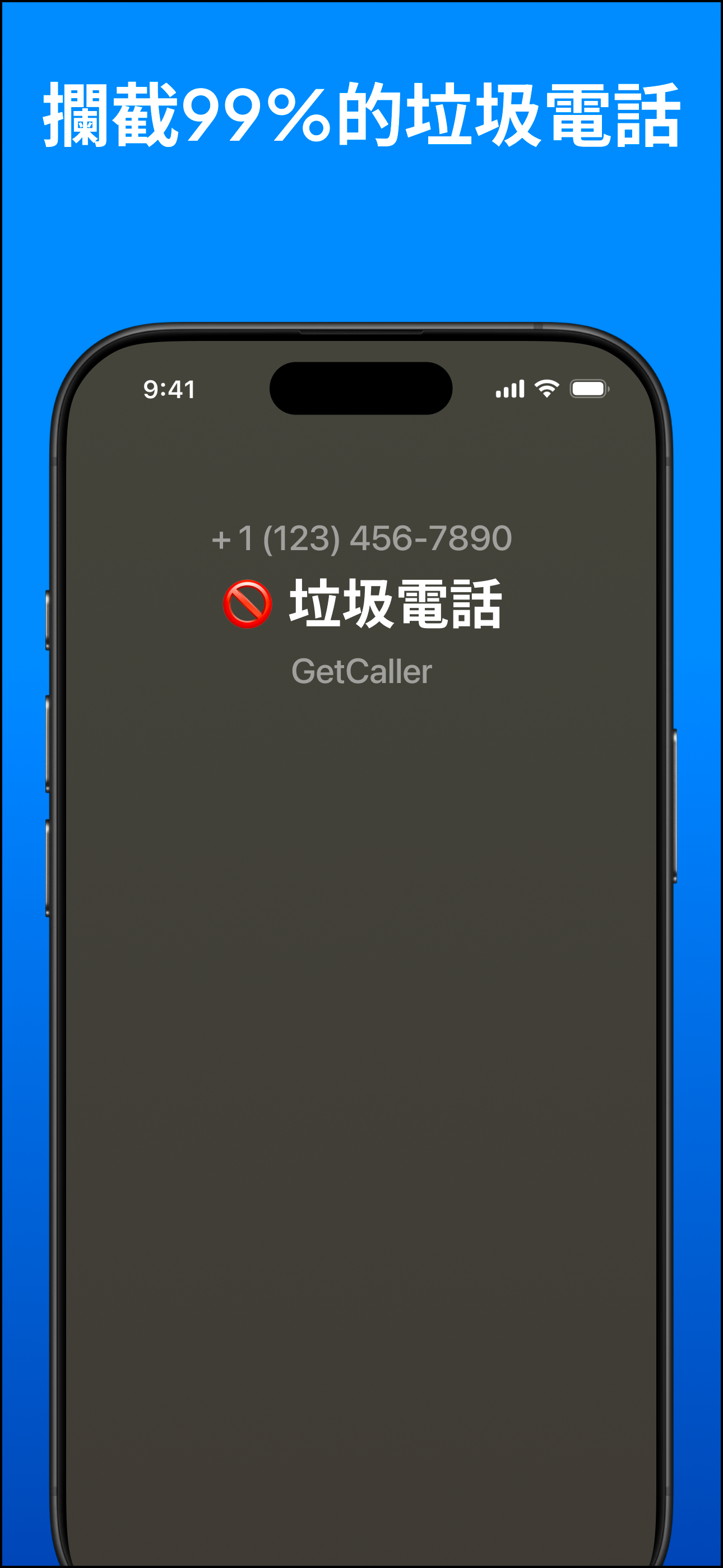
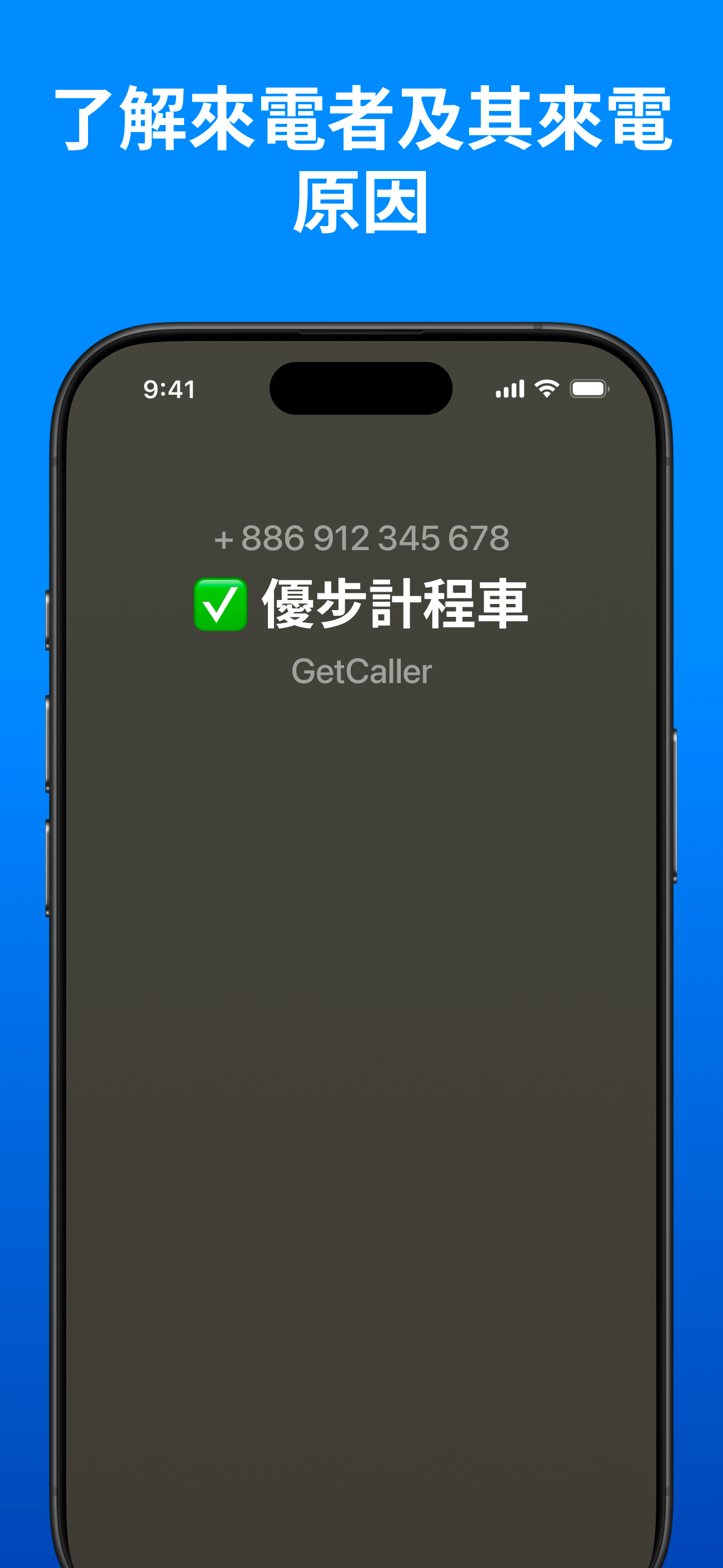
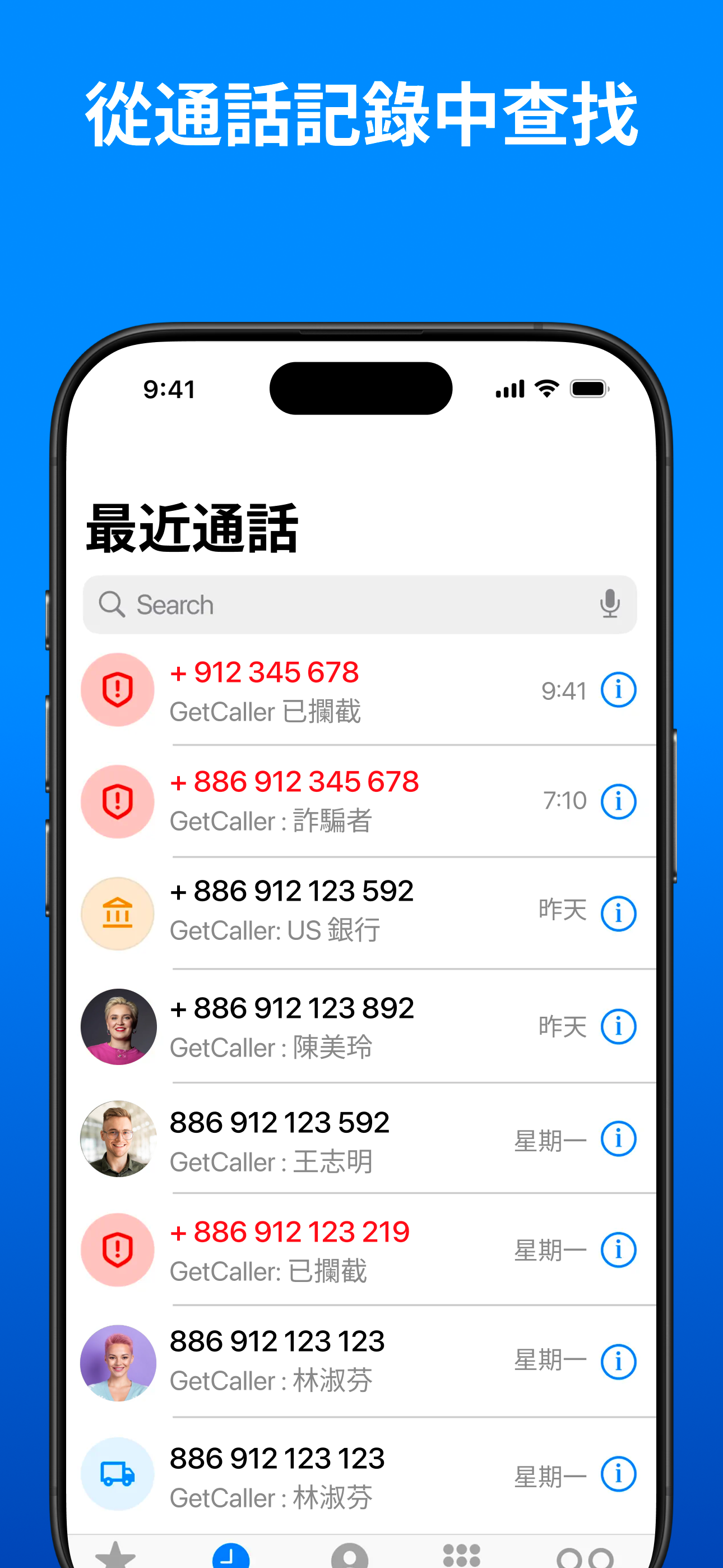
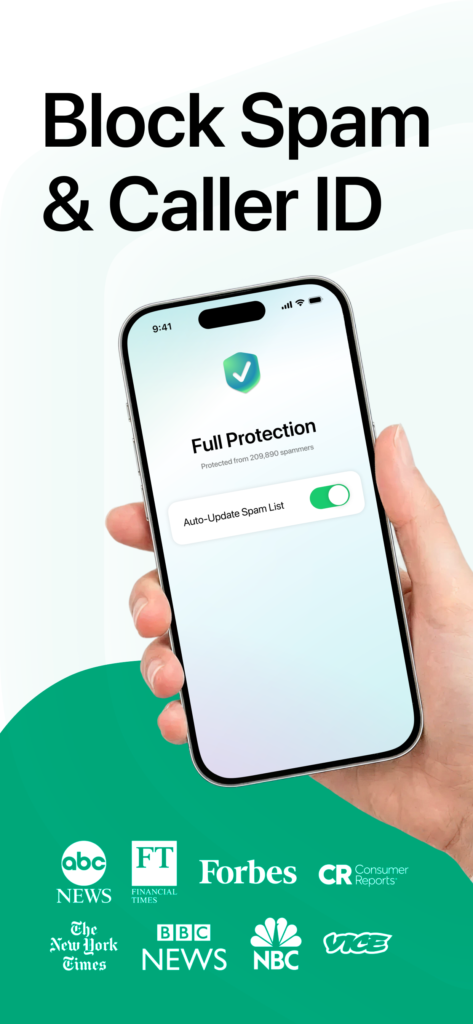
    ASO (120+ screenshots, 18+ languages).

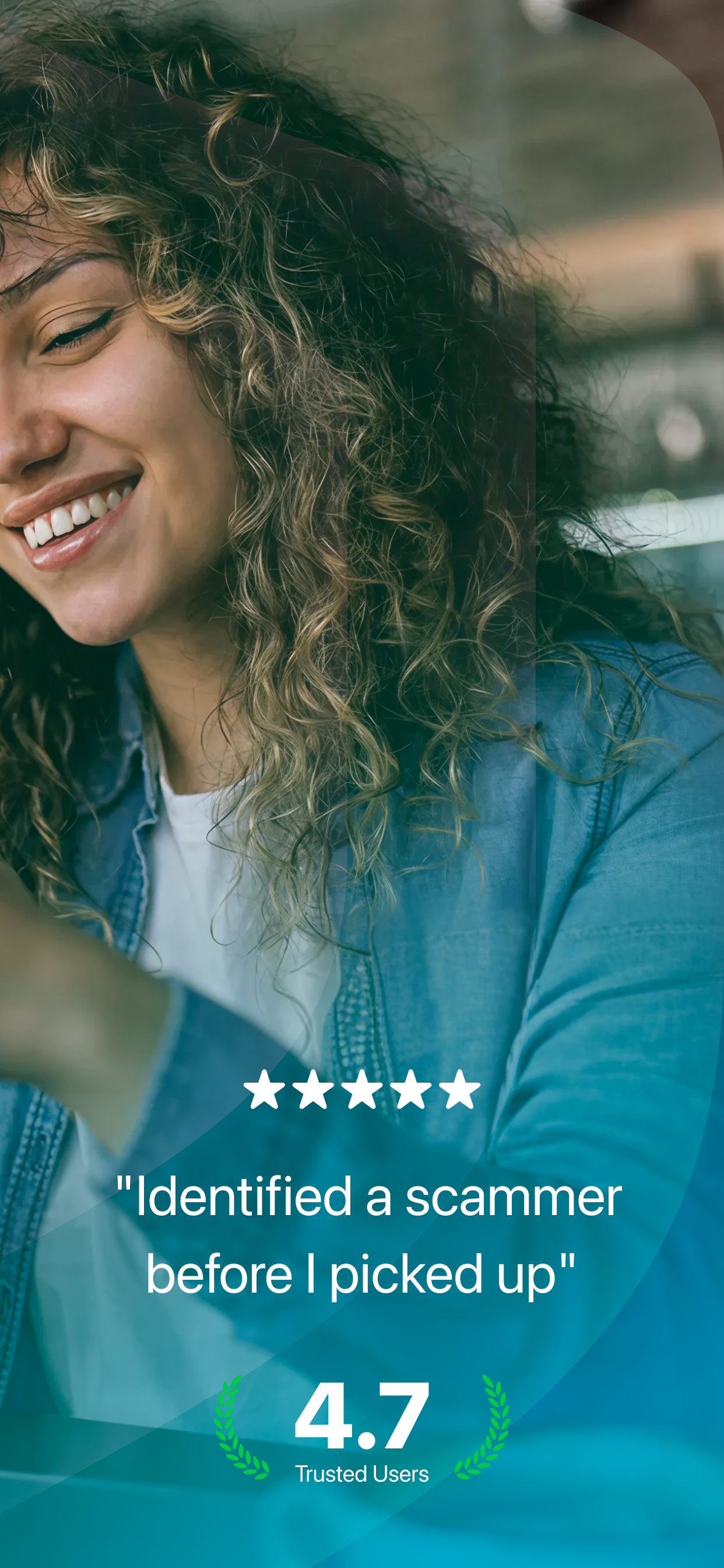
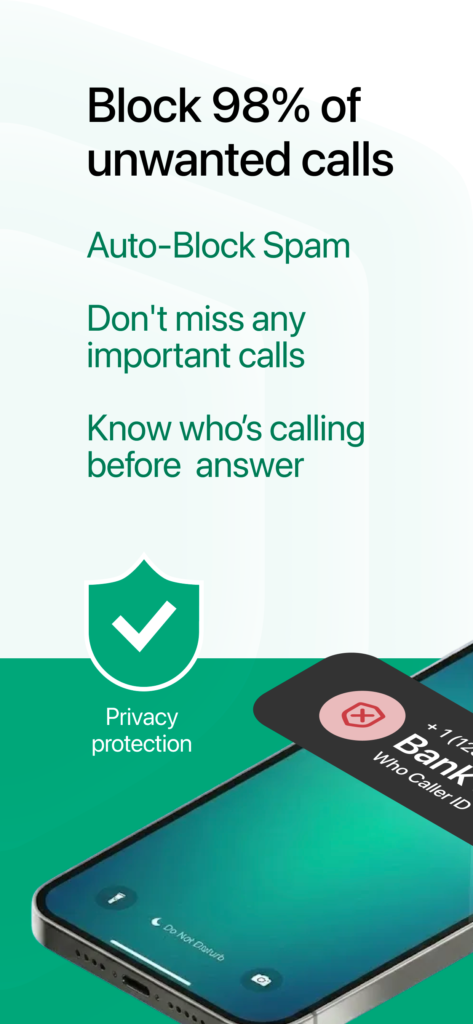
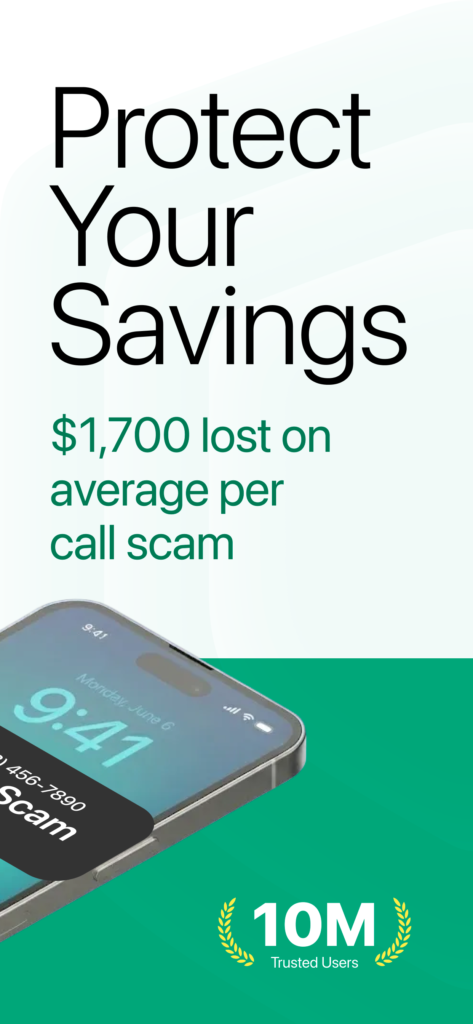
    Localized App Store screenshots targeting competitor keywords per market. Three angles: The Protector (spam), The Detective (search), The Experience (ad-free). Culturally adapted, not just translated.
    04 — The Results

    The inflection point came in late 2025 when A/B-tested premium flows and localized ASO hit production simultaneously. Revenue accelerated from ~$20K to $115K+ in 3 months.


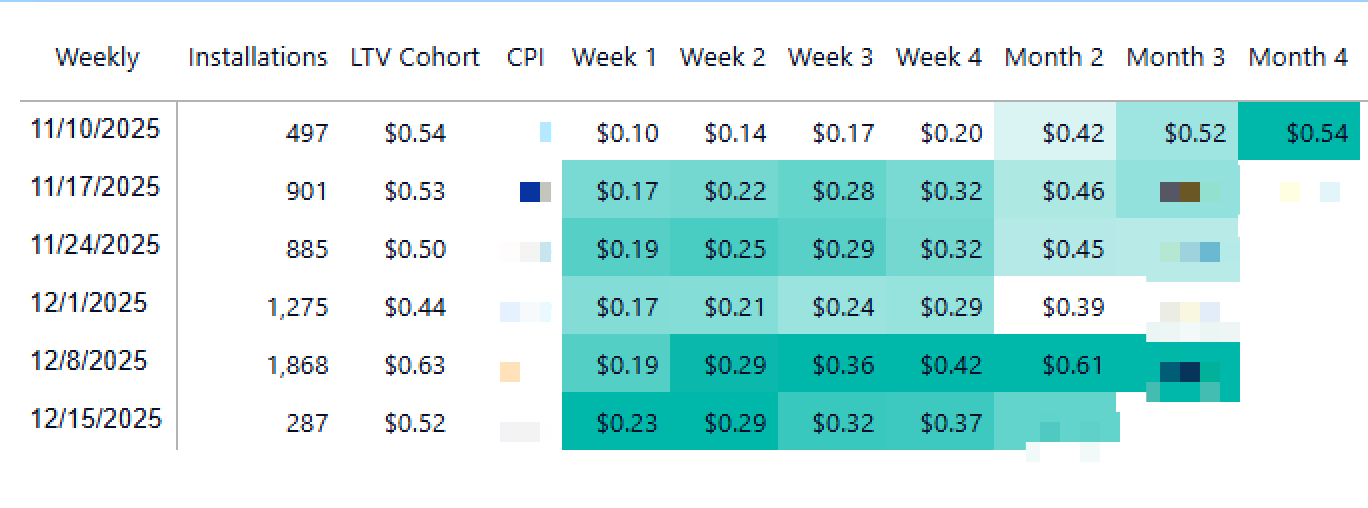
    South Africa cohort data confirmed sustainable growth: weekly installs grew from 497 to 1,868 (nearly 4x), and LTV exceeded CPI by Week 4 across all cohorts. Users weren’t just converting — they were staying subscribed.

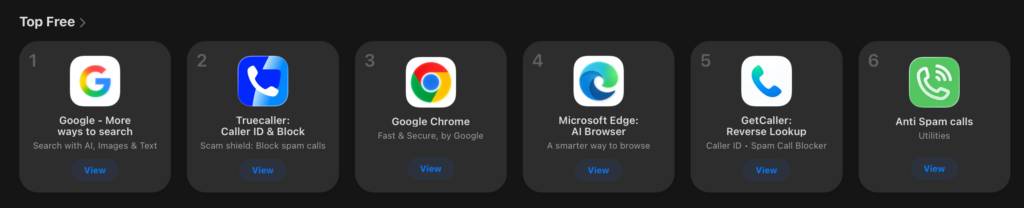
    The app reached #5 Top Free in Kuwait’s and South Africa App Store — direct result of Arabic RTL design and Gulf-targeted ASO.

    The product went through two rebrands under my leadership: Truvio → GetCaller: Spam Block ID → GetCaller: Reverse Lookup. — I redesigned all affected assets and screenshot sets while maintaining ASO performance.

    05 — Key takeaways

    The inflection point came in late 2025 when A/B-tested premium flows and localized ASO hit production simultaneously. Revenue accelerated from ~$20K to $115K+ in 3 months.

    Design leadership is product decisions, not just screens

    The highest-impact thing I did was killing Android — a strategic call that freed resources for everything else.

    Premium conversion is a UX problem

    Same product, same price — $10K to $115K ARR. The difference was when and how users encountered the premium offer

    A/B testing turns design into a growth engine

    20+ variants tested systematically. The revenue chart shows compounding improvement, not a single launch spike.

    Privacy is a design-worthy differentiator

    “We don’t sell your data” only works if the UX is good enough that users don’t default to the data-selling alternative.
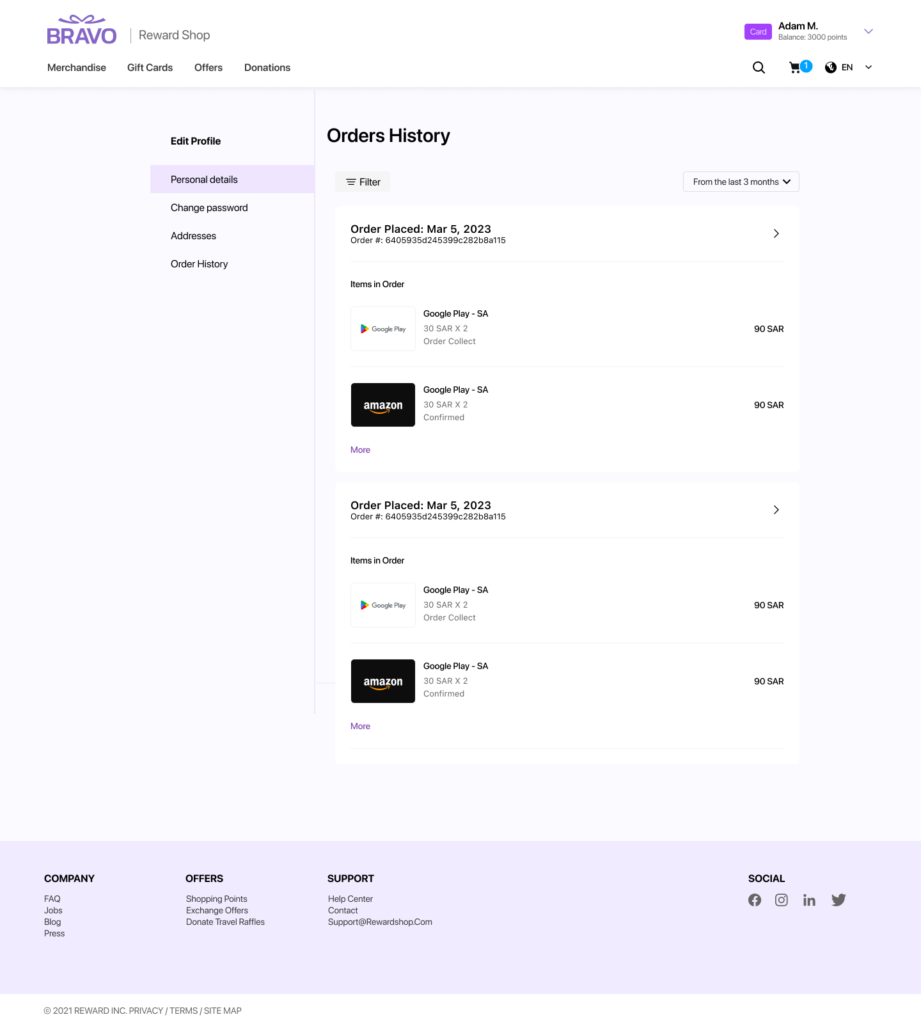
  • Bravo Reward Shop

    Bravo Reward Shop

    Gift Cards + Merchandise — 1 platform, 2 product lines

    B2C Reward Platform — Gift Cards & Merchandise across Mobile, Web & Brand System

    Role:

    UI/UX Designer

    Researcher

    Scope:

    Design System, Mobile (40+ screens), Web, Emails, Gift Cards, Certificates

    Platforms:

    iOS Mobile, Desktop Web (1440px),

    Email, Print

    Complexity:

    Multi-brand co-branding system, Dark Mode, Arabic RTL

    Tools:

    Figma, FigmaJam, Adobe illustrator,

    Adobe Photoshop ,Zoom, Slack

    Status:

    Shipped to production
    Duration 11 Months


    01 — The Products

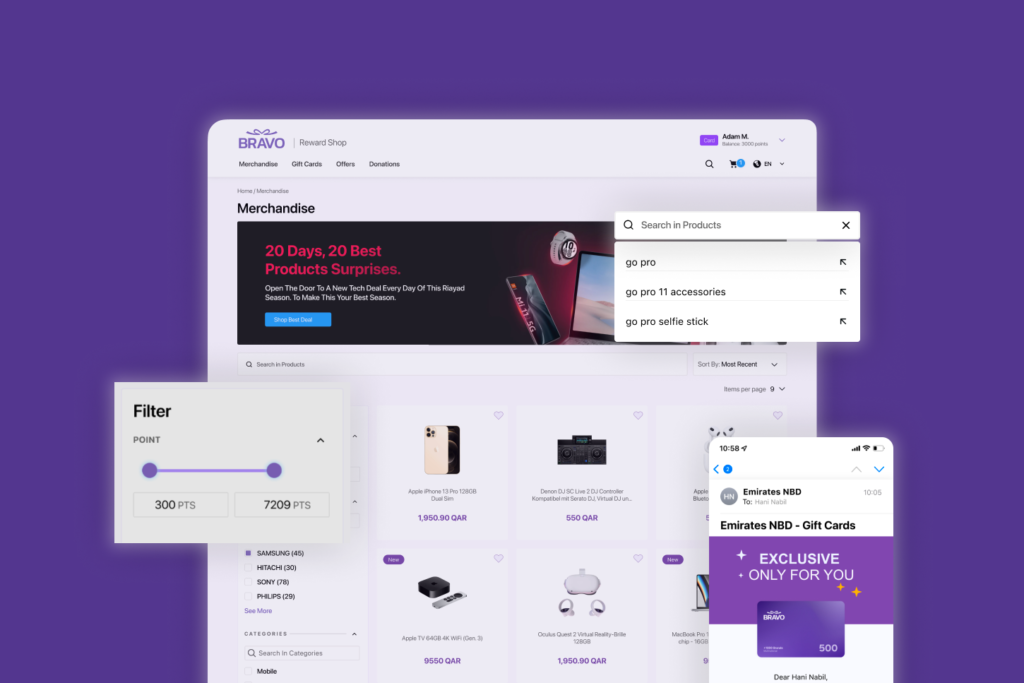
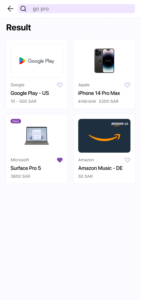
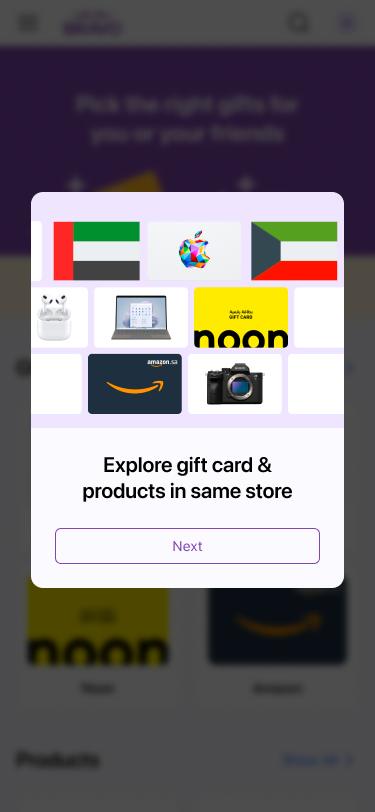
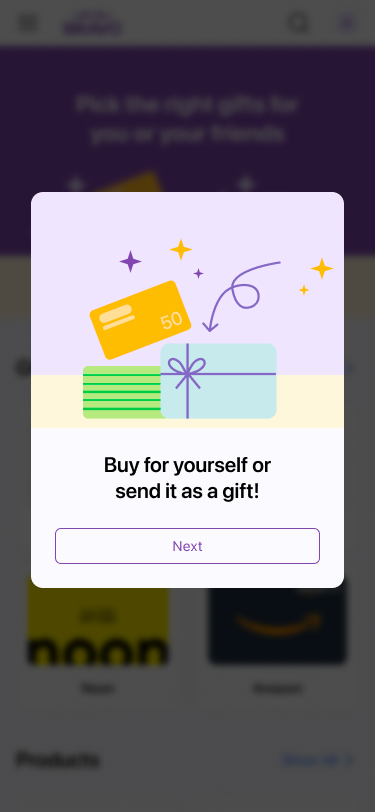
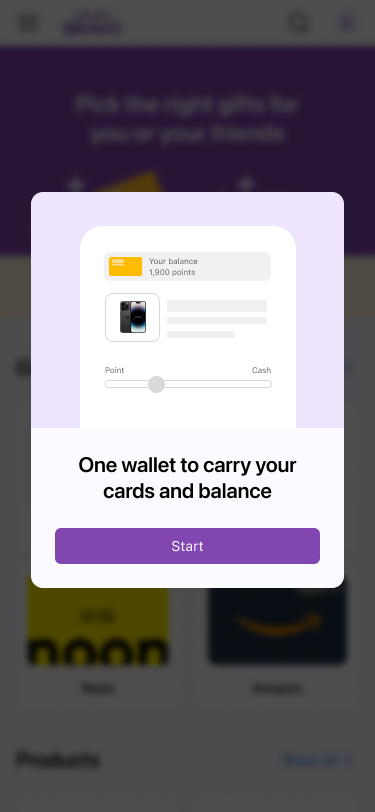
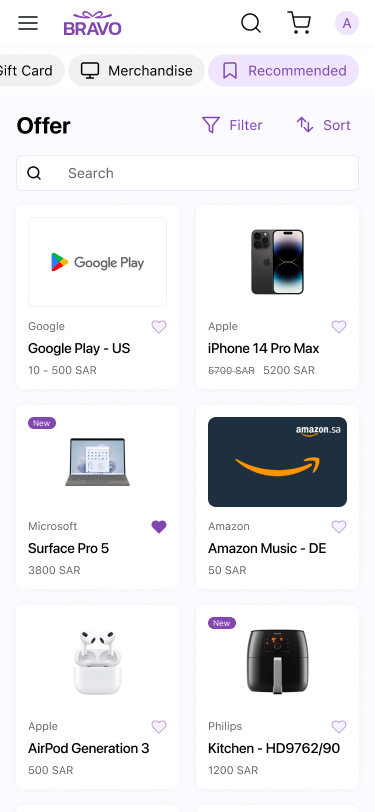
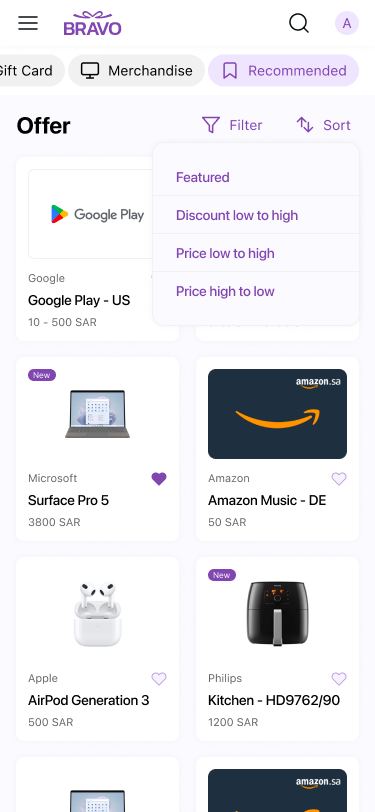
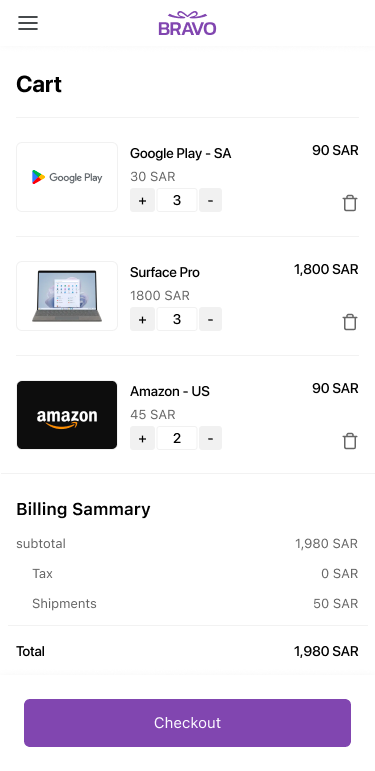
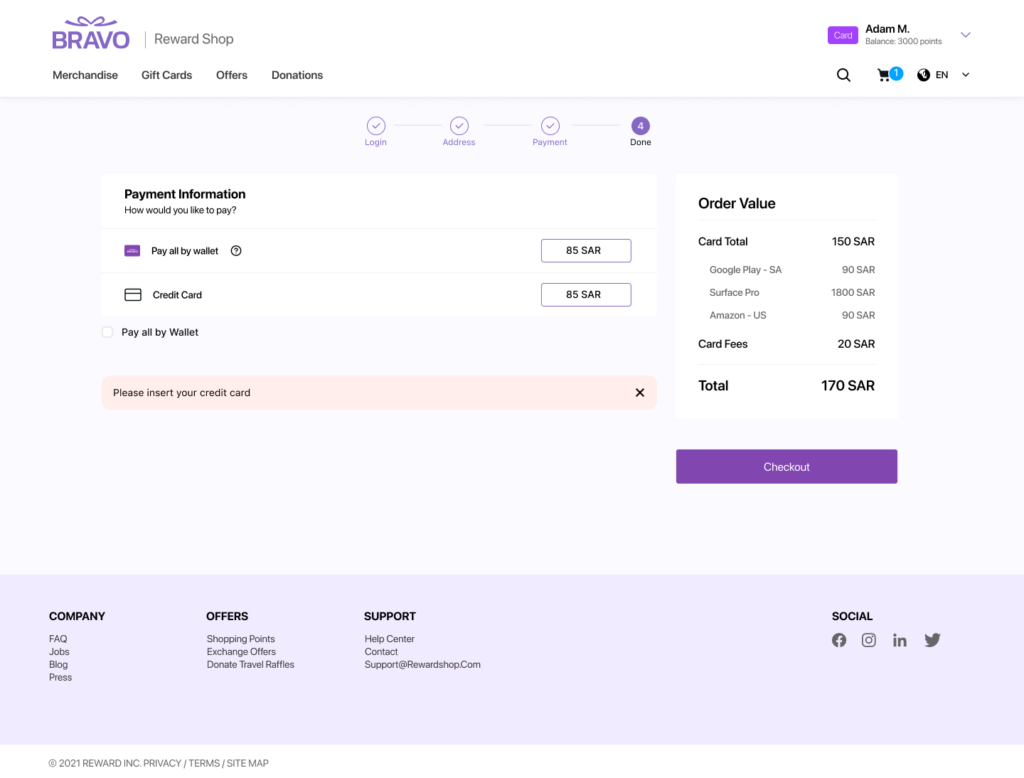
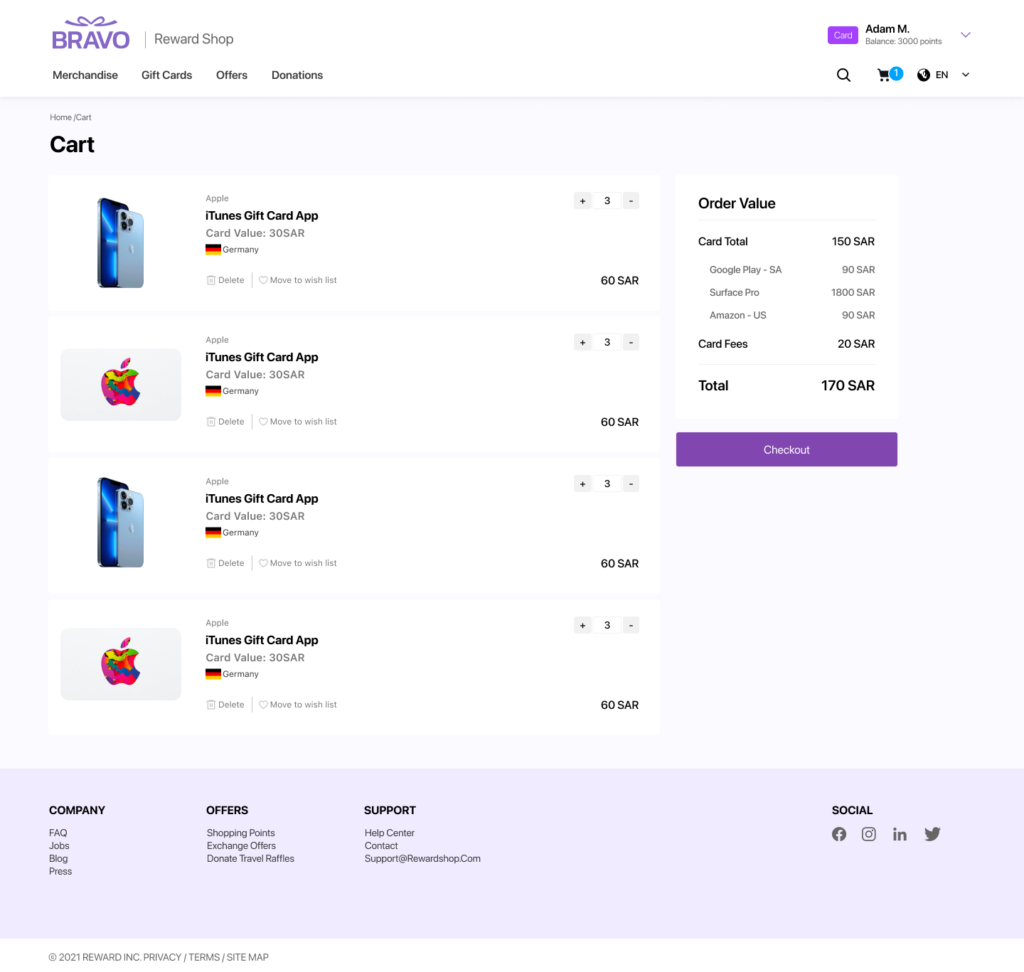
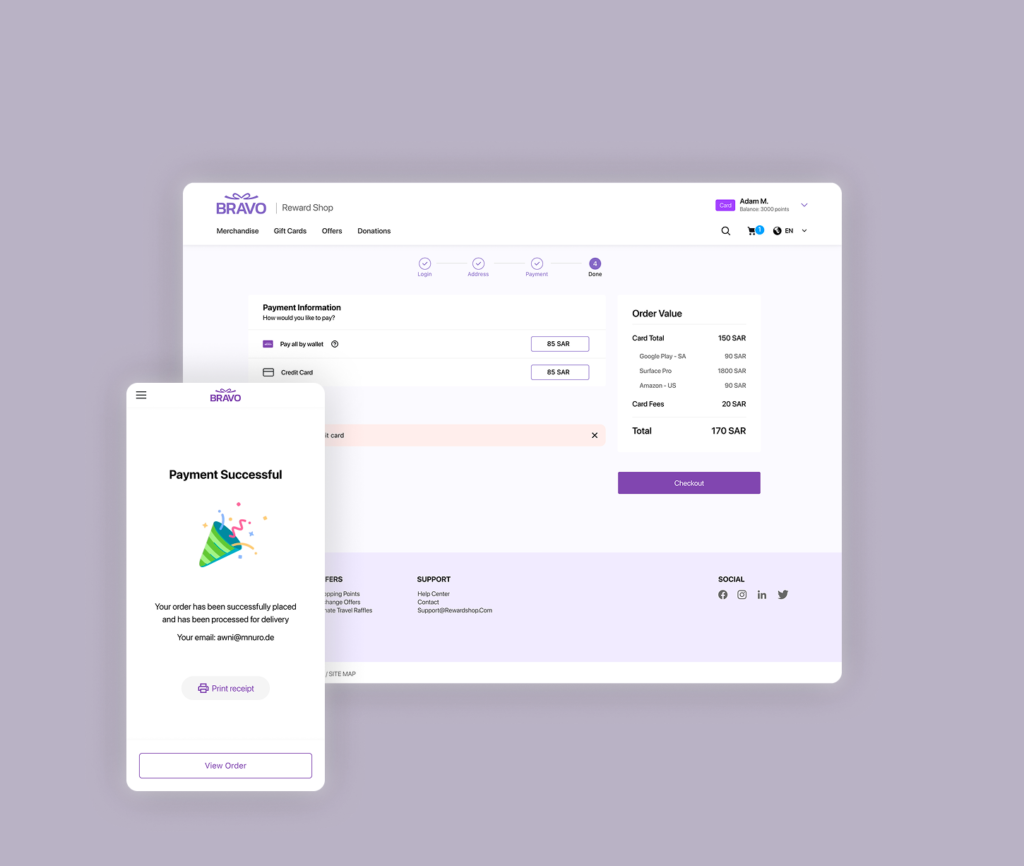
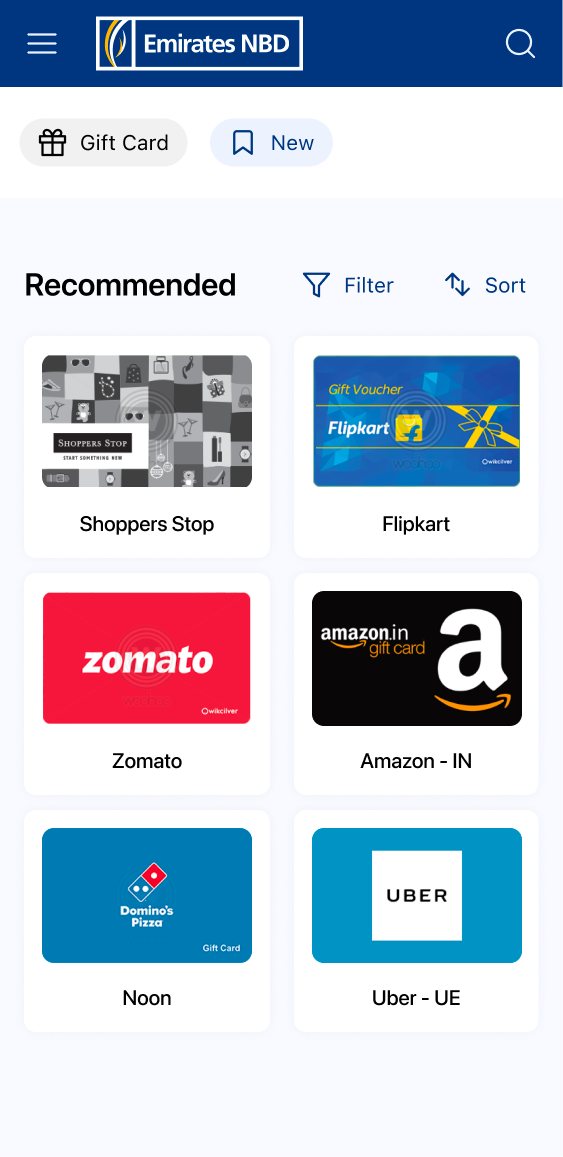
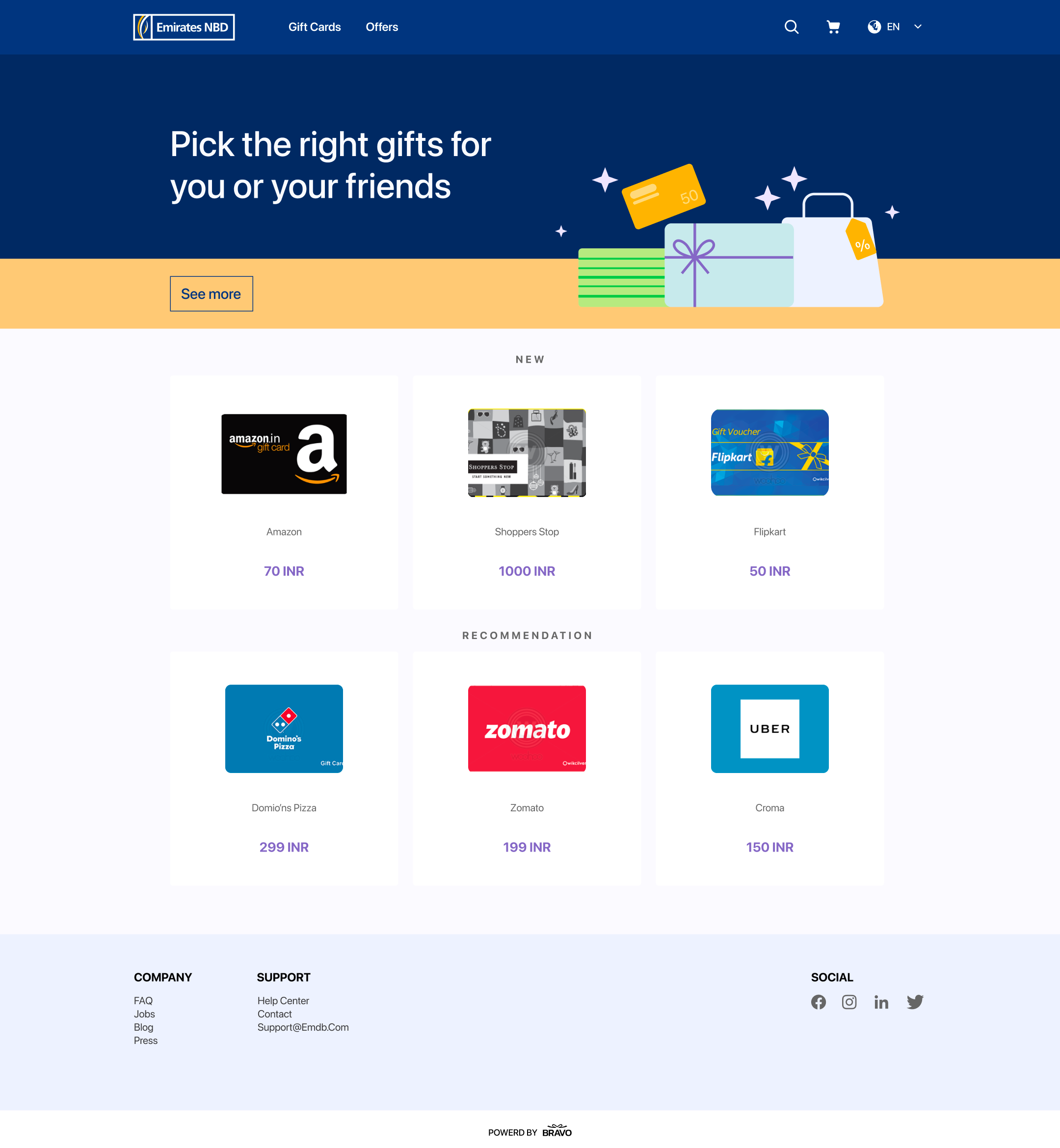
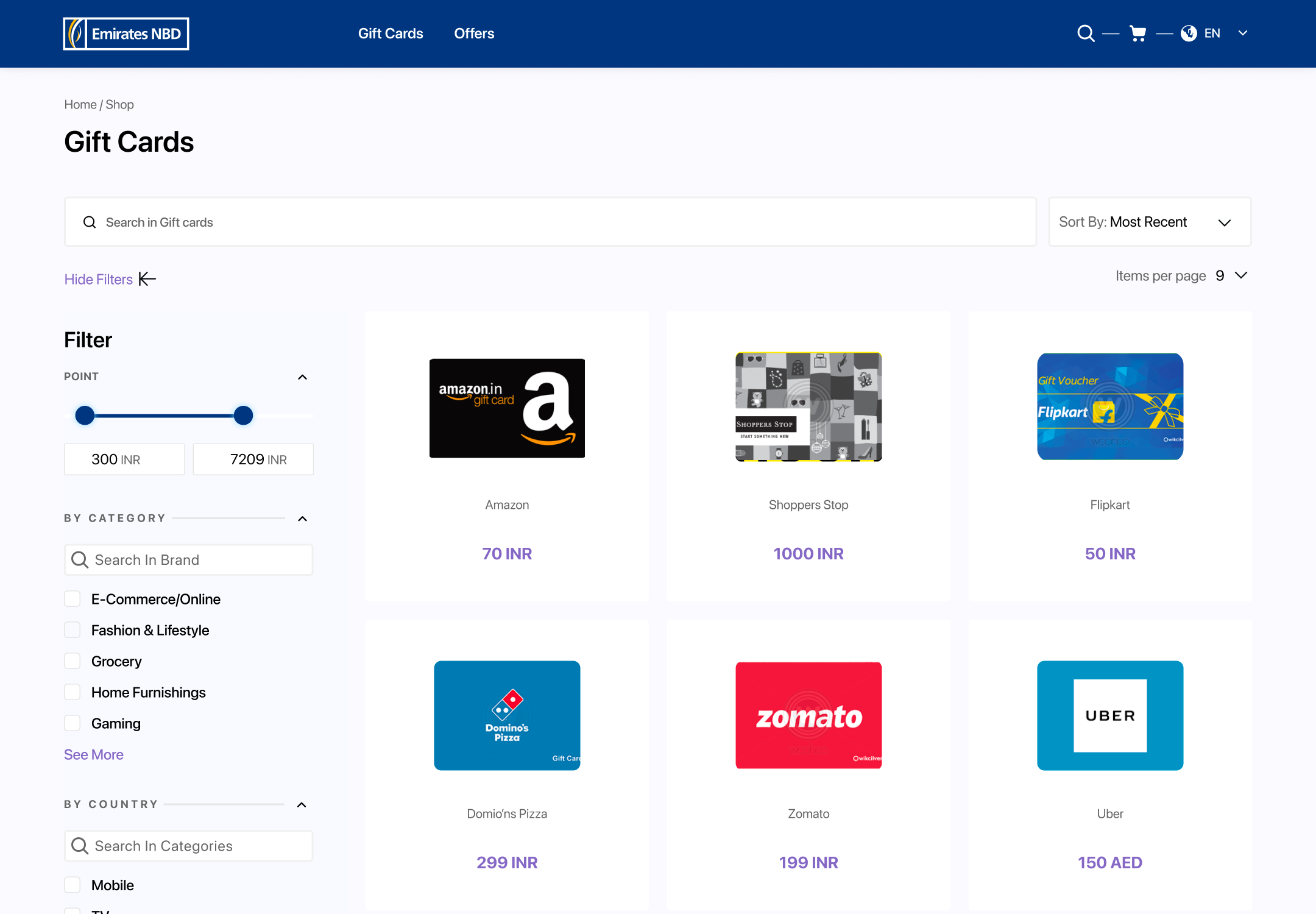
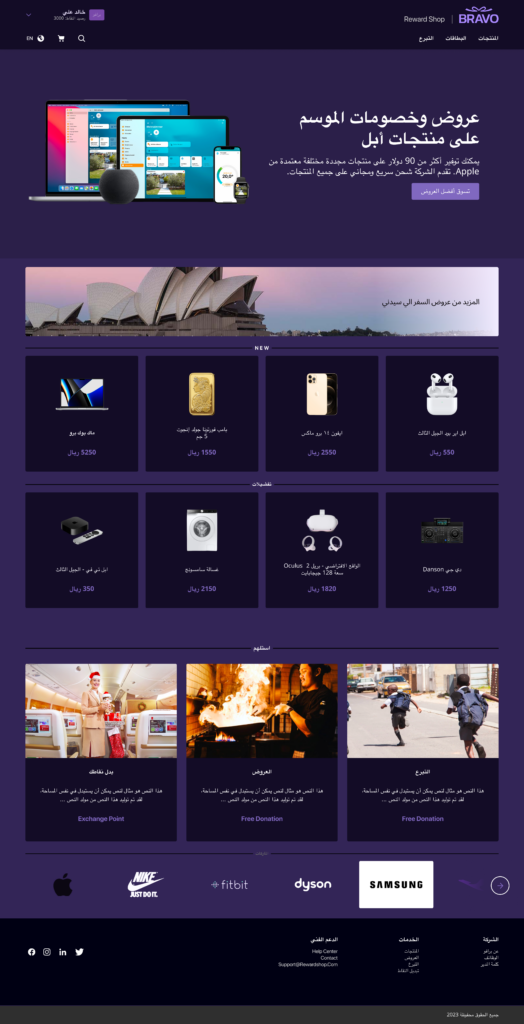
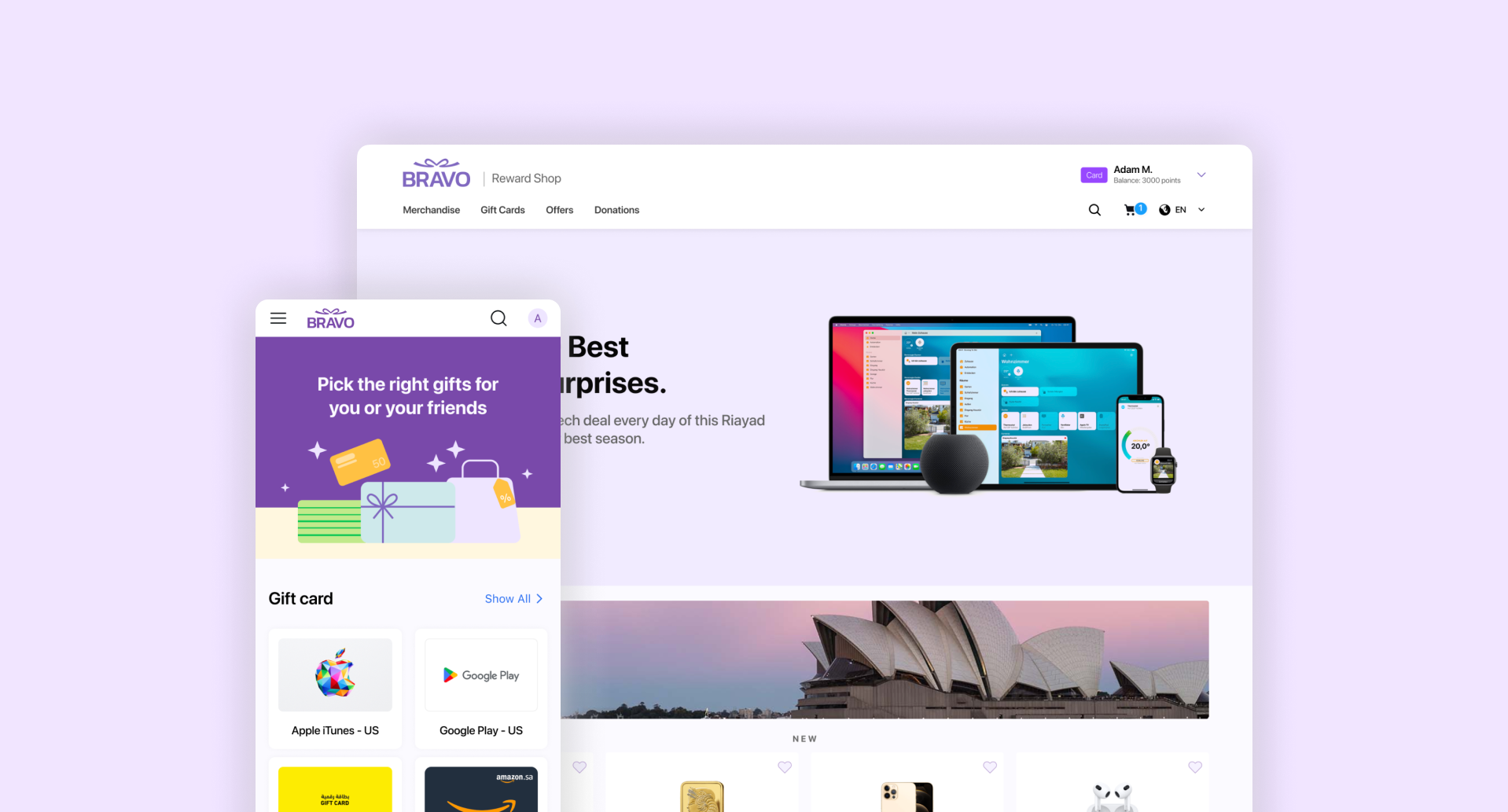
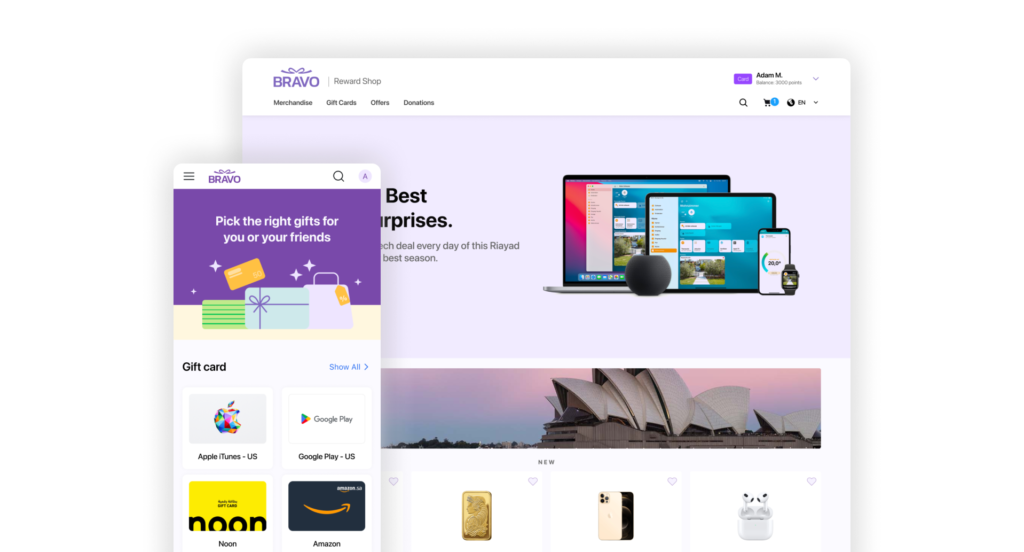
    Bravo Reward Shop is a B2C gift card platform where end users browse, purchase, and redeem digital gift cards from hundreds of brands. It’s a full e-commerce experience: catalog browsing, filtering, wishlists, cart, checkout, and a dedicated gift card claim flow.


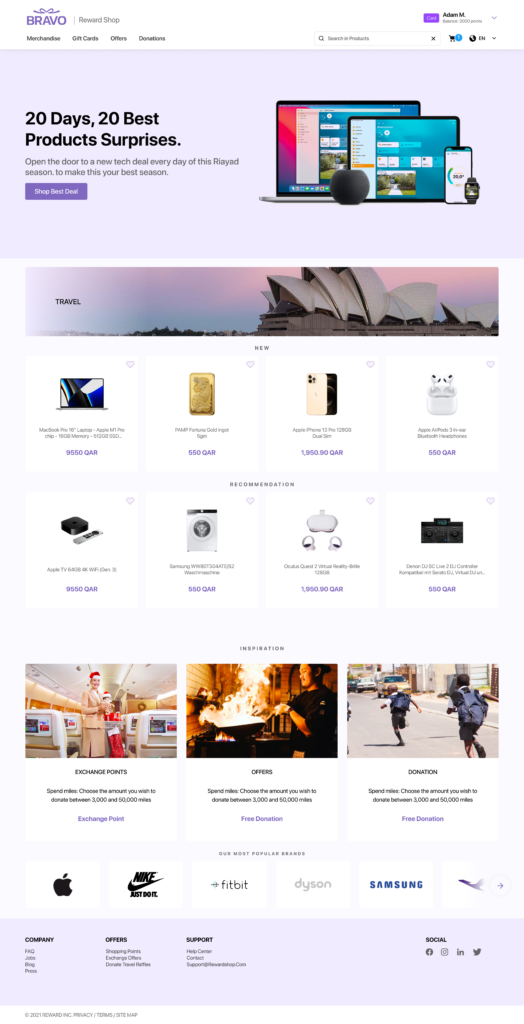
    The business model adds a layer of complexity: Bravo sells the platform to B2B clients (companies) who white-label or co-brand it for their employees. So the design had to serve two audiences simultaneously — end users shopping for gift cards, and business clients who need their brand identity reflected in the experience.

    02 — The core design challenge

    The hardest problem wasn’t any single screen — it was systemic: how do you build one product that looks like multiple different products, without rebuilding anything?

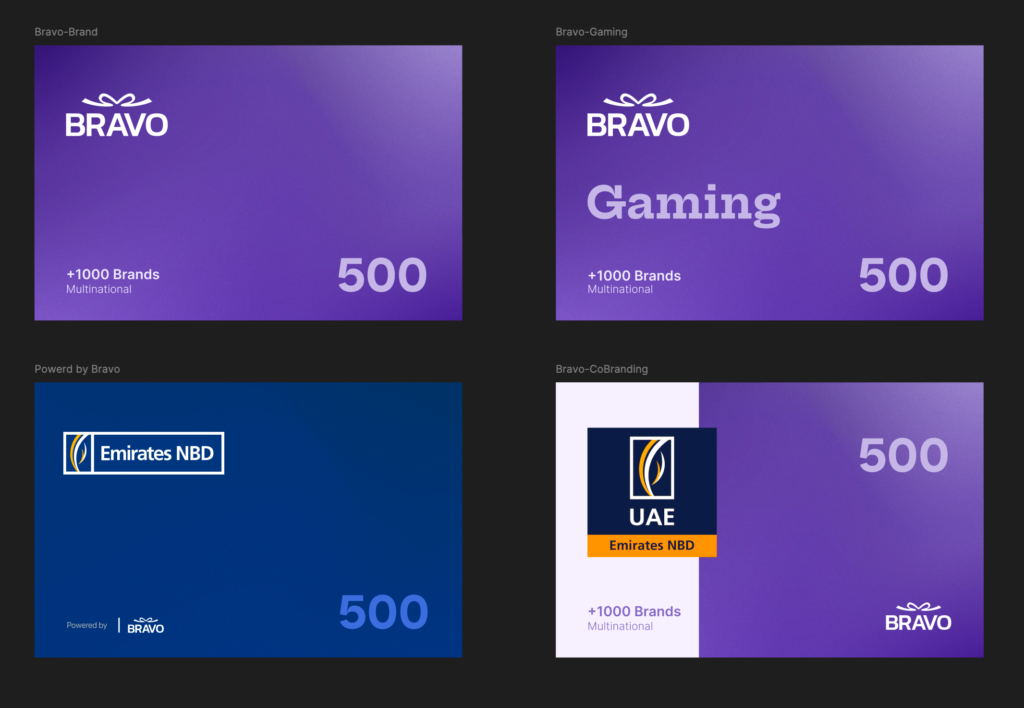
    Bravo had four contract tiers, each requiring a different level of brand expression across every touchpoint:

    • Full Bravo Brand → Bravo’s own identity and purple palette
    • Co-Branding → client’s logo and colors alongside Bravo
    • Powered by Bravo → client brand dominant, Bravo visually secondary
    • Gaming → dark-themed variant for gaming reward programs

    This touched everything: gift card artwork, email templates, web/mobile UI shell, and the claim certificate flow. The web platform also had to dynamically swap brand identity from the same codebase and URL based on which client was active — no page rebuild.

    03 — What I delivered

    As lead designer, I owned the full scope from day one. Here’s what I built:

    1- Token-based Design System

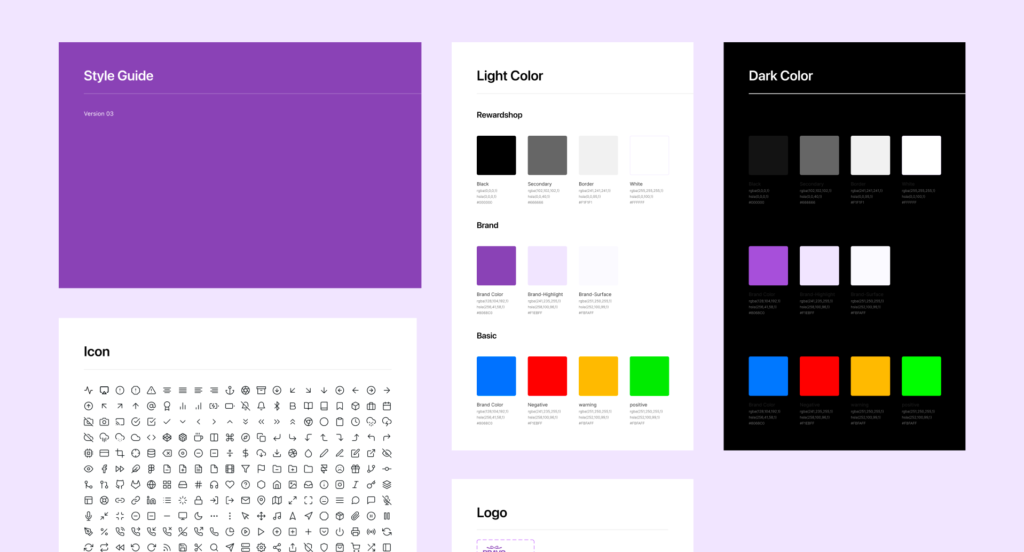
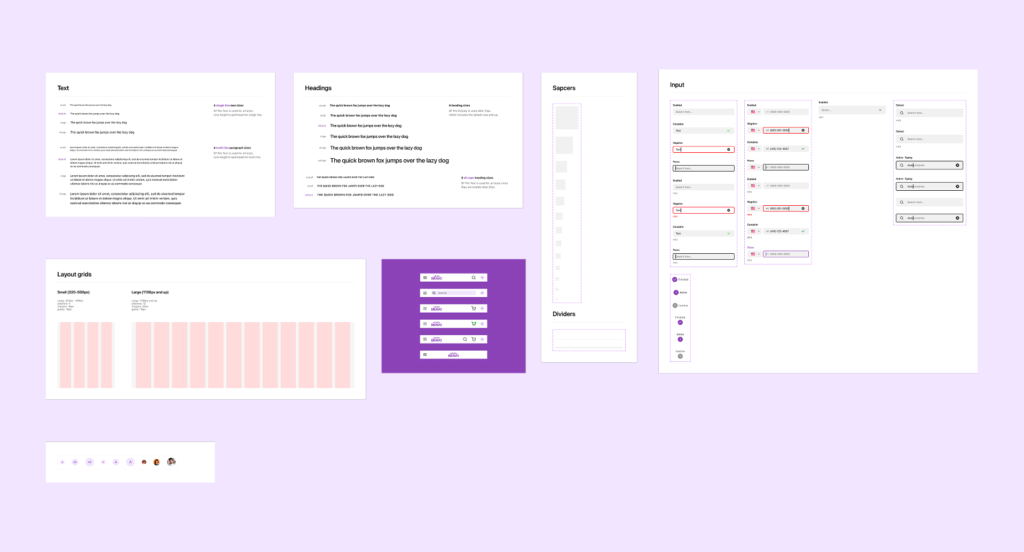
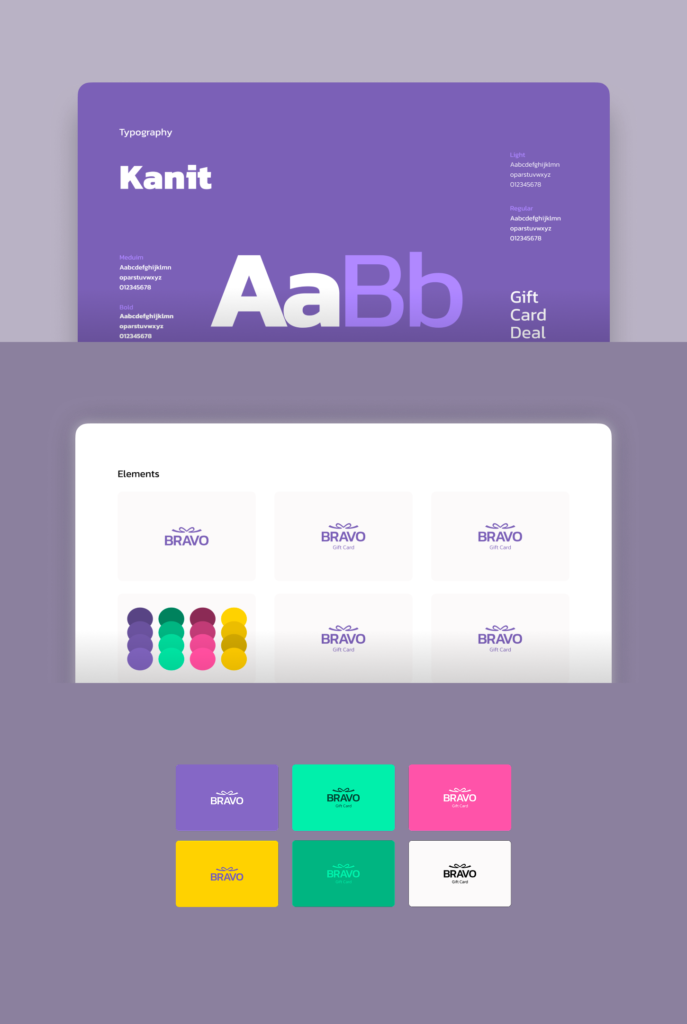
    Colors, typography, icons, components — all built as swappable variables so any brand tier works without breaking layouts. Includes full dark mode token set.

    2- Mobile Experience (40+ screens)

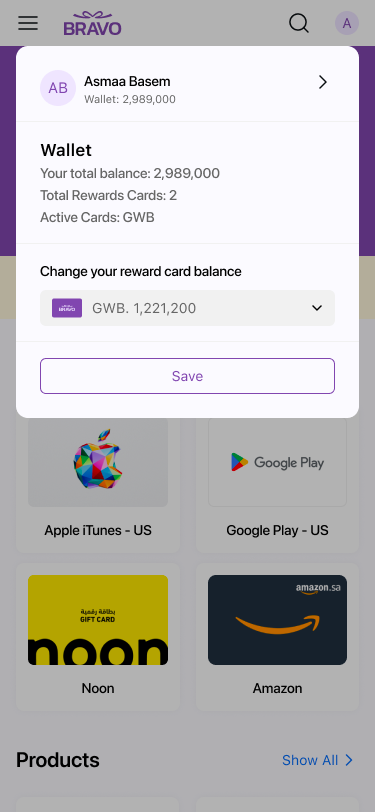
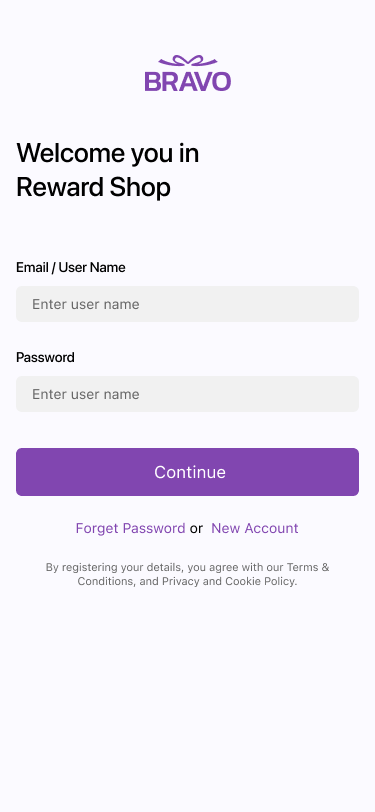
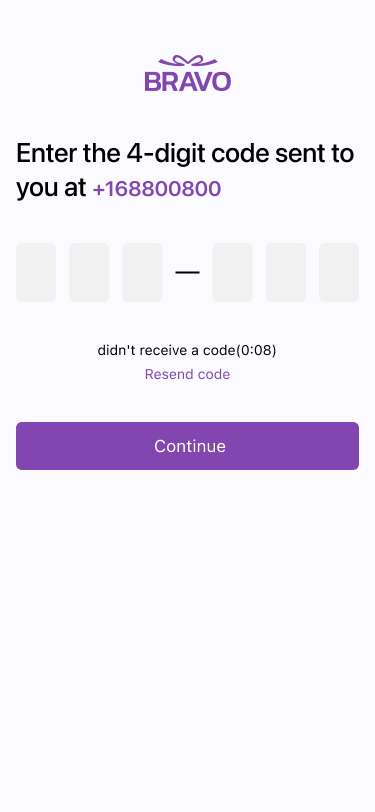
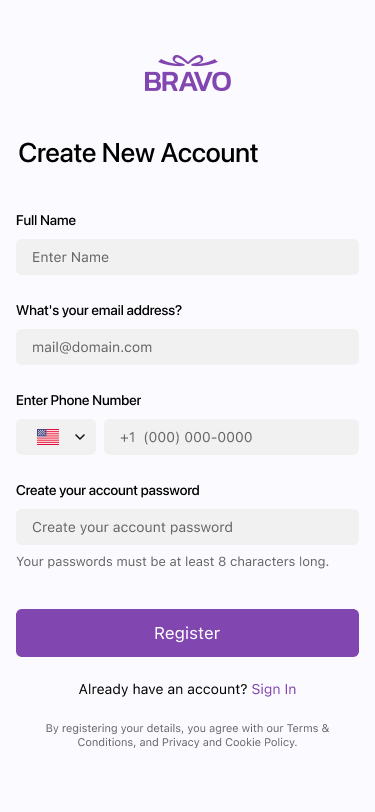
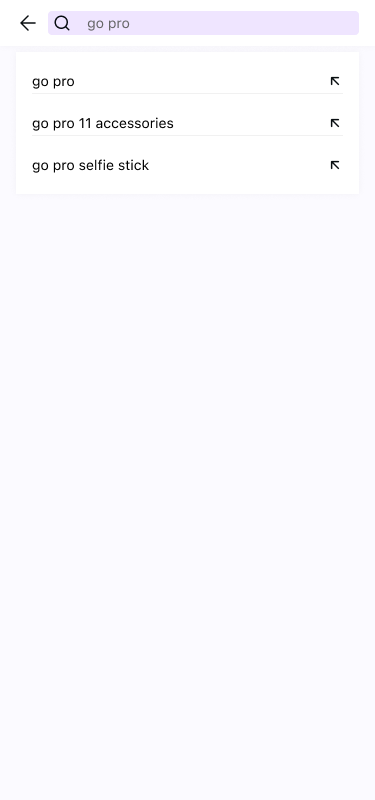
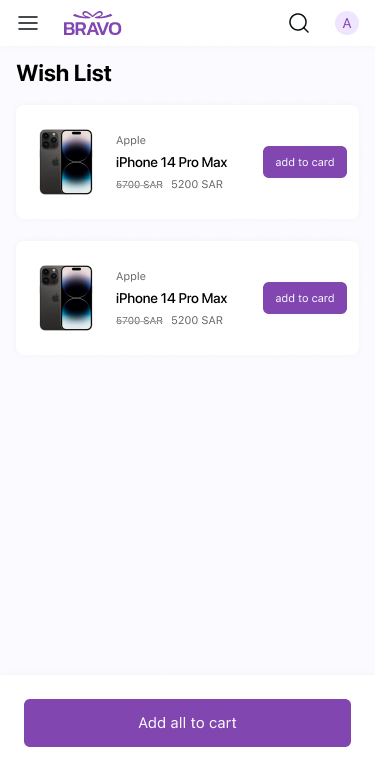
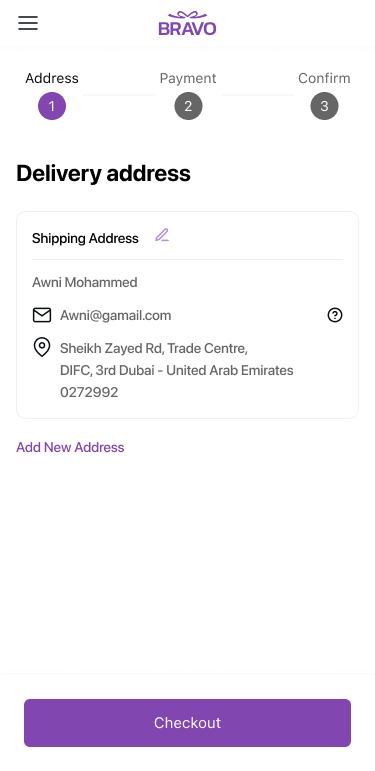
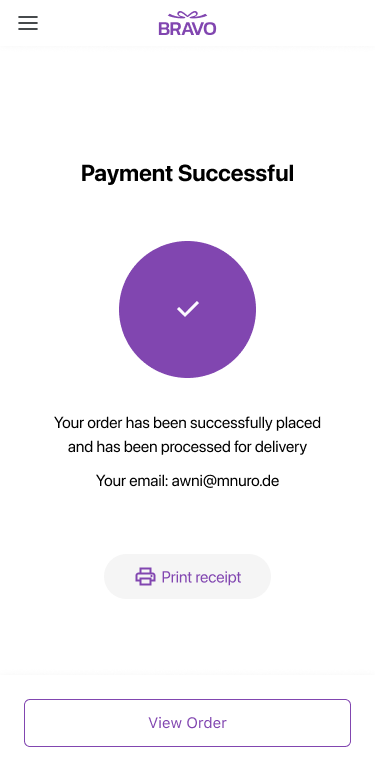
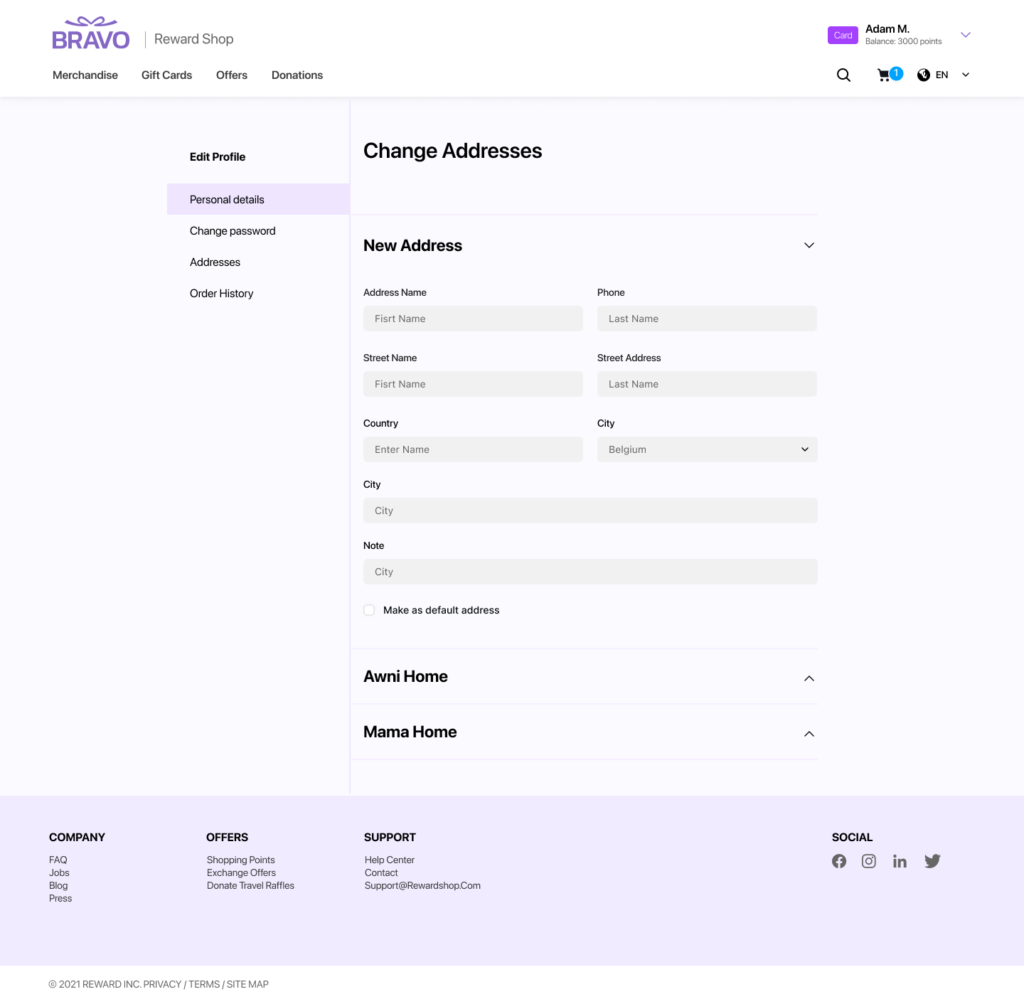
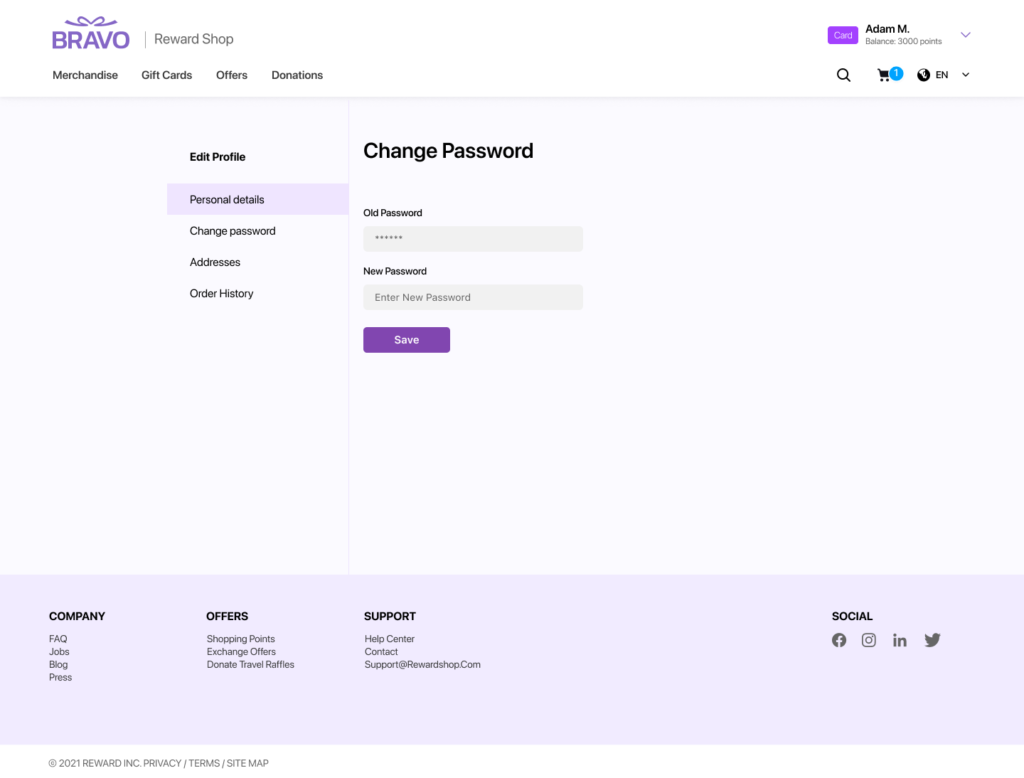
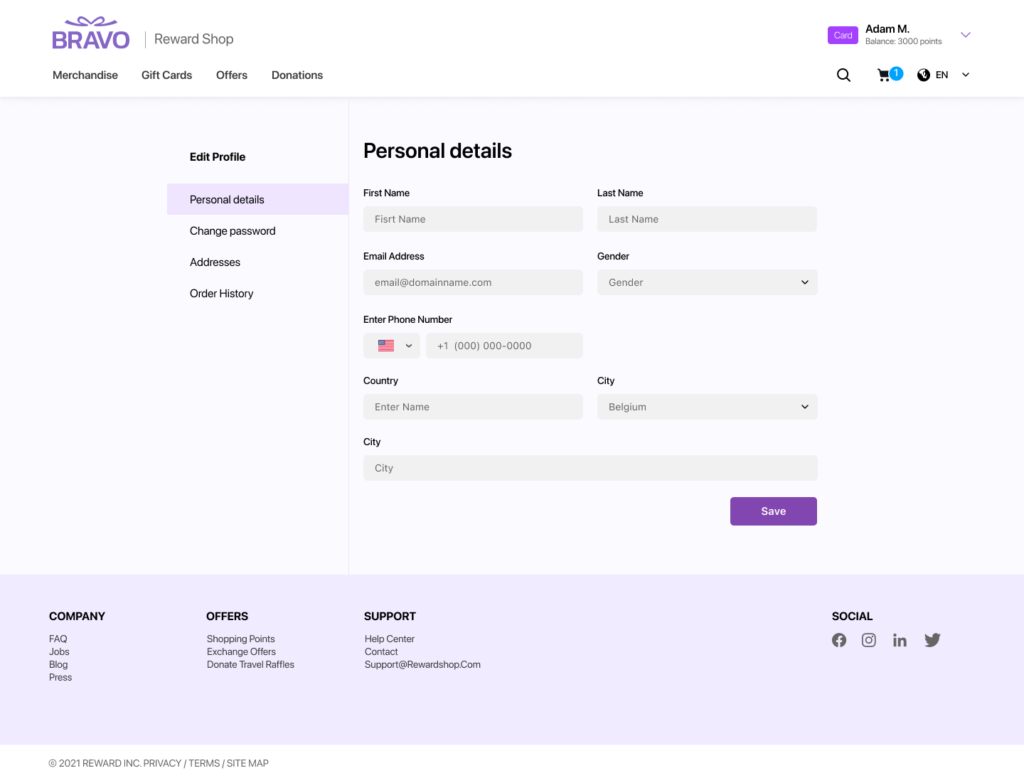
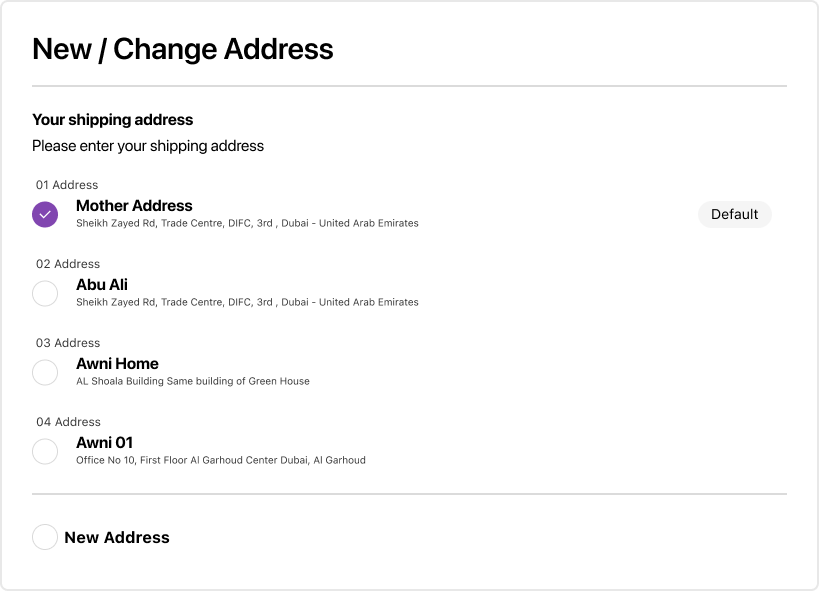
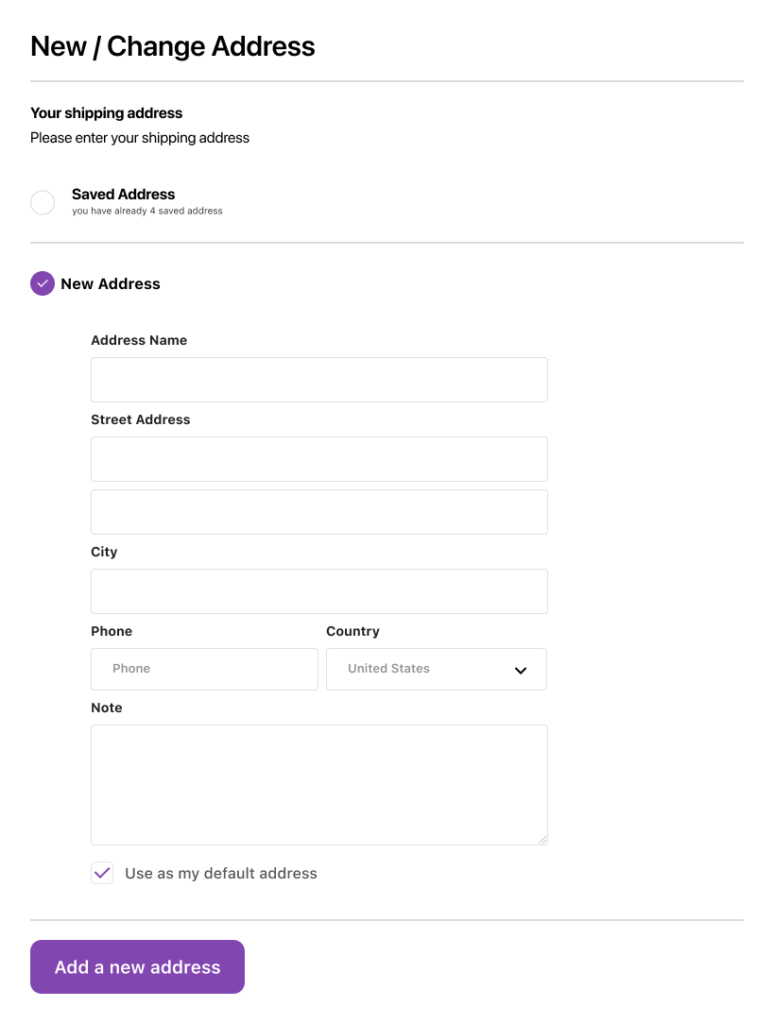
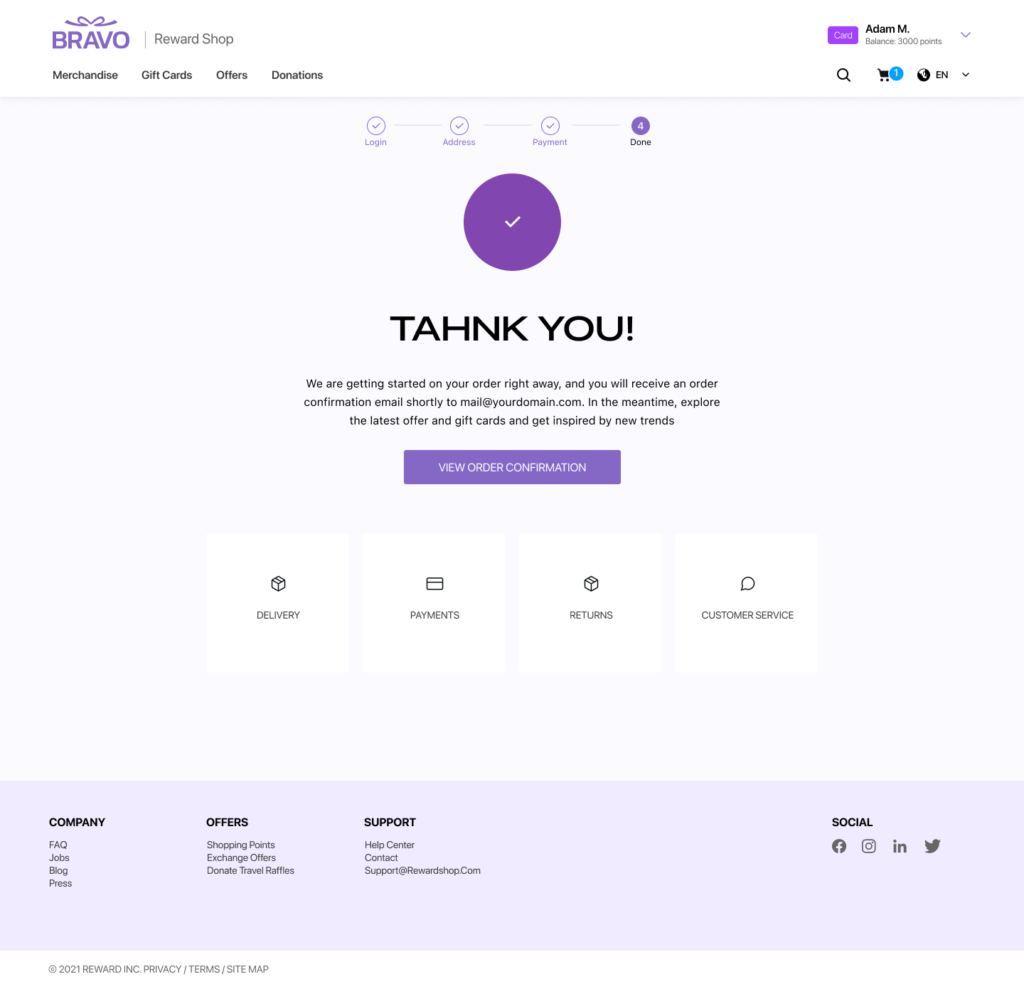
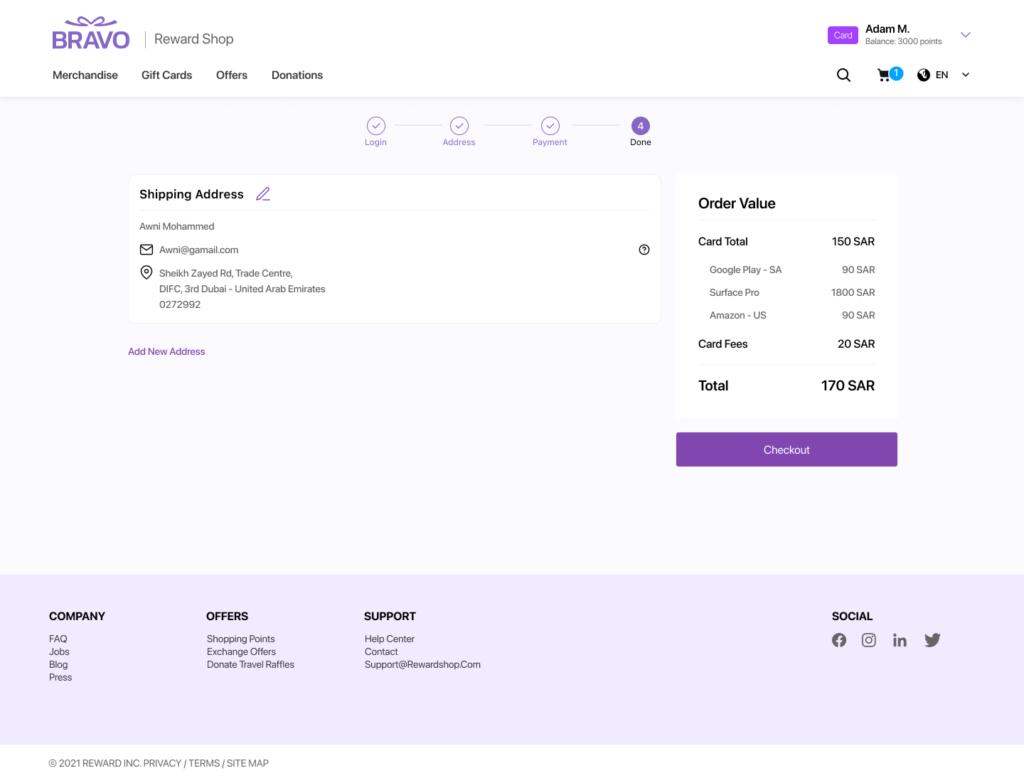
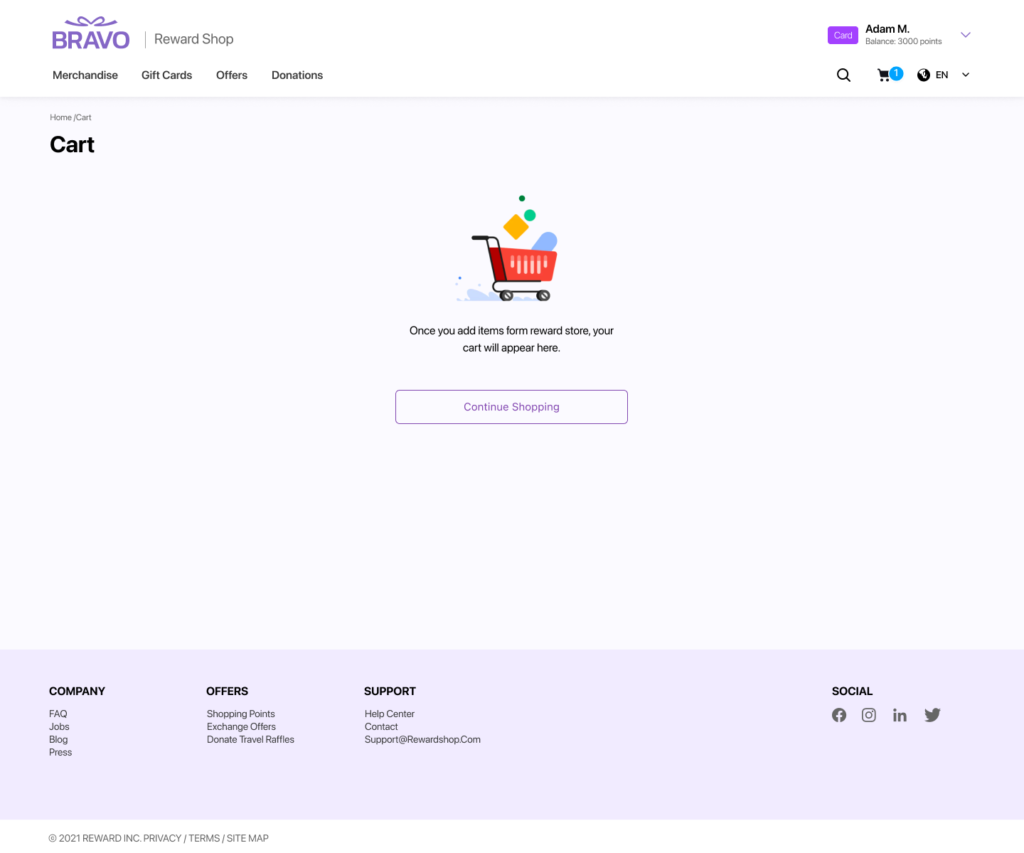
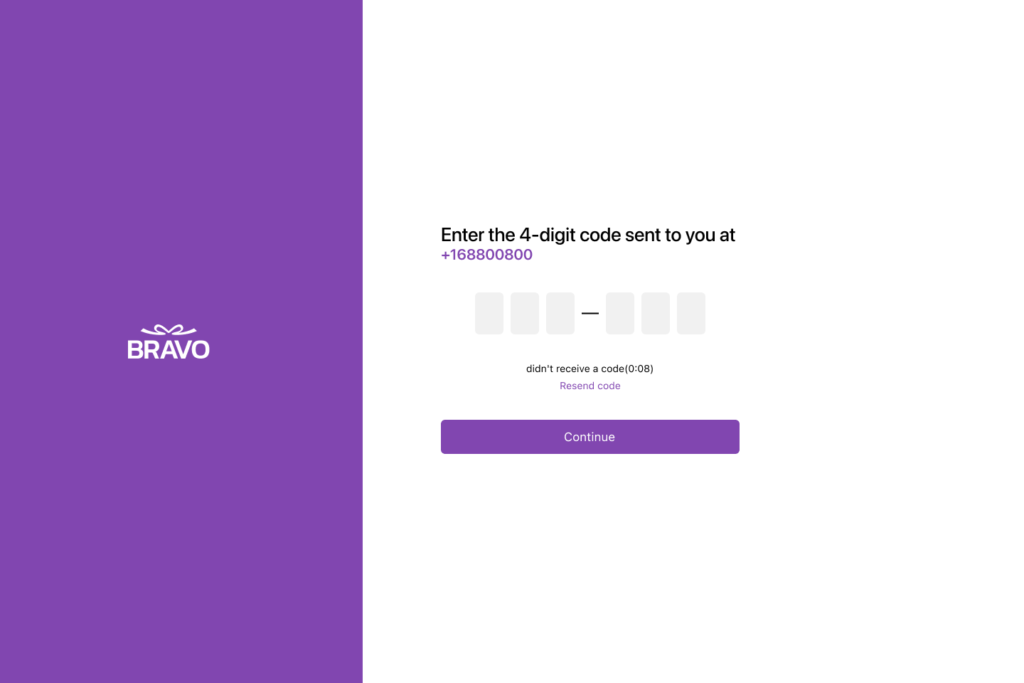
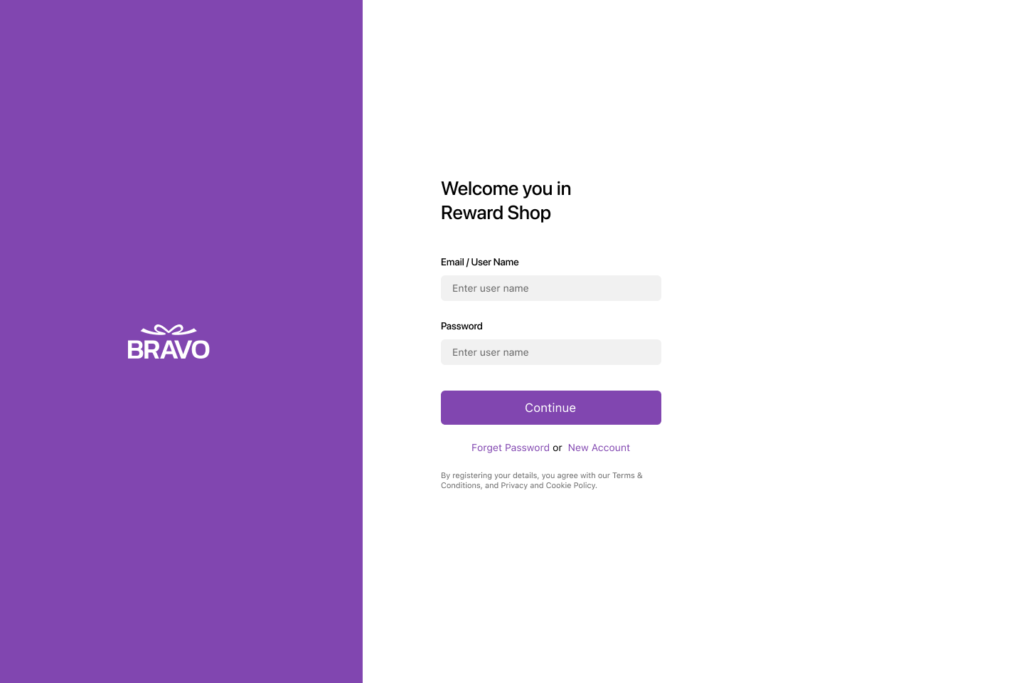
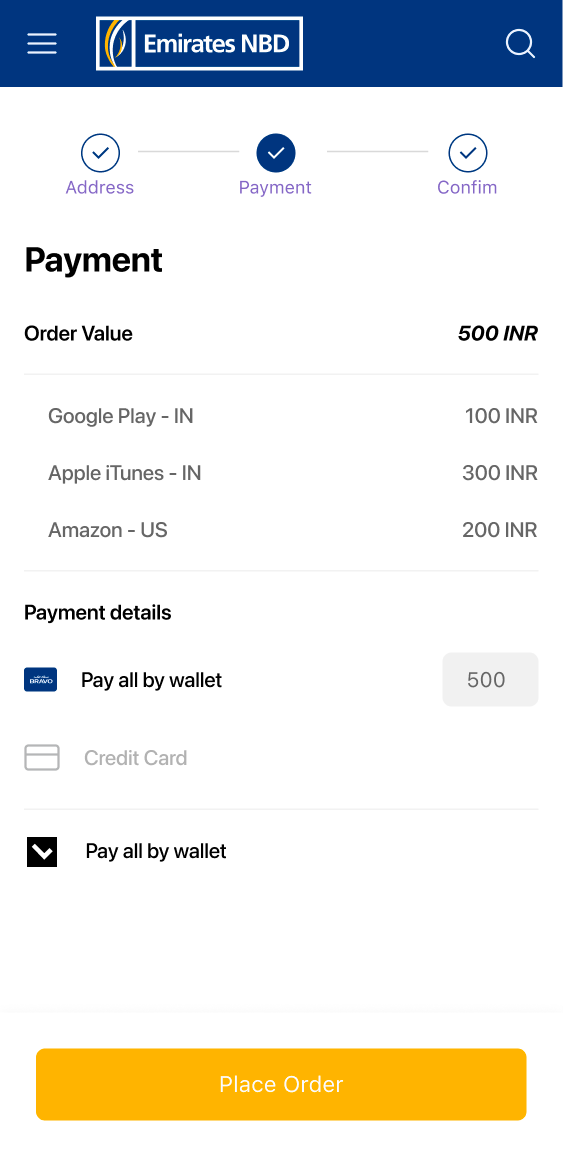
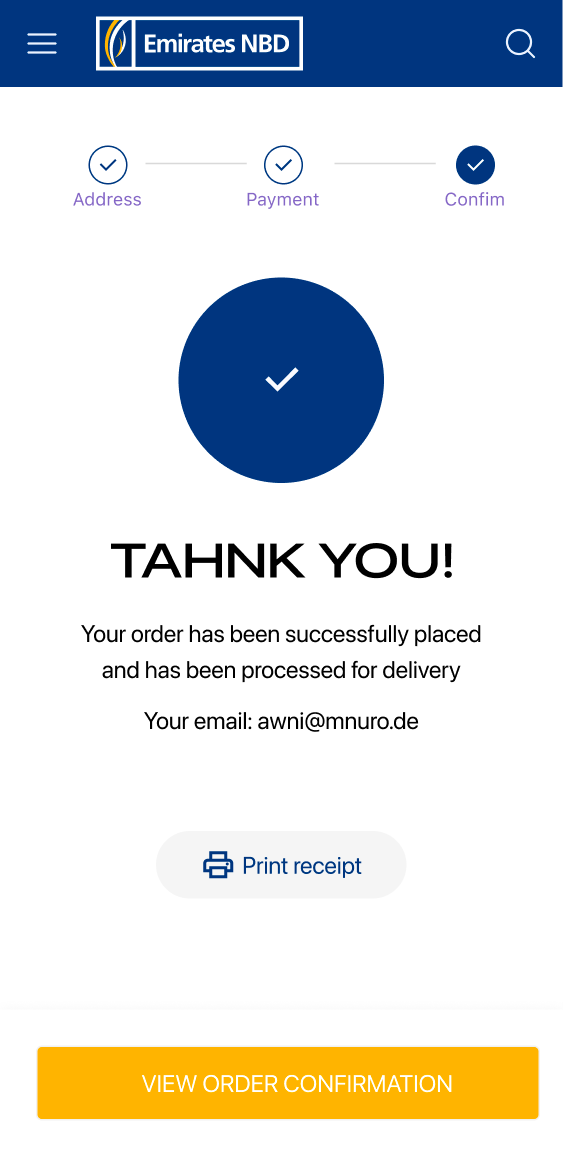
    Complete iOS flow: onboarding, auth, catalog, filters, product detail, cart, wishlist, checkout, claim, and full account management. Every state designed — empty, loading, error, edge cases.

    3- Desktop Web Platform

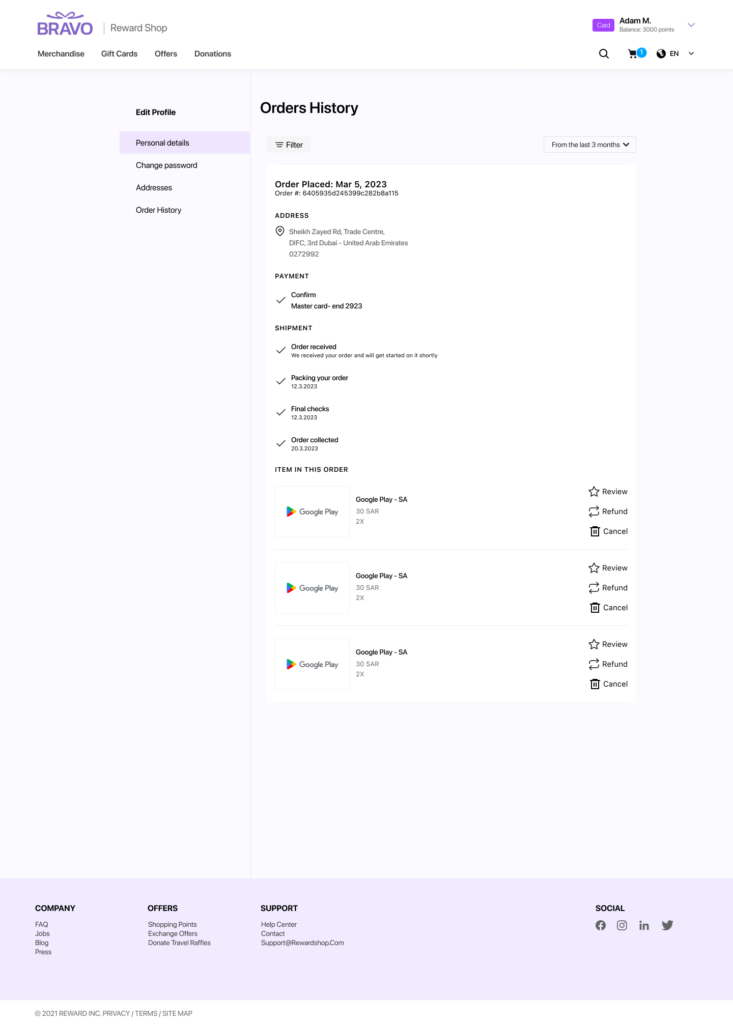
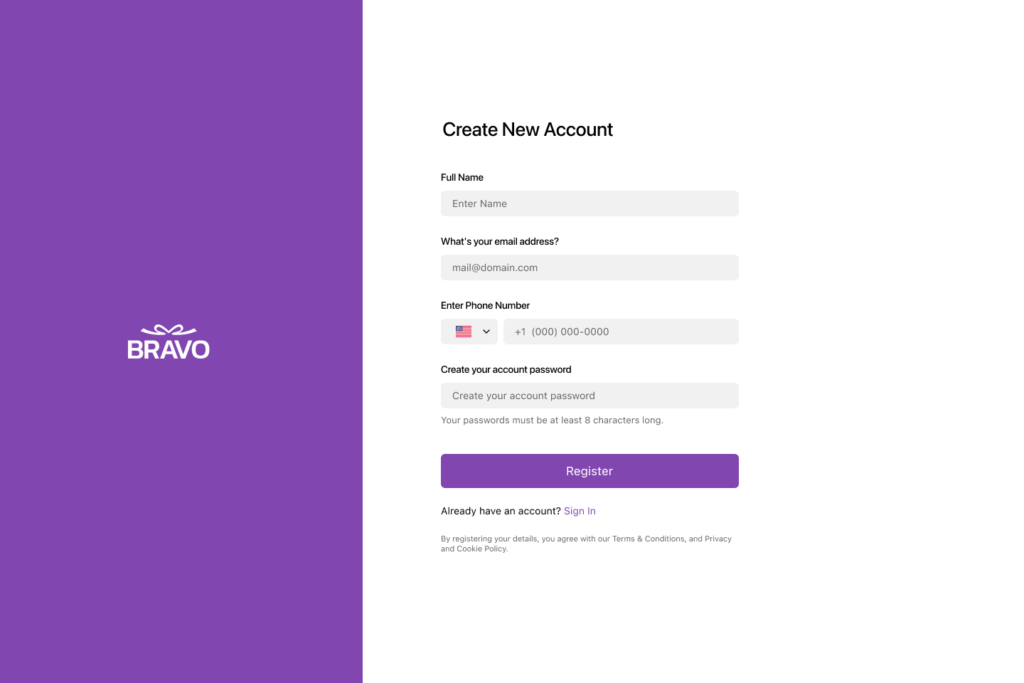
    Full 1440px adaptation including dark mode variant and Arabic RTL home page. Dynamic co-branding renders different identities from the same page.

    4- Gift Card Design Variants

    Shared structural template, four brand expressions. Co-brand variant governed by proportion and color rules I defined to ensure consistency across any client pairing.

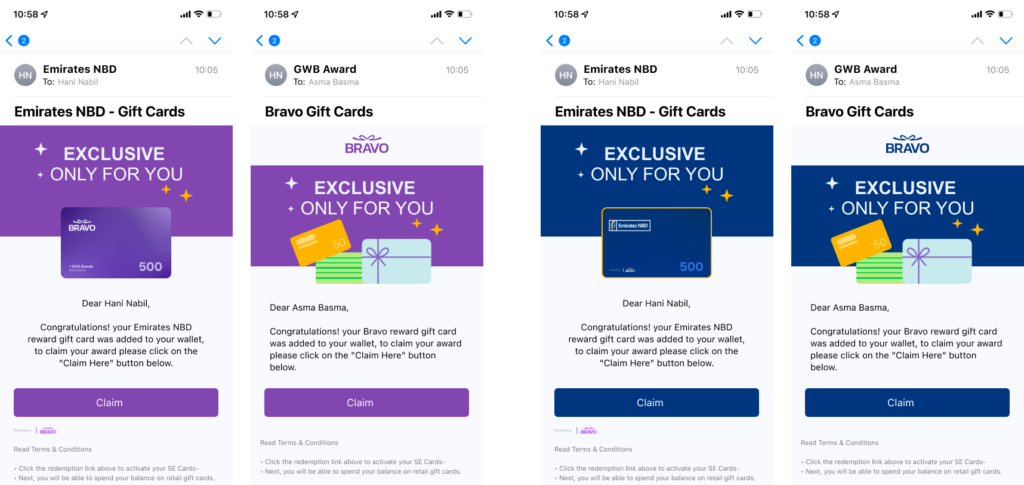
    5- Email Templates

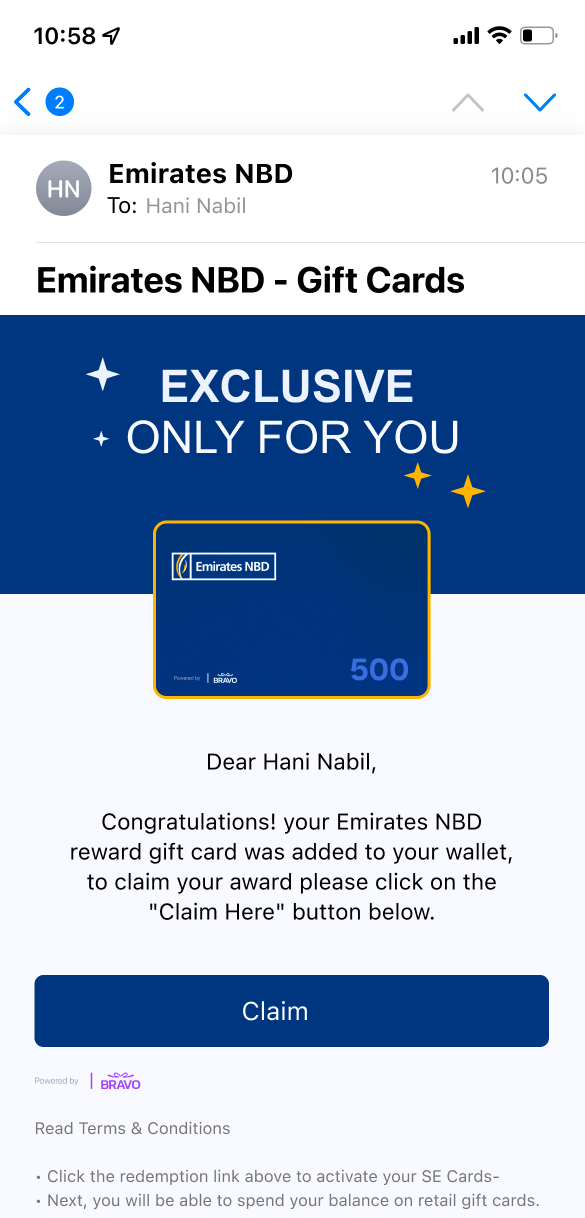
    3 types (Bravo, Co-Brand, Claim) designed at mobile width. Optimized hierarchy to minimize steps from email open to gift card claim.

    6- Certificate & Claim Flow

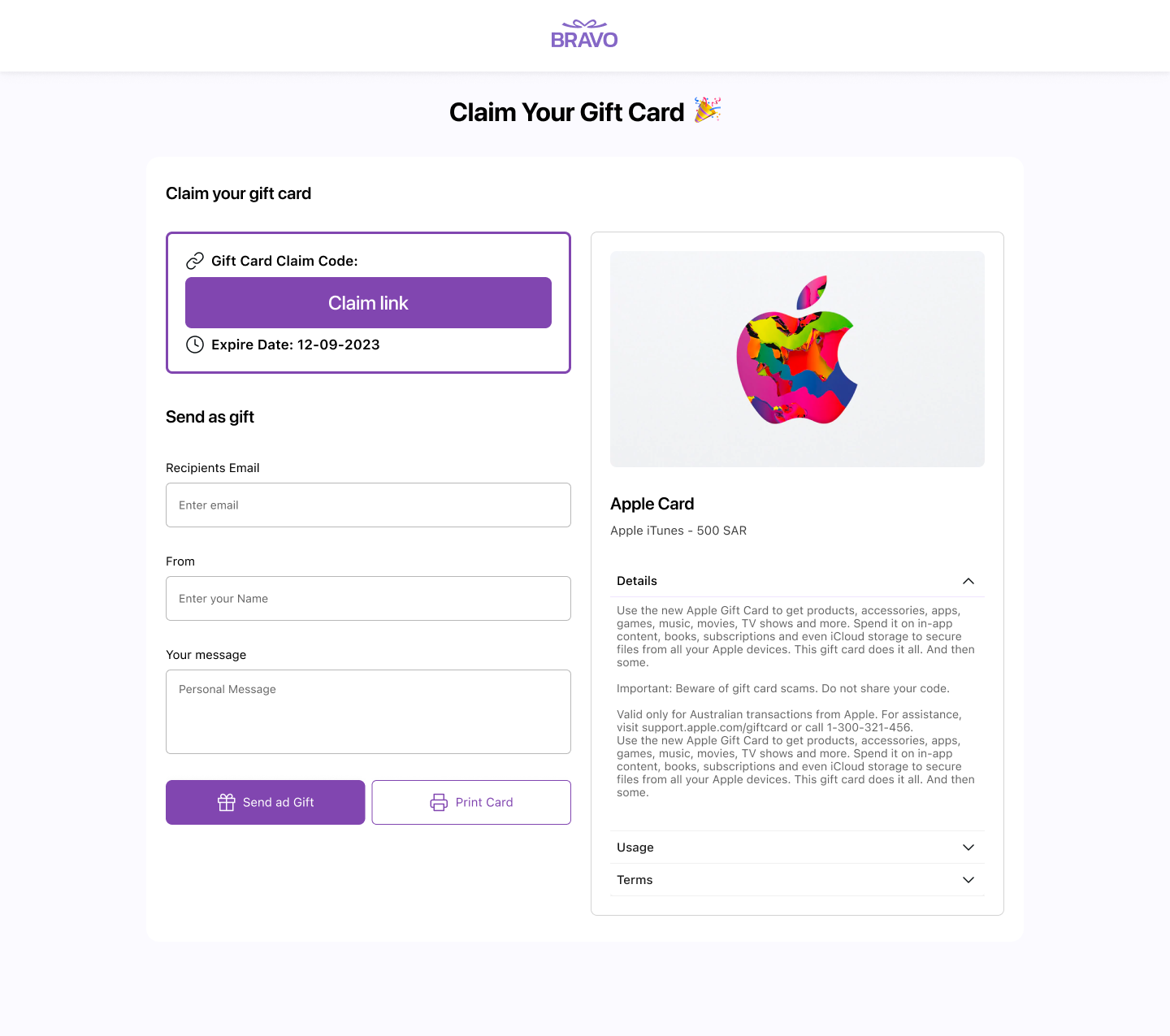
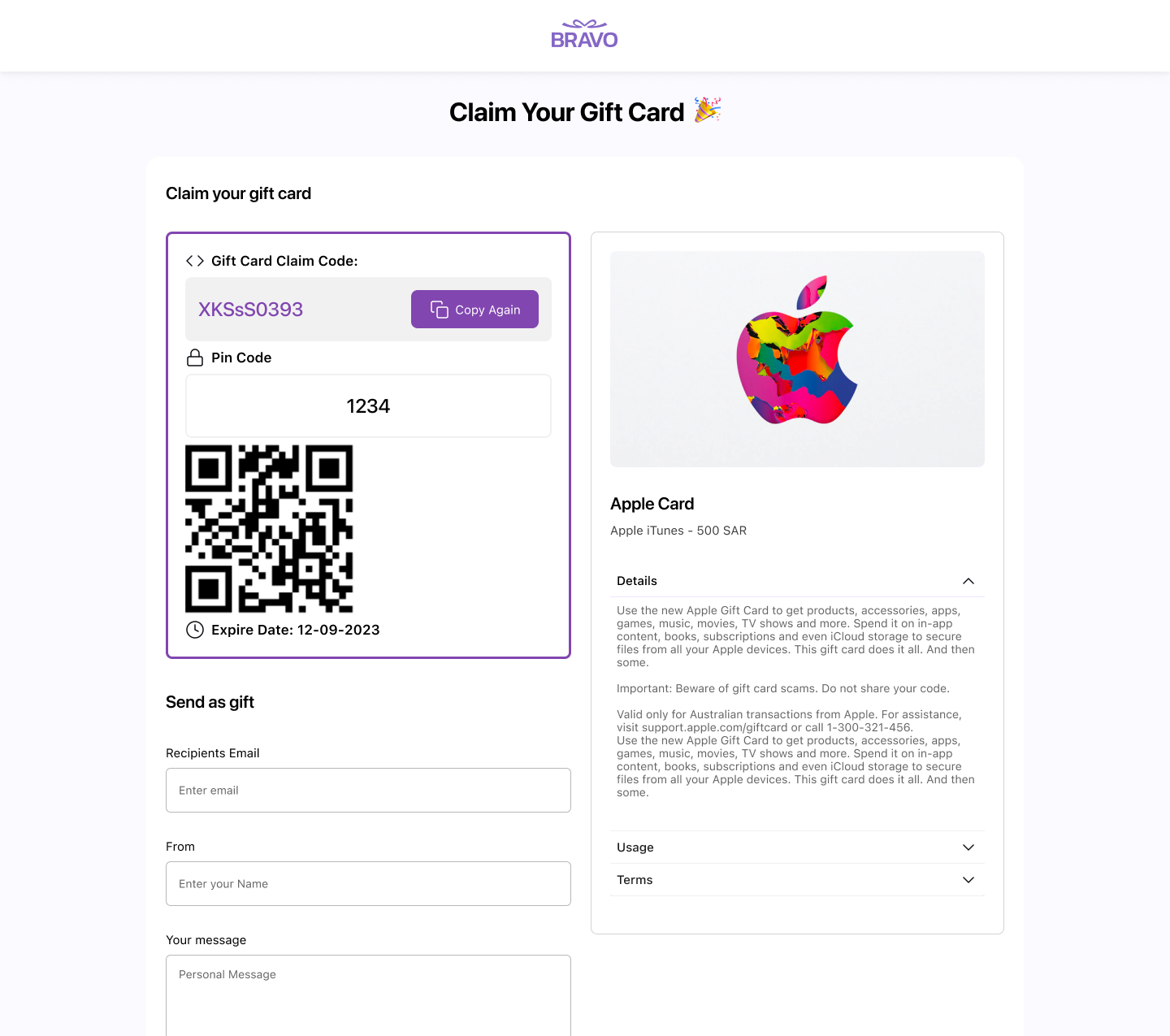
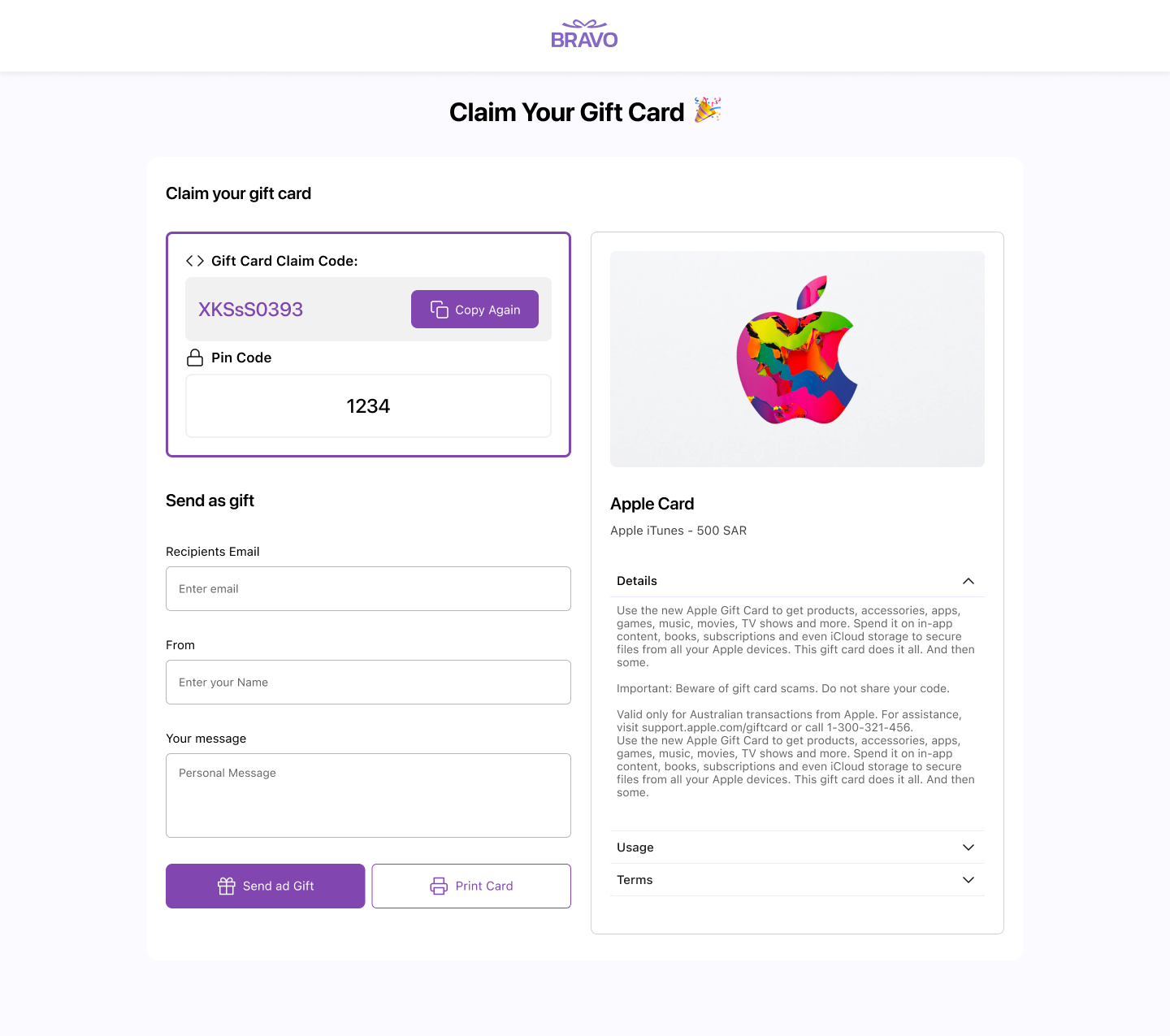
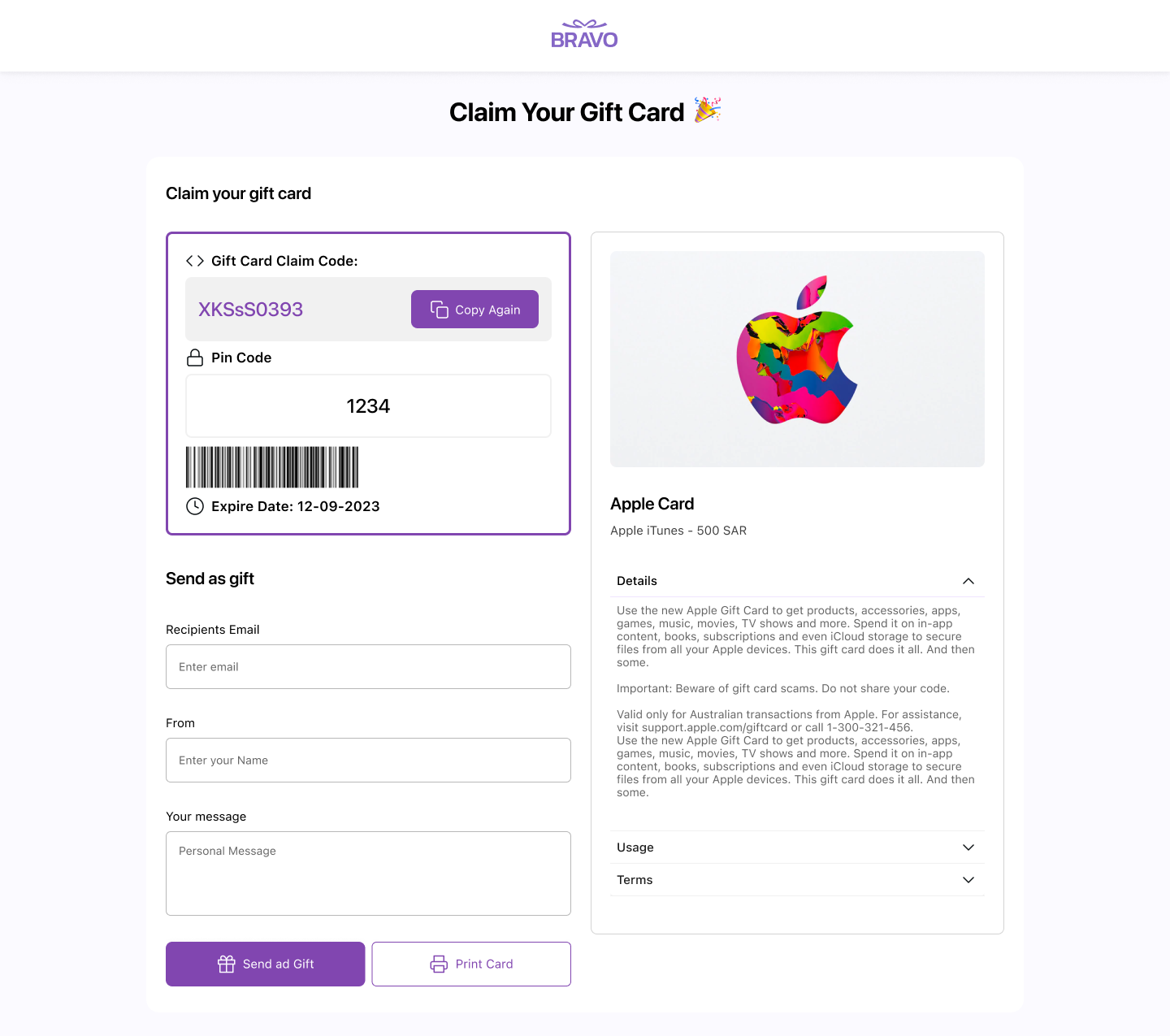
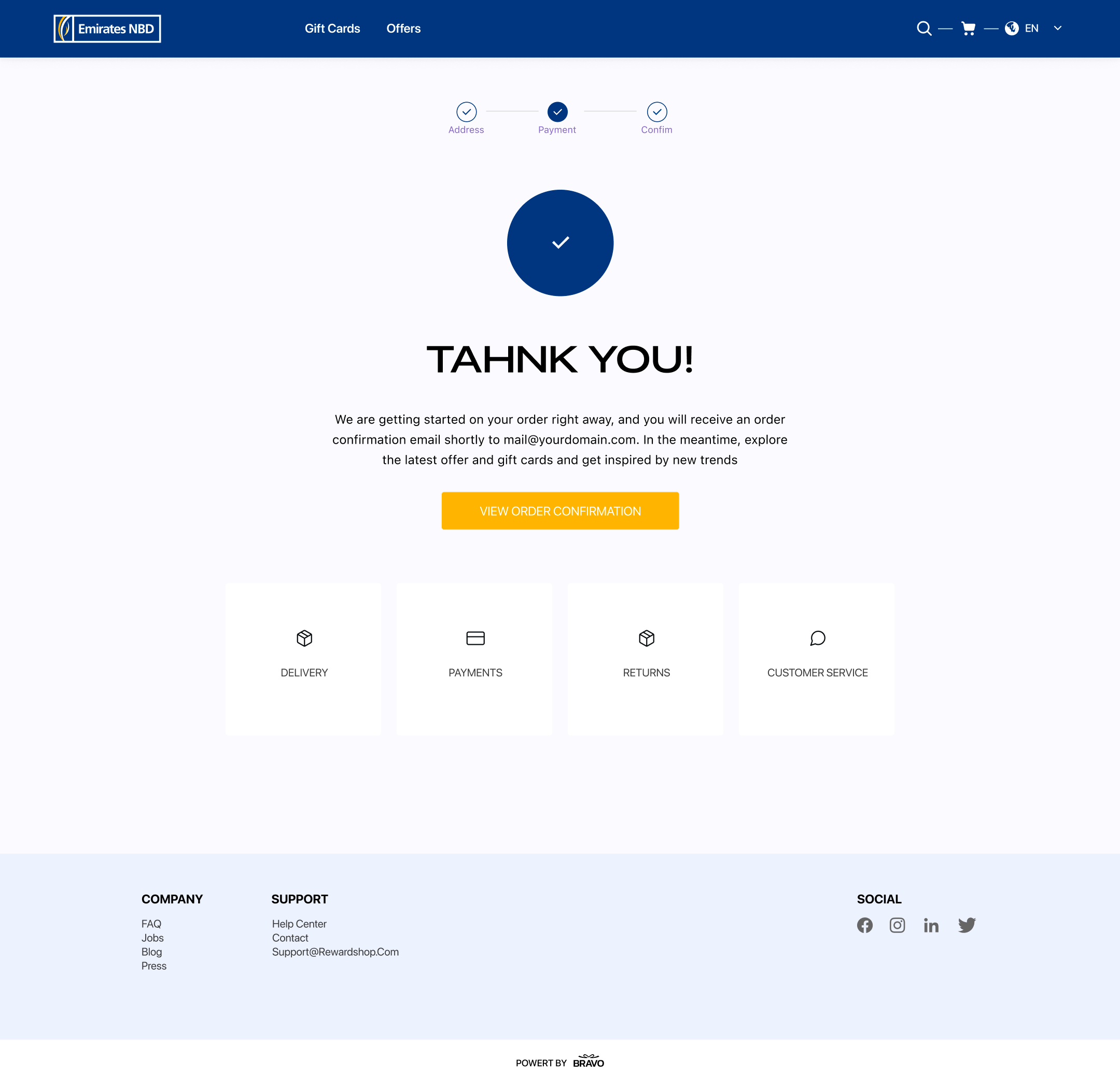
    Dedicated web experience for the reward moment. Handles multiple voucher types, branded pre-loading states, celebratory UX at the point of highest user anticipation.

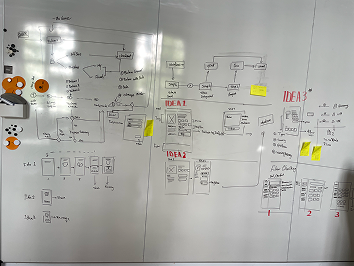
    7- Full User Flow Diagram

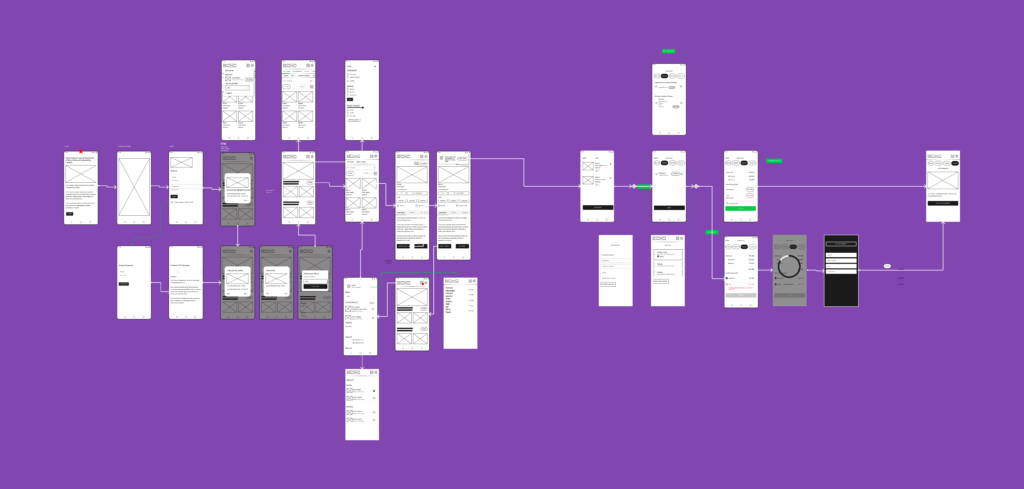
    Figma diagram mapping every entry point, state, and decision. Used as the shared blueprint between design, product, and engineering before any screen work.

    8- Clickable Prototype

    Complete mobile journey prototype for stakeholder reviews and developer handoff.


    04 — How I worked

    Before any screen work, I made three decisions that shaped everything that followed:

    Mobile first, then web

    The most constrained canvas came first. Web adaptations expanded from established patterns rather than starting from scratch.

    User flow first.

    I mapped the entire product journey before opening any design frame. This forced alignment on scope with PM and stakeholders before visual work began, preventing scope gaps and rework.

    Design system before screens.

    With co-branding as a core requirement, I built the full token system first — including the variable structure for brand switching. Every screen then built on a consistent, flexible foundation.

    Errors, edge cases

    All states, not just happy path. Blank states, loading, errors, edge cases — non-negotiable in an e-commerce context where every dead end is a lost conversion.


    05 — Outcome

    The full product shipped to production. Key results:

    The co-branding system works as designed

    the same product deploys with different brand identities by swapping tokens, zero redesign needed per client.

    Arabic RTL version

    demonstrated internationalization readiness from the token and component level — not retrofitted.

    Claim flow optimized for minimal friction

    from email open to gift card access in as few steps as possible, reducing drop-off at the critical reward moment.


    06 — Key takeaways

    What this project reinforced:

    A token-based design system isn’t optional when co-branding is a product requirement

    it’s the architecture that makes the feature possible.

    Designing for RTL and dark mode from day one is far cheaper than retrofitting

    both require decisions at the token and component level that are expensive to change later.

    The claim moment is a product experience, not a utility screen

    Designing it with delight matters — it’s the peak emotional moment in the user journey.

  • Scanalyze

    Scanalyze

    Medical Imaging Platform for Patients & Radiologists

    In Saudi Arabia, patients leave hospitals carrying their medical scans on a physical CD — with no easy way to share them, no CD drive at home, and no path to a second opinion without mailing the disc across cities.
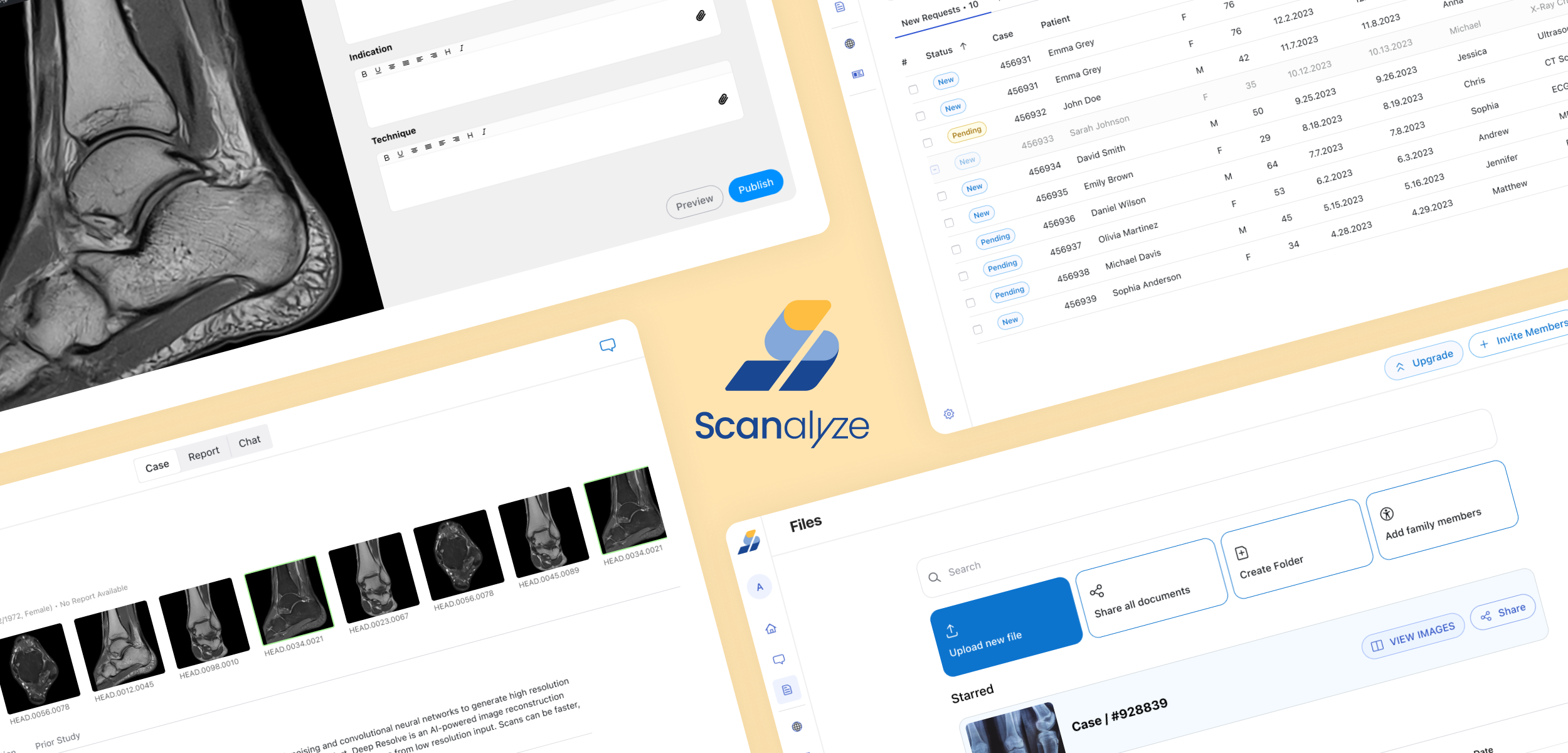
    Scanalyze solves this end-to-end: a browser-based platform where patients upload and share imaging instantly, and radiologists read and report in a single clinical workspace — no CD, no desktop software, no delays.


    I designed the full product solo — 70+ screens across 3 portals — from user research through production-ready handoff

    Role:

    UI/UX Designer, Researcher

    Scope:

    70+ screens across 3 user portals · Design system · User research · Clickable prototype

    Users:

    Patients, Radiologists, and Admins

    Complexity:

    Two users, One platform system, Dark Mode

    Tools:

    Figma, Miro, Excel


    01 — The Problem

    Medical imaging in Saudi Arabia is distributed on physical CDs at hospital discharge. Patients cannot share scans with specialists, second opinions require mailing CDs across cities, and radiologists work in fragmented desktop software costing thousands per license.

    Scanalyze solves this from both ends: patients upload and share scans instantly, radiologists read them in a browser-based workstation with full clinical tools — no CD, no desktop software, no delays.


    02 — Two Users, One Platform

    The hardest design challenge: building one product that serves two completely opposite user mindsets without compromising either.

    Patient (B2C)


    Anxious, unfamiliar with DICOM files, managing family records, emotionally invested in getting a second opinion


    What they need

    Reassurance at every step, plain language, family record tabs, celebration moments

    Radiologist (B2B)


    Time-pressured professional, high case volume (1,600+ completed), needs clinical precision and efficiency


    What they need

    Dark mode for low-light reading, case deadlines visible at a glance, structured report editor, no wasted clicks

    Design Process

    Research:

    Conducted remote interviews with 4 radiologists and 8 patients to understand current workflows before designing.

    Key findings:

    Radiologists switched between viewer and report 12+ times per case

    8 of 12 patients had imaging only on CDs, 6 had no CD drive

    Patients felt anxious during upload with no progress feedback

    Design → Validation

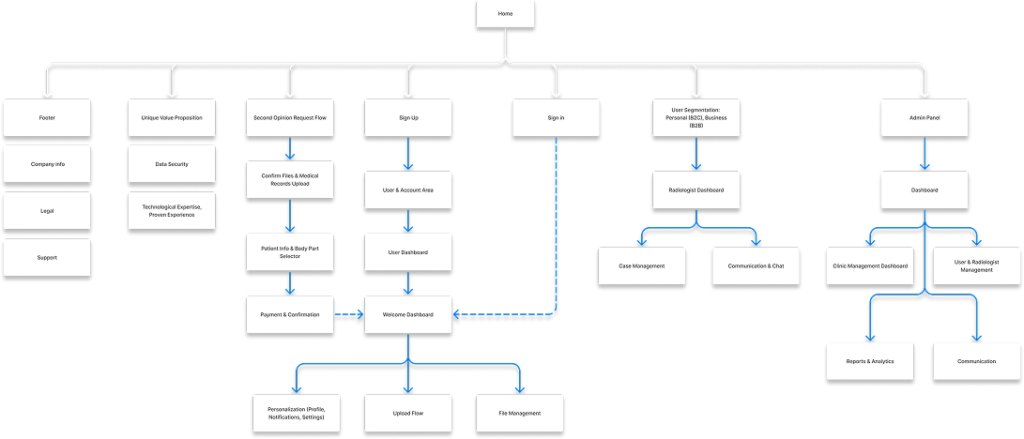
    Mapped user flows and information architecture for all three portals. Built the design system first (colors, typography, components) before individual screens to ensure consistency across 70+ screens.
    Moved from wireframes to high-fidelity designs after stakeholder and developer reviews.

    Validation was conducted through structured stakeholder reviews with the client and development team at each design milestone. Remote usability testing with patients and radiologists was scoped for a post-MVP phase, aligned with the project’s freelance timeline and budget constraints. Research insights from the initial 9 interviews continued to serve as the primary reference for design decisions throughout.


    03 — Key Design Decisions

    Decision 1: The Split-Panel Reassurance System

    Problem:

    Patients drop off during upload because they do not understand what is happening or what comes next.

    Solution:

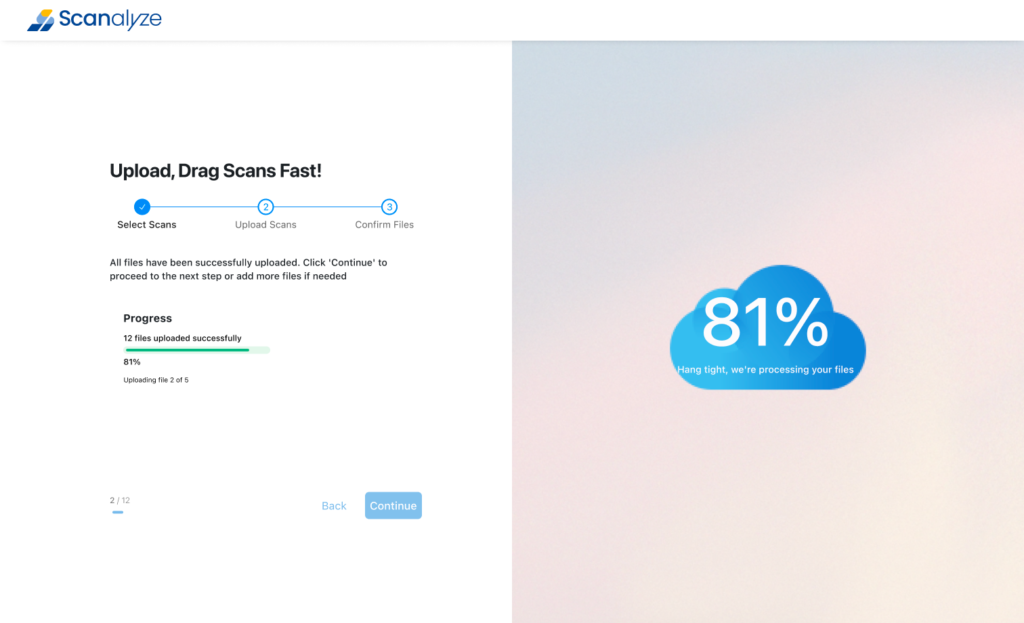
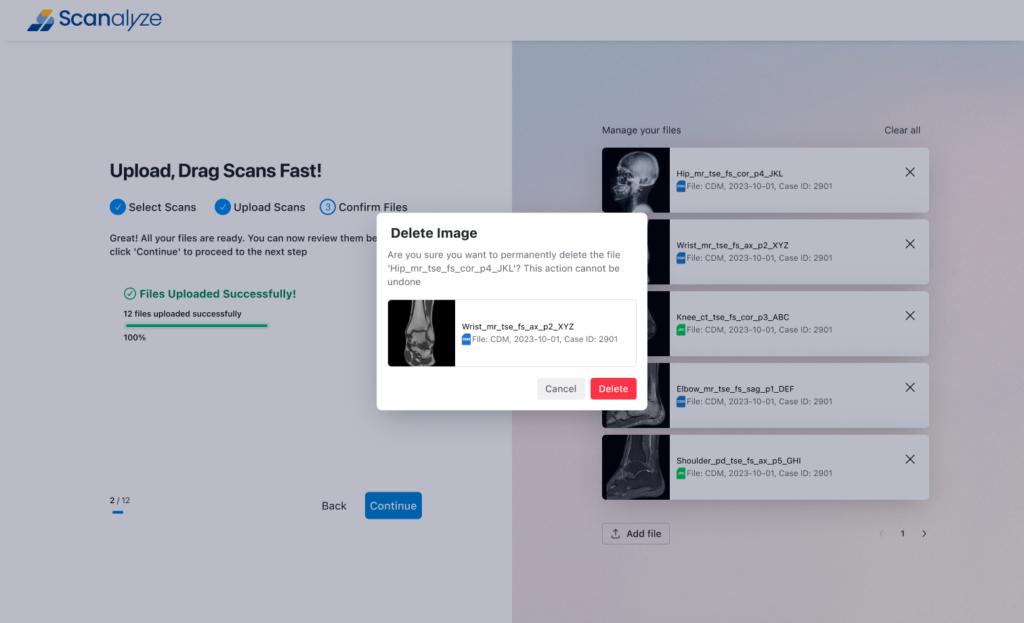
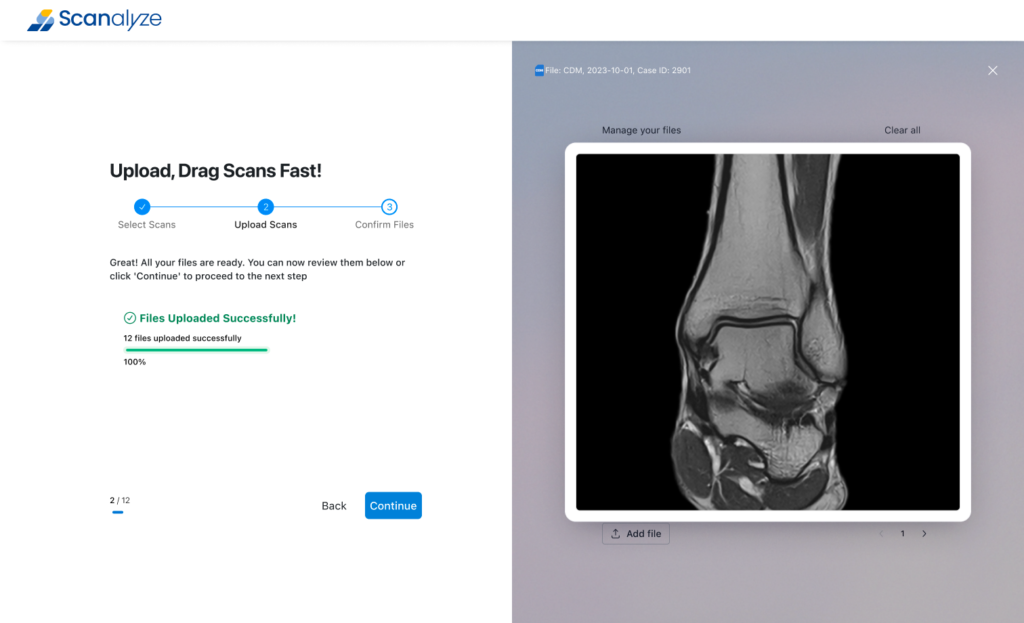
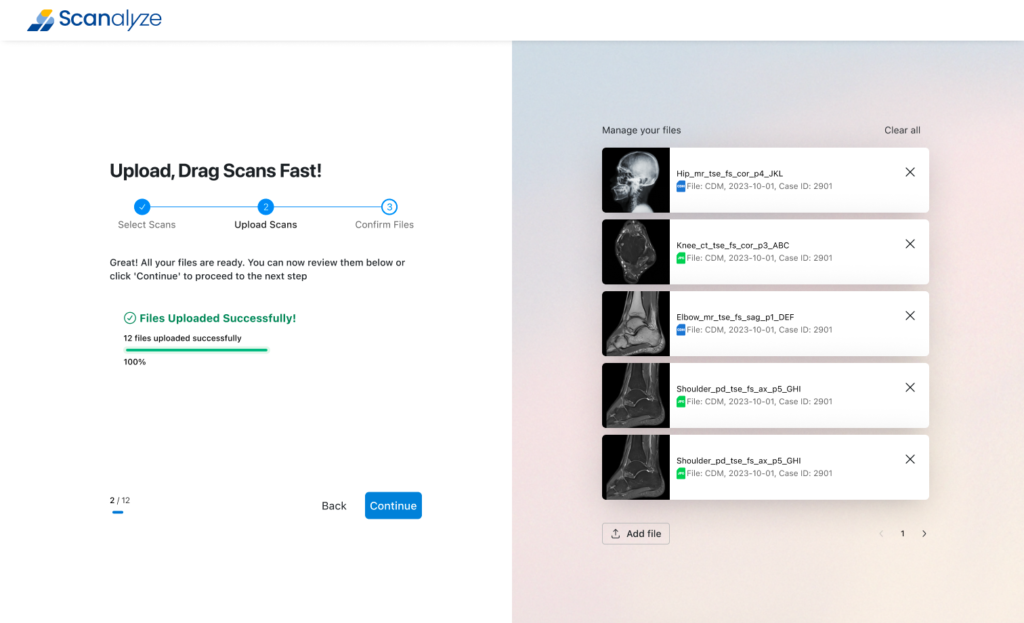
    Every B2C screen uses a split-panel layout — action on the left, dynamic contextual help on the right. The right panel changes based on what the user might be anxious about at that exact moment:

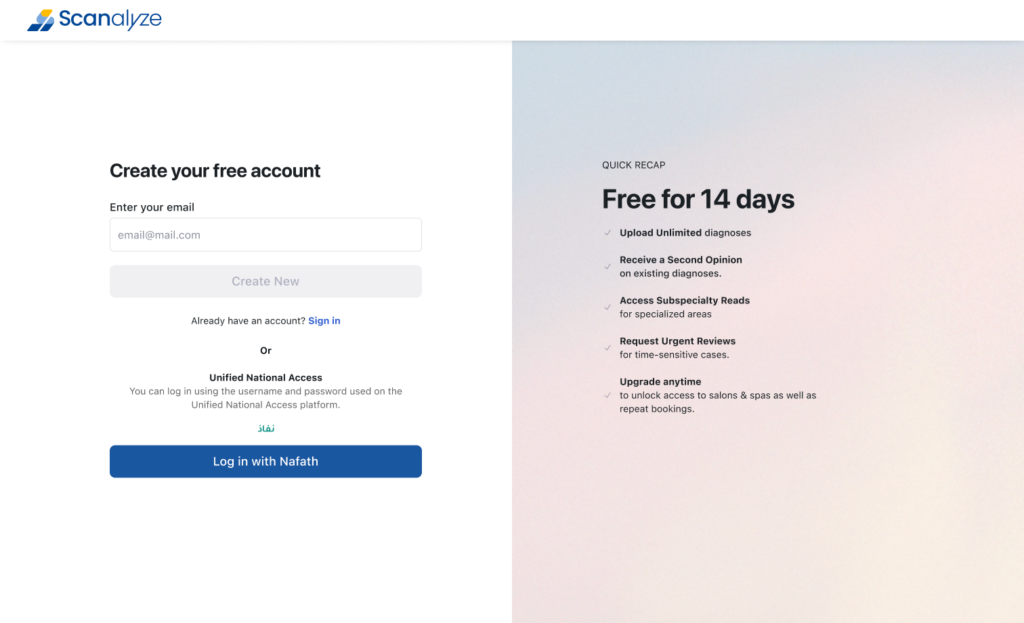
    • Registration screen shows Free for 14 days with 5 key benefits
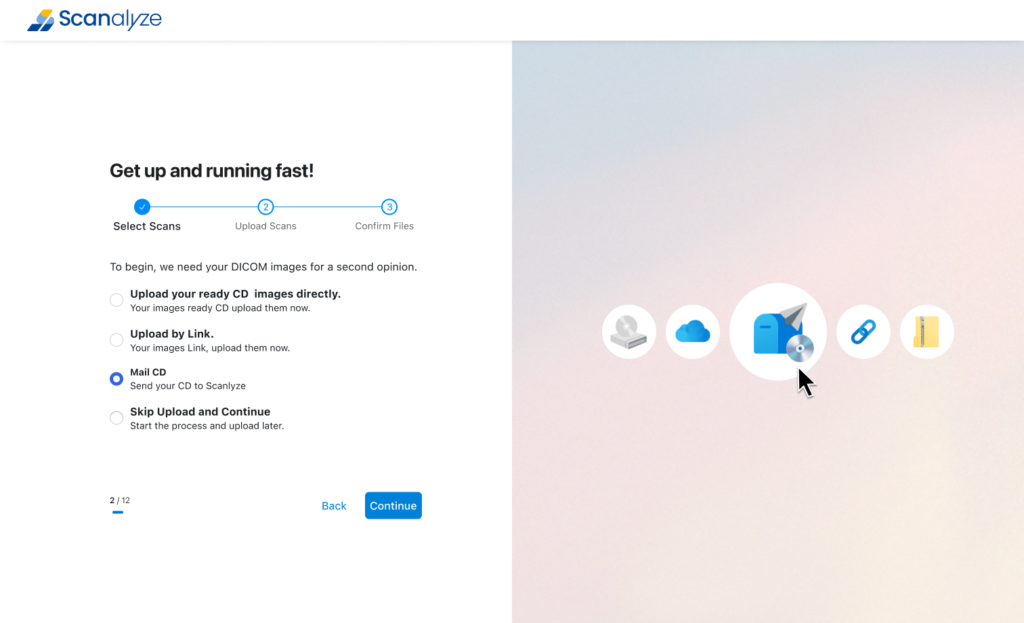
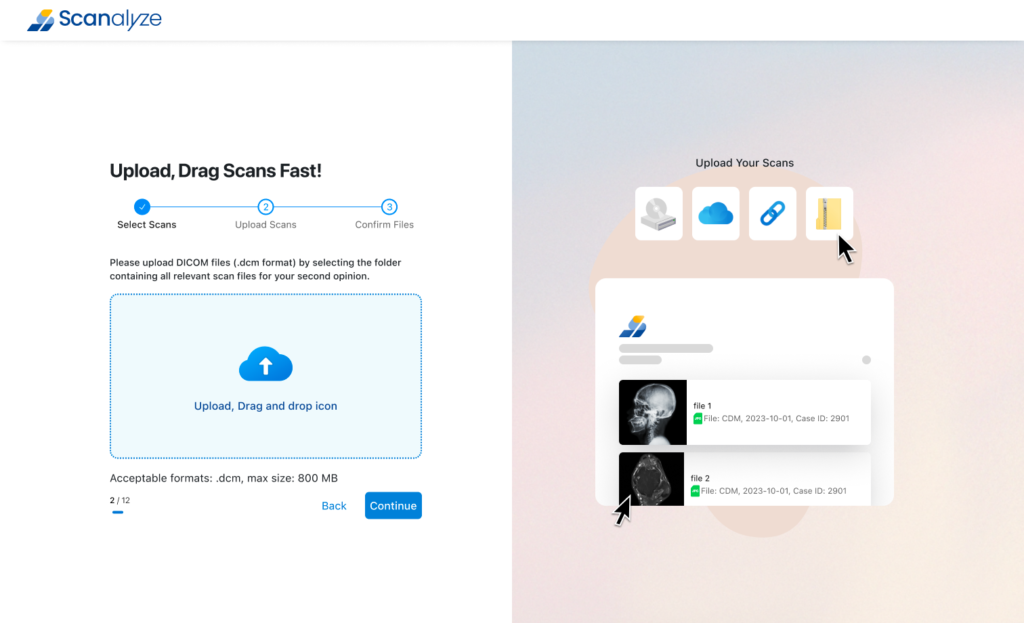
    • Upload screen shows icons of all supported sources (CD, cloud, link, file)
    • Upload progress shows animated cloud with 81% processing message
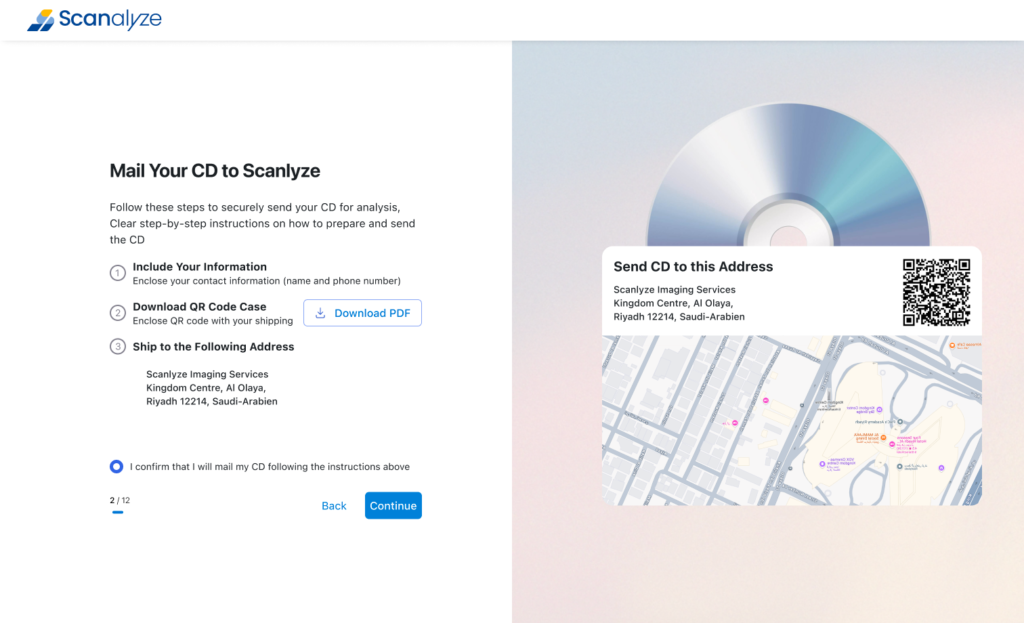
    • CD mail screen shows QR code label + live map of Scanalyze address
    • Second opinion flow shows persistent study summary card with scan thumbnail

    Impact:

    Designed to directly address the drop-off trigger identified in interviews: 100% of patients described feeling “lost” during upload on other platforms. The right panel eliminates that anxiety state at every friction point — without adding a single extra screen.

    Decision 2: Solving the Physical CD Problem

    Problem:

    Many Saudi patients only have their imaging on hospital-issued CDs, and do not have a CD drive or technical knowledge to access them digitally

    Solution:

    Rather than blocking these users, I designed three parallel upload paths on a single selection screen:

    • Upload directly — for patients who already have digital DICOM files
    • Share by link — for patients whose provider has a digital system
    • Mail your CD to Scanalyze — the platform physically receives the CD, digitises it, and makes it available in the patient account with SMS notification when ready

    Impact:

    67% of interviewed patients had imaging only on CD; 50% had no CD drive at home. Without this third upload path, the majority of the target user base would have been excluded at the first step. The CD mail flow converts a hardware barrier into a managed service, making the platform viable for the actual Saudi patient population — not just the digitally equipped minority.

    Decision 3: Radiologist Workstation — Read and Report in One View

    Problem:

    Radiologists switching between a DICOM viewer and a separate report editor lose focus and waste time.

    Solution:

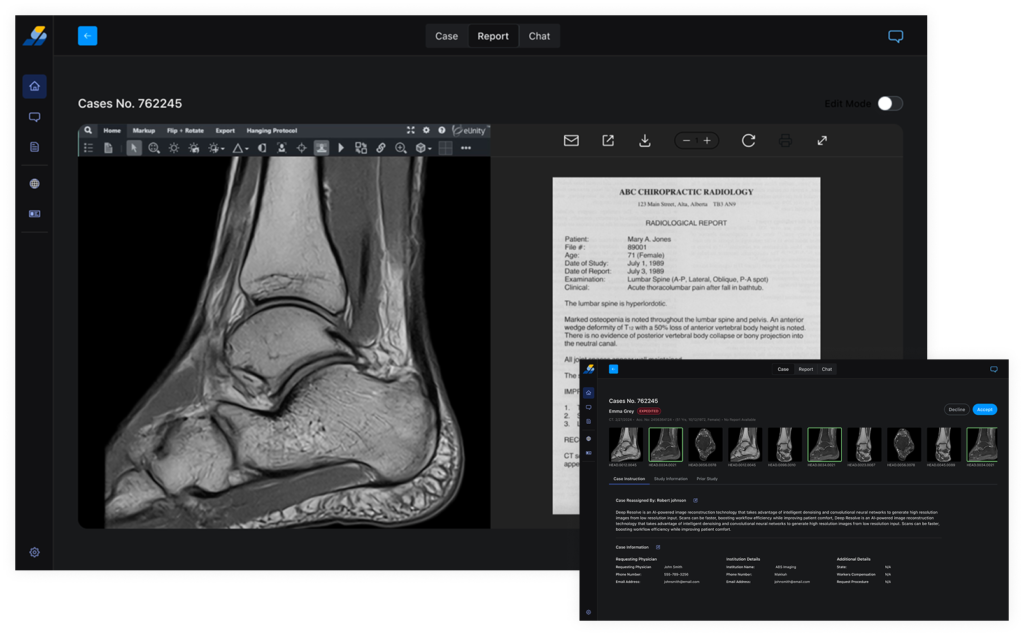
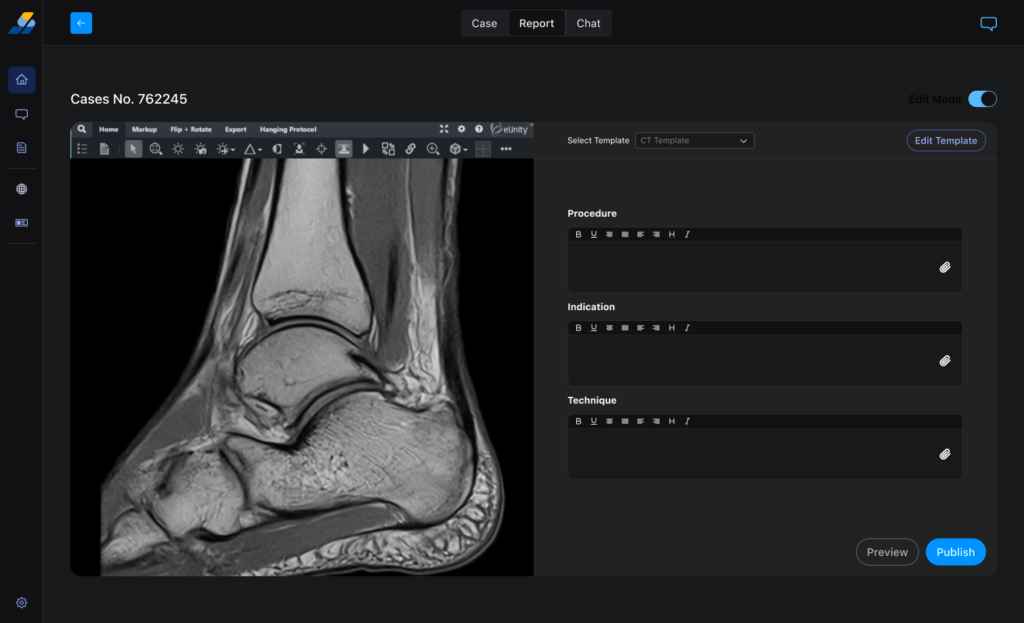
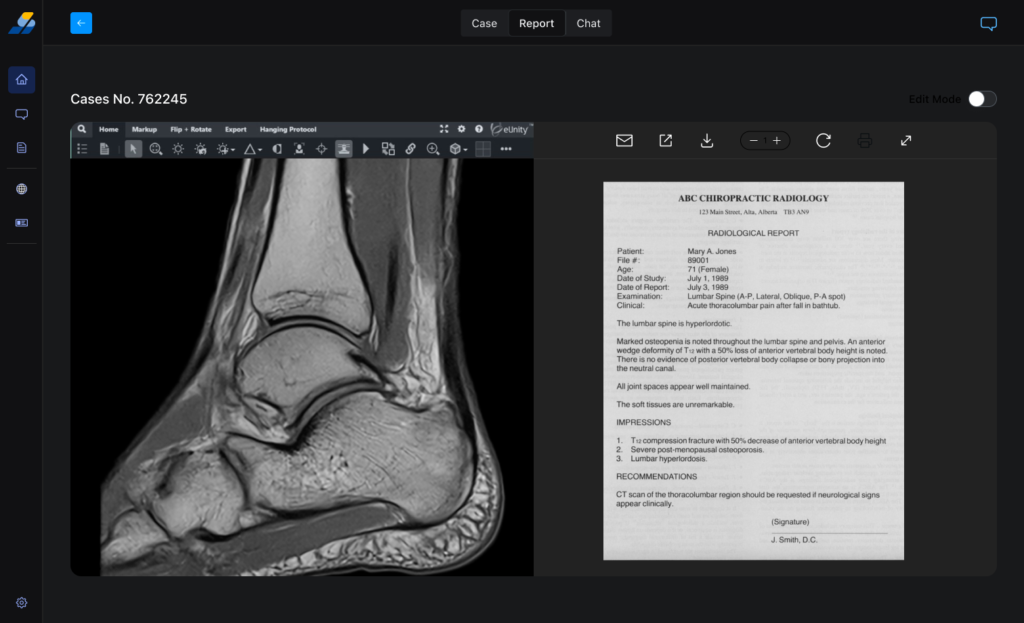
    The Report mode screen puts the DICOM viewer on the left, structured report editor on the right — in a single browser view. No tab switching, no separate apps.

    • eUnity DICOM viewer embedded in left panel with full clinical toolbar (markup, flip, rotate, zoom, brightness, annotations, measurements)
    • Right panel uses a template system (CT Template selected) with independent rich-text editors for each report section (Procedure, Indication, Technique)
    • Edit Mode toggle prevents accidental edits during initial review
    • Preview and Publish buttons make the report lifecycle explicit

    Impact:

    Every radiologist interviewed switched between their viewer and report editor 12+ times per case. The split-panel workstation eliminates that context switching entirely — keeping radiologists in a single focused state from first image to published report.


    04 — Designed for Saudi Arabia Specifically

    Three design decisions that could only work in the Saudi market:

    Nafath SSO Integration

    The onboarding screen offers Log in with Nafath — Saudi Arabia national digital identity platform. For Saudi users, Nafath is already trusted for government and banking services. Offering it on Scanalyze reduces registration friction and identity verification risk for sensitive medical data.

    Family Records Tab System

    The Files dashboard has tabs: For Me / Son / Mother. This reflects Saudi cultural reality where one family member manages medical records for the household. Each tab shows Who Can Access per file — one user, multiple patients, individual-level permissions.

    Mada Payment Integration

    The payment screen shows Visa, Mastercard, Amex — and Mada, the Saudi national debit network. Mada is the dominant payment method for everyday Saudi consumers. Including it was essential for conversion.

    05 — Full Deliverables

    Three design decisions that could only work in the Saudi market:

    B2C Patient Portal

    Onboarding (Nafath SSO + email/password), Upload (3-path: direct/link/CD mail), File Management (family tabs with access control), Second Opinion (4-step flow with visual body part selector), Payment (Mada integration), Celebration state (confetti + video modal)What they needDark mode for low-light reading, case deadlines visible at a glance, structured report editor, no wasted clicks

    Radiologist Workstation

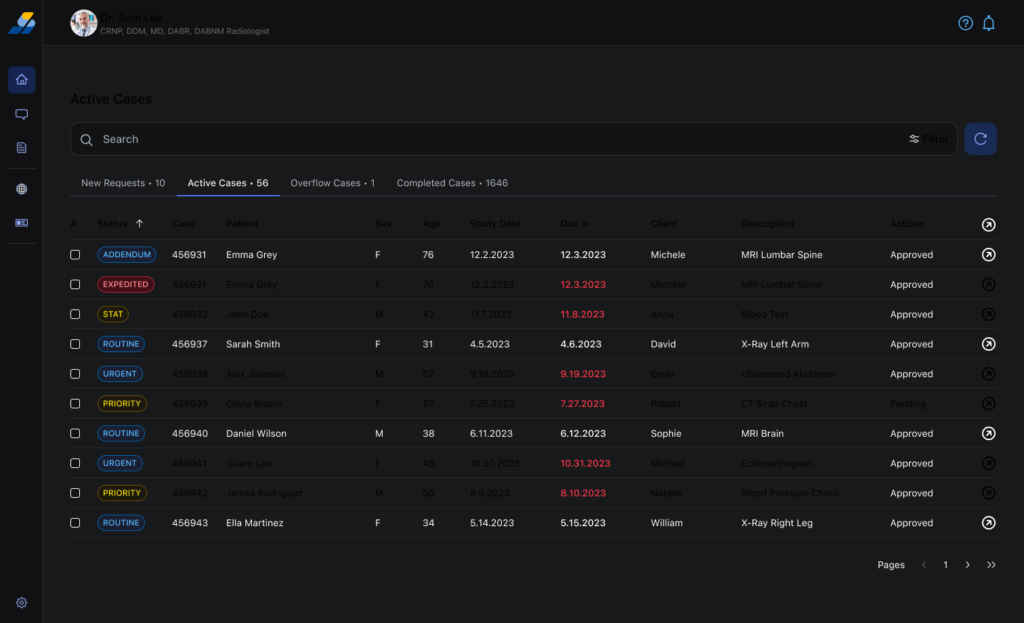
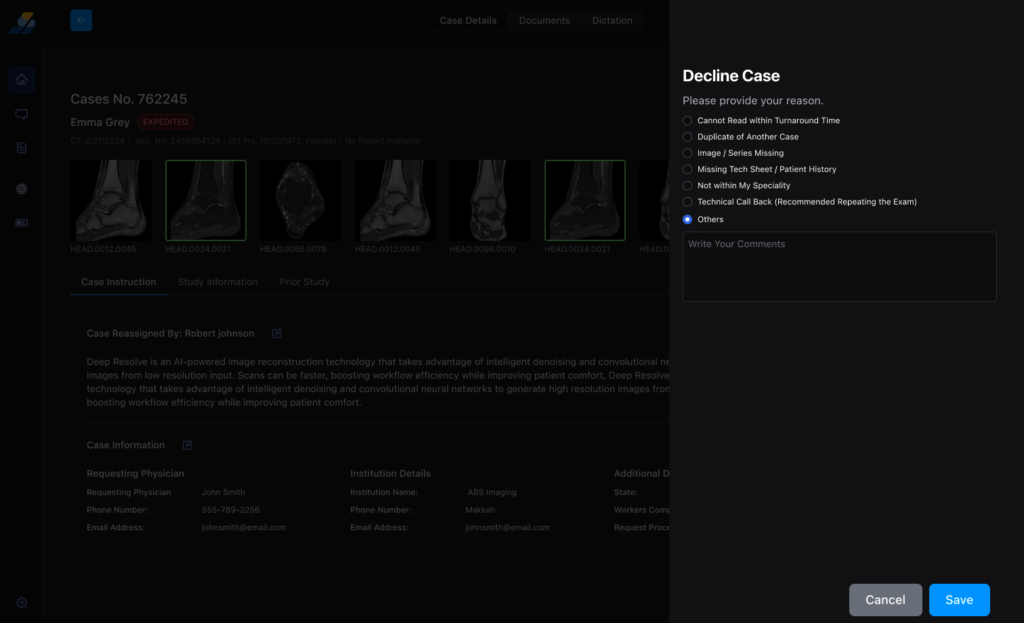
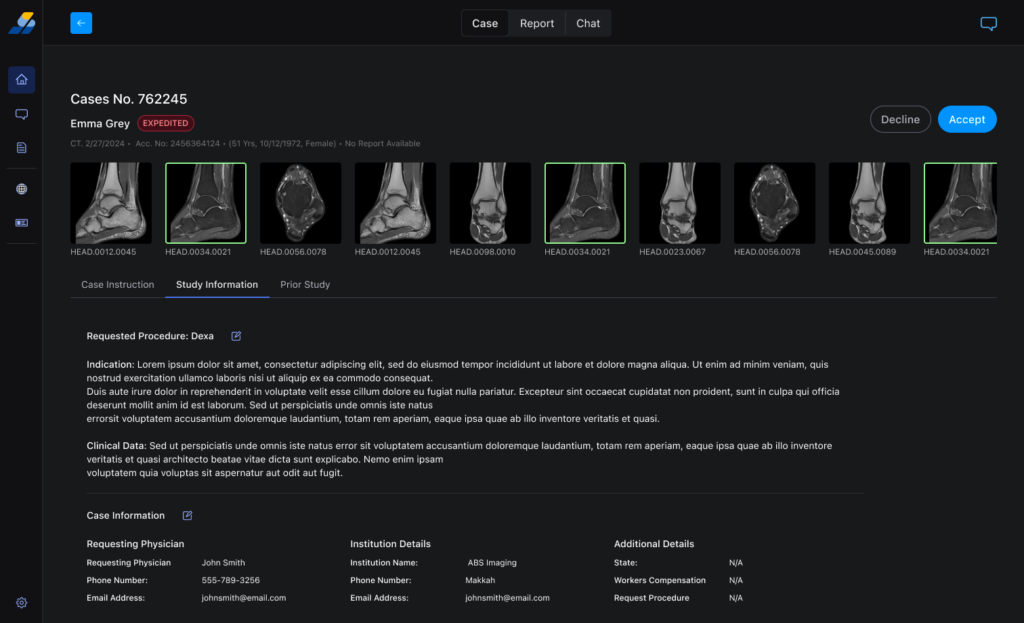
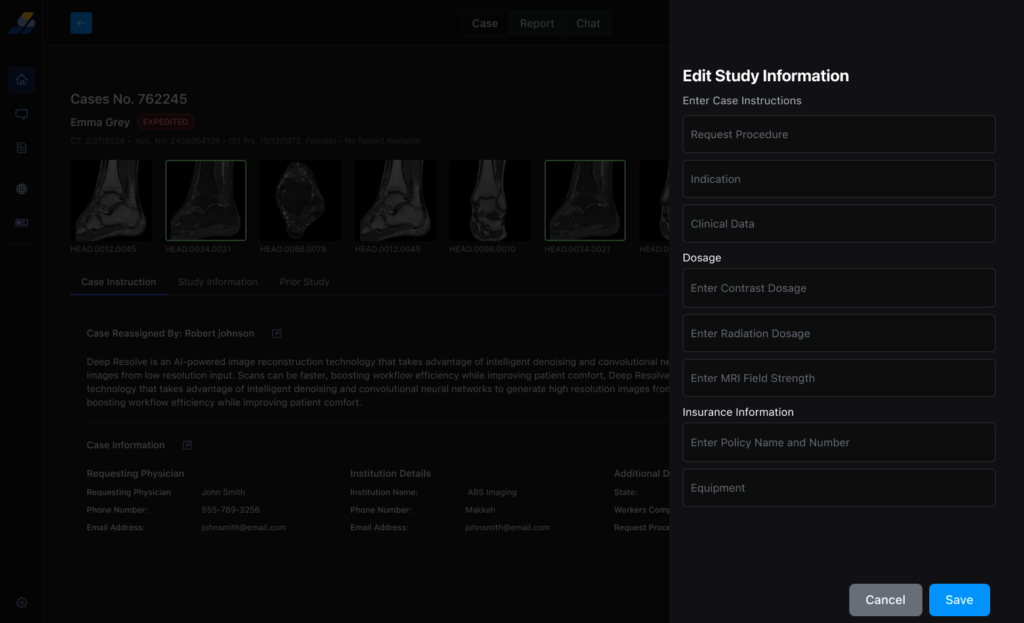
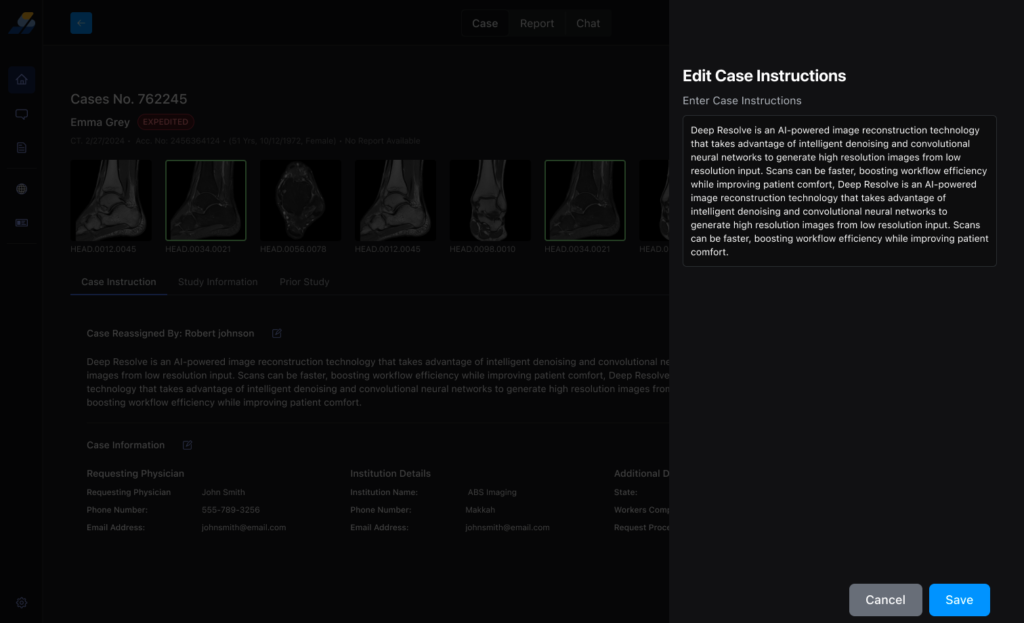
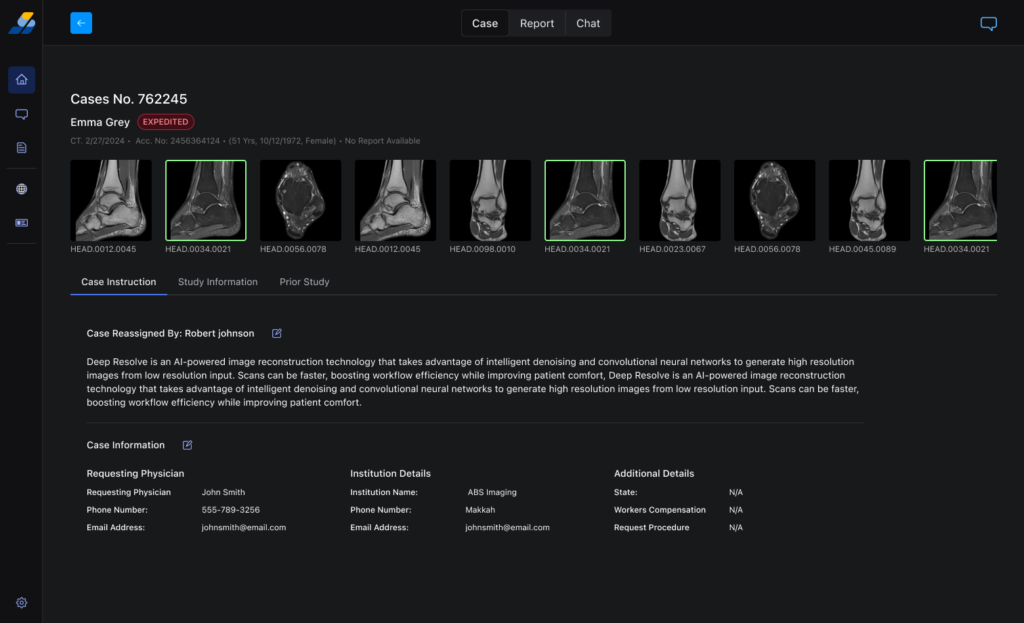
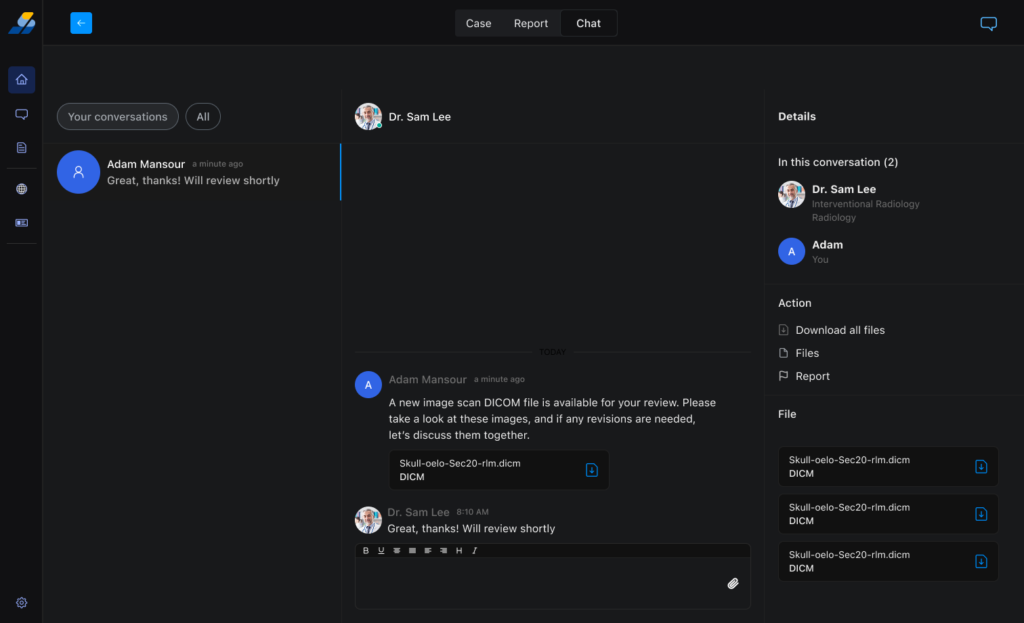
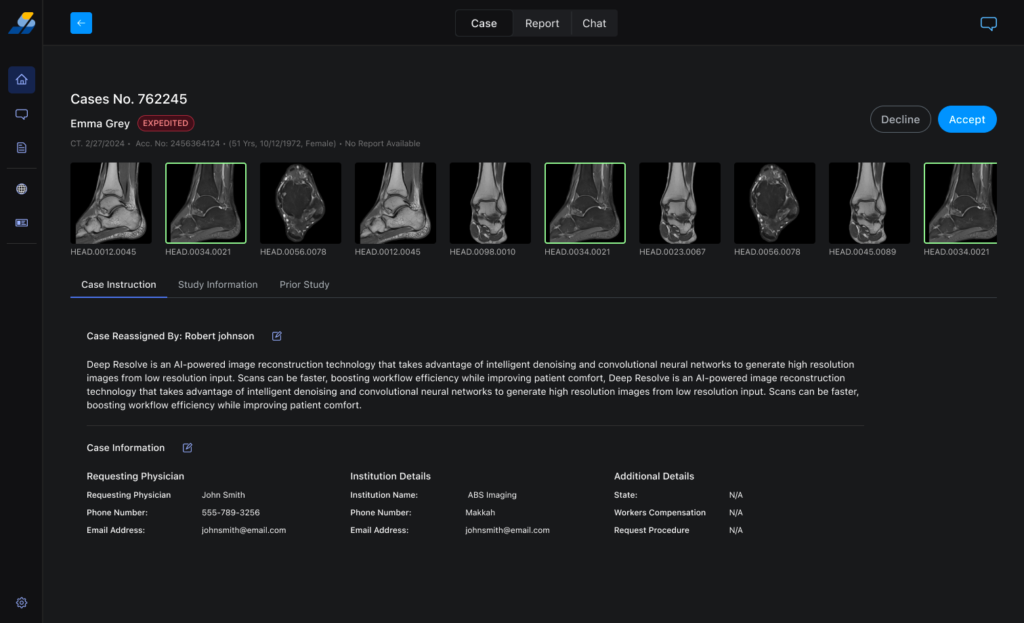
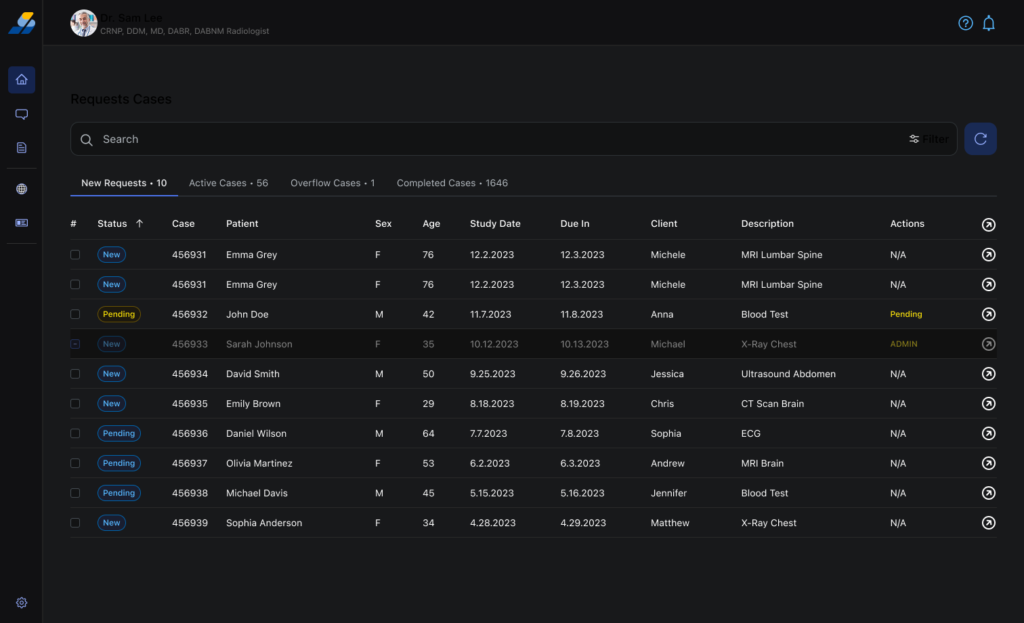
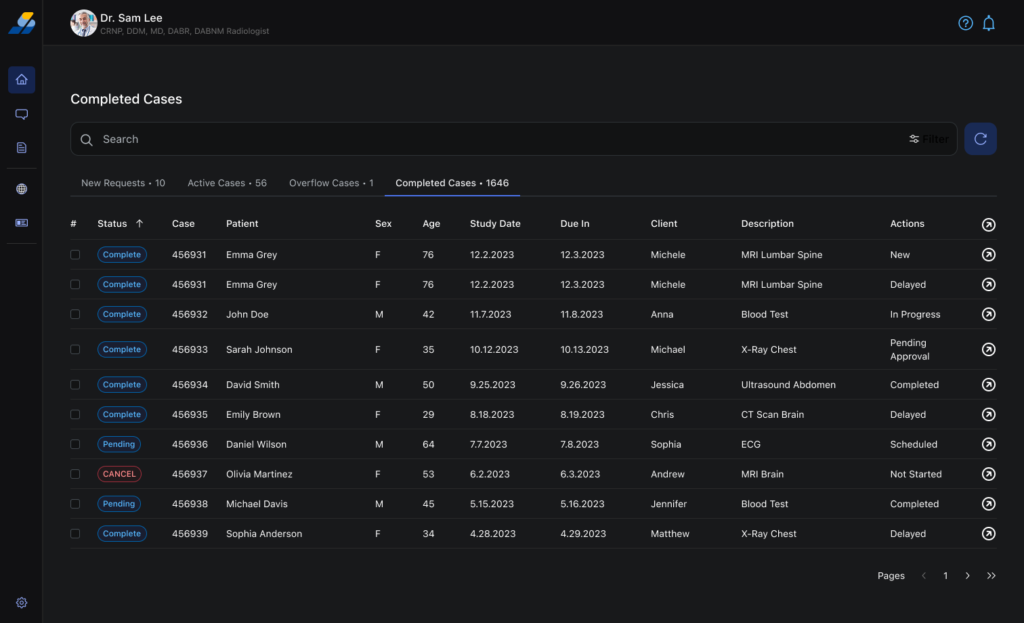
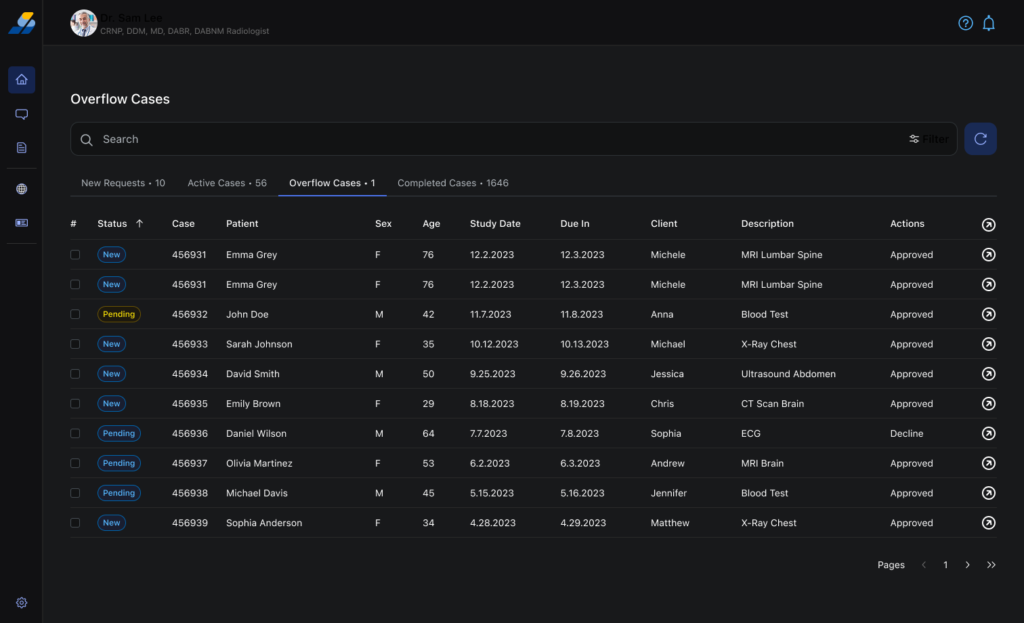
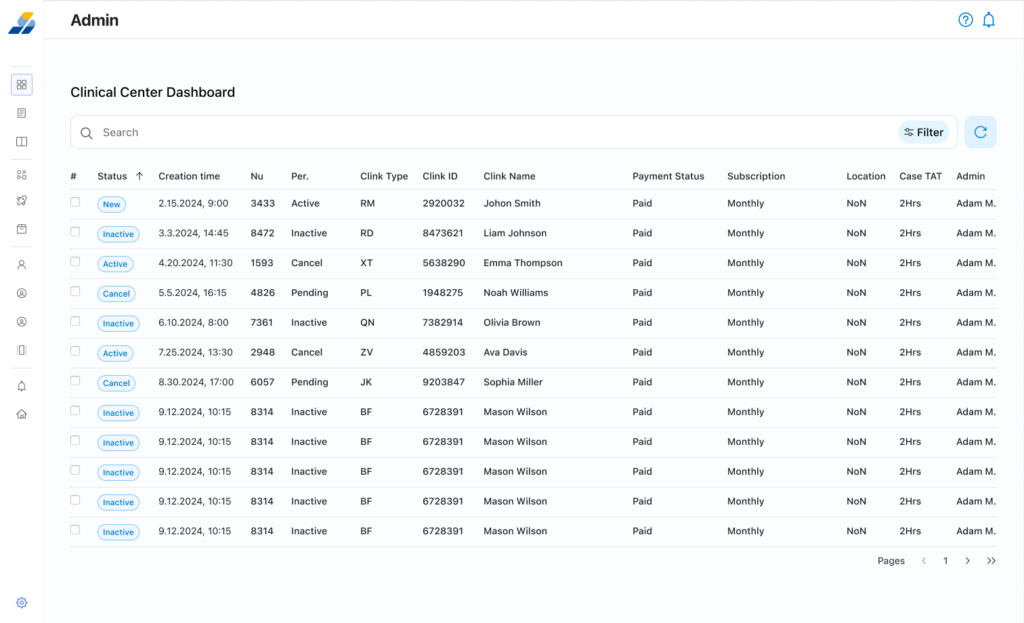
    Identity display (credentials visible), Worklist (4 tabs: New/Active/Overflow/Completed with Due In column), Case Briefing (filmstrip + 3 tabs), DICOM Viewer + Report Editor (side-by-side in one view), Messaging (3-panel with case action sidebar)

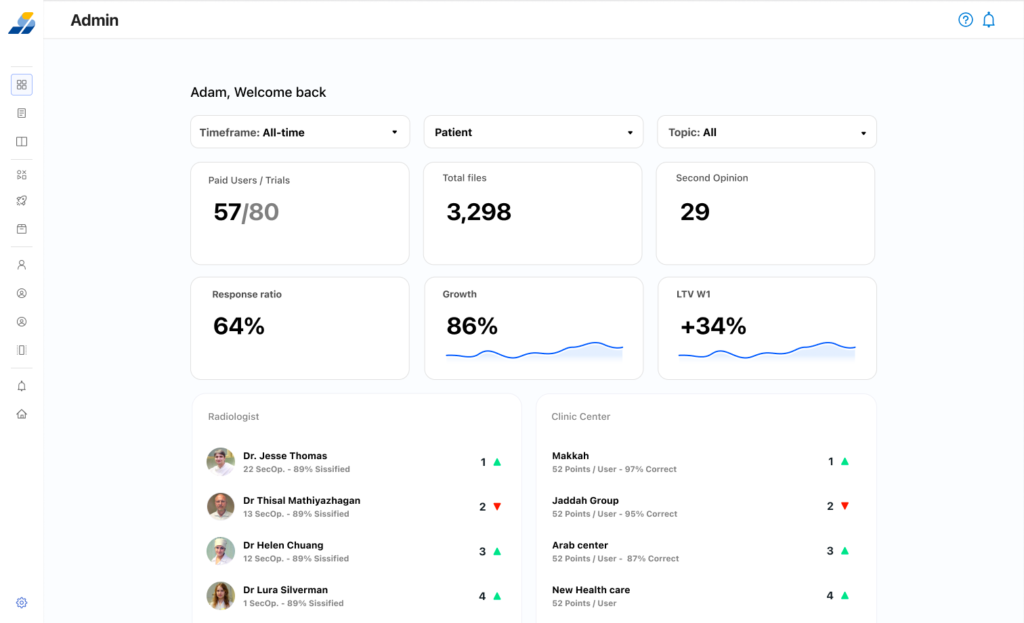
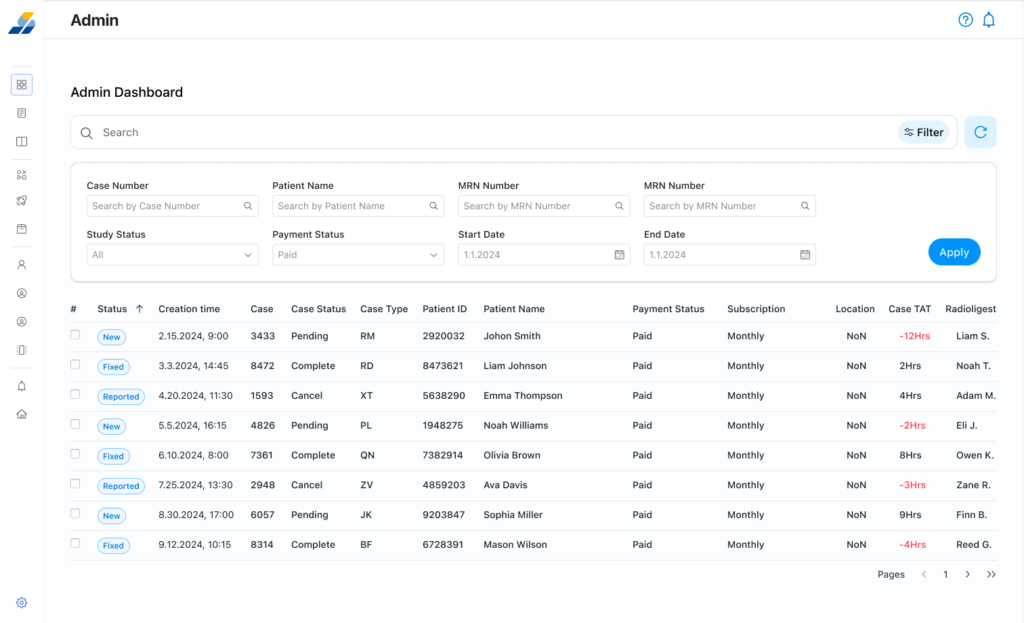
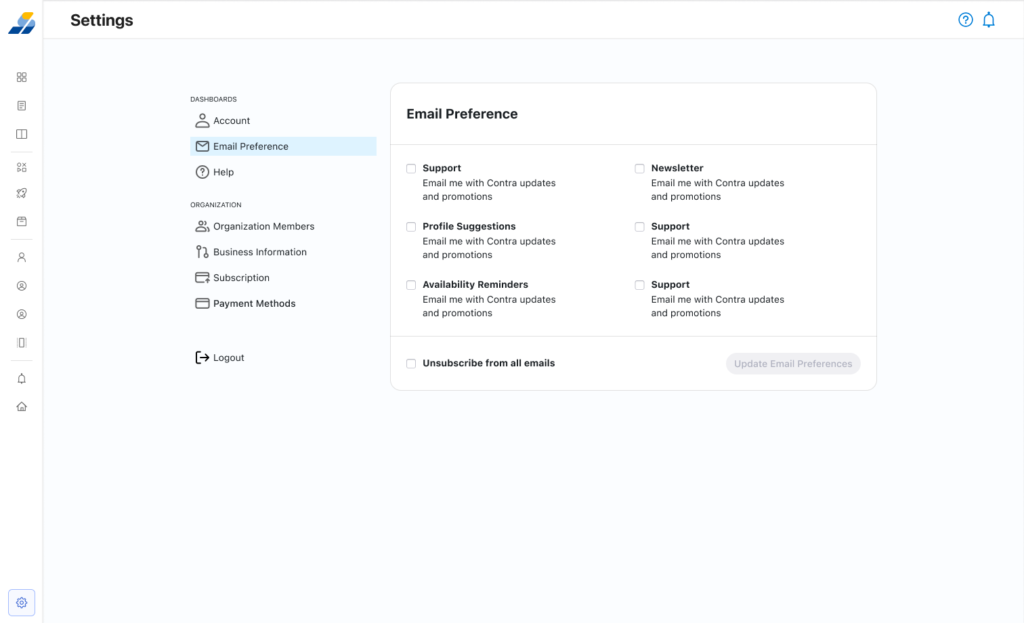
    Admin Dashboard

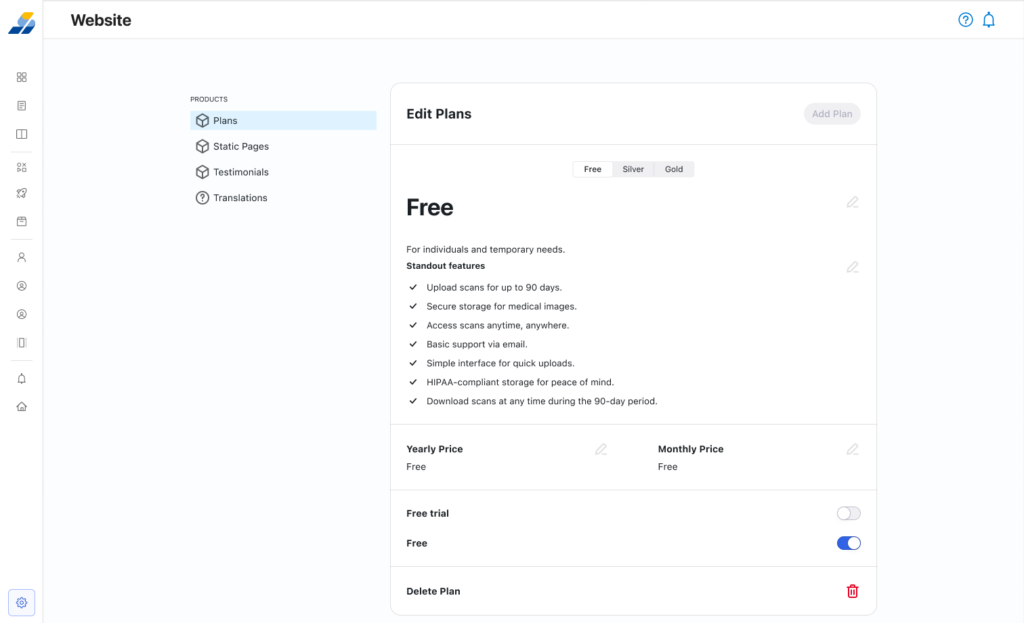
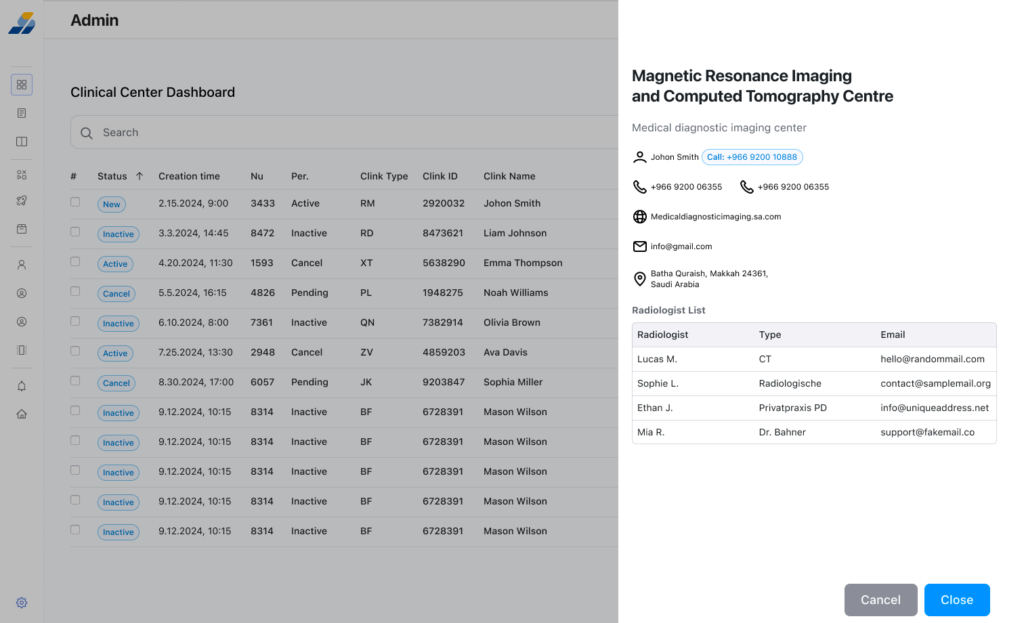
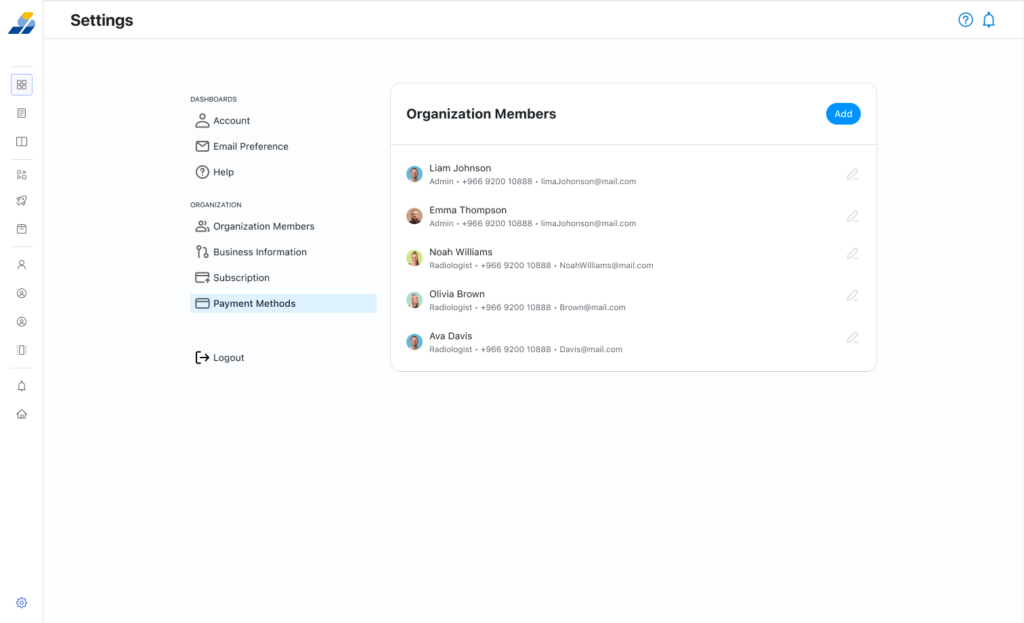
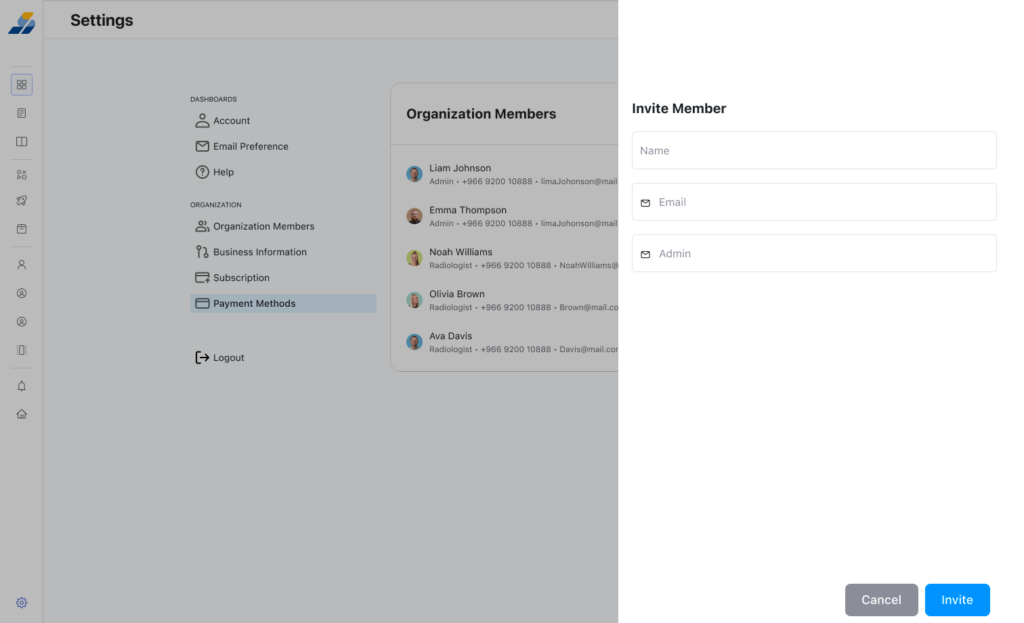
    User management, case assignment, system monitoring

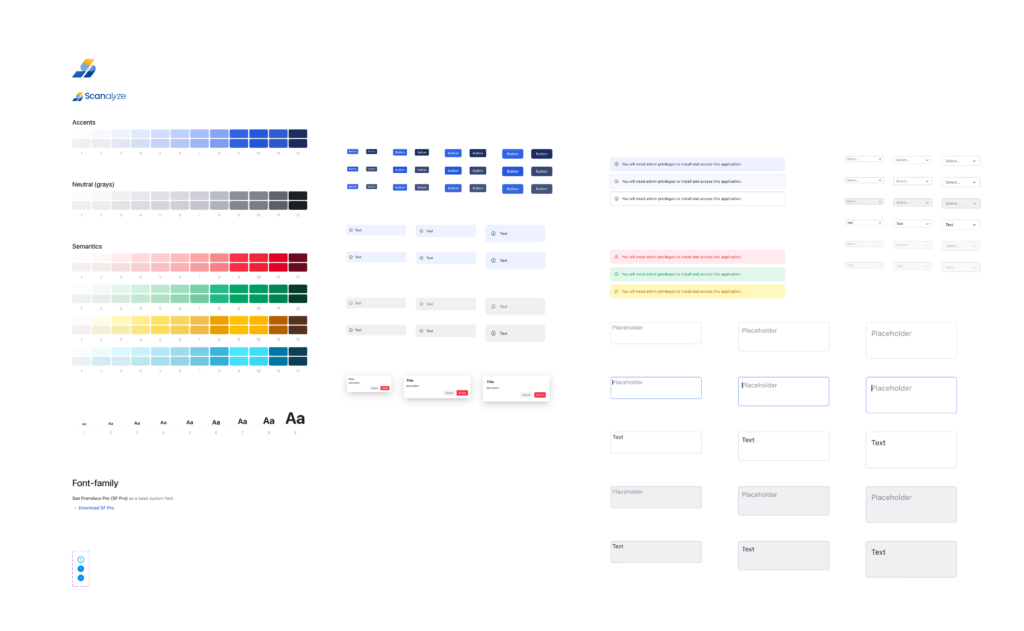
    Design System

    SF Pro typography, 12-step blue scale + 12-step gray scale + semantic colors, component library (buttons, inputs, alerts, modals) in light + dark mode


    Why This Project Matters

    Scanalyze is the most technically and culturally complex project in my portfolio — and the one I’m most proud of.

    It required me to learn a clinical domain from scratch, earn trust from radiologists skeptical of browser-based tools, and design for a market where the physical world (a hospital-issued CD) was the biggest UX problem. I worked solo, made every design decision with consequence, and delivered a system ready for development.

    If you’re hiring a designer who can navigate ambiguity, work independently in unfamiliar domains, and deliver production-ready work — this project is the evidence.